.svg)
Creating Clear and Concise Recipient Notifications


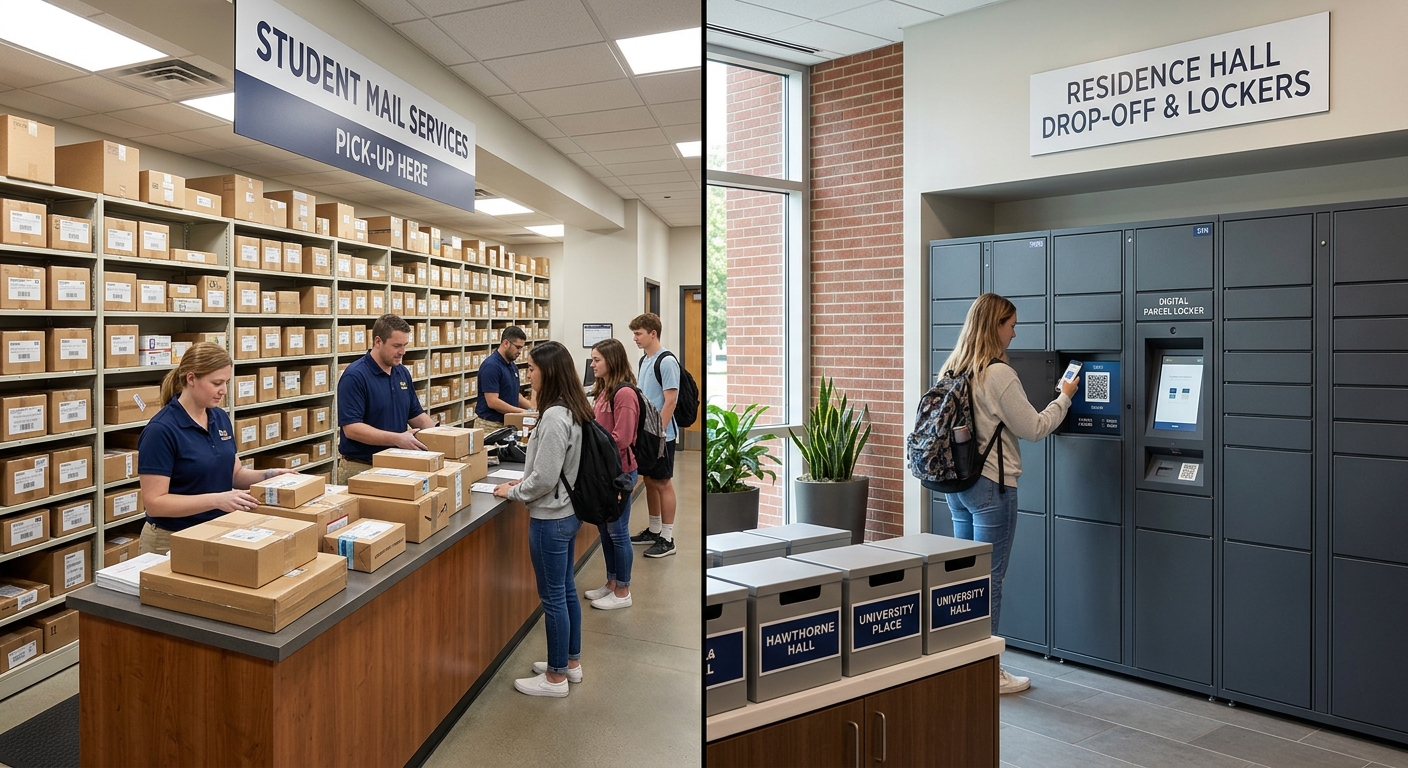
The final movement of a package from a building's receiving dock or mailroom to the recipient's hands has become the most volatile part of the delivery process. With global parcel volume growing significantly over the last five years, mailroom managers face greater challenges. They are not just sorting mail and parcels; they also require modern solutions to keep up with the surge in deliveries.
Managing the last-yard of delivery in parcel management is now a matter of attention. With the average person receiving dozens of digital pings a day, notifications must be treated as a critical touchpoint rather than a background task.

Defining the "Effective Notification"
In mailroom management, a clear and concise notification is a transactional communication that provides the recipient with three immediate answers.
First, it must identify what arrived, such as a package description or the carrier (e.g., FedEx or Amazon). Second, it must state where it is located, whether that be a specific locker number, a mailroom shelf, or a desk-drop status. Finally, it must explain how to get it, providing the necessary QR code, PIN, or ID requirement.
According to Pitney Bowes shipping trends, transparency in the final yard correlates to higher recipient satisfaction and faster clearance rates.
The Anatomy of an Effective Notification
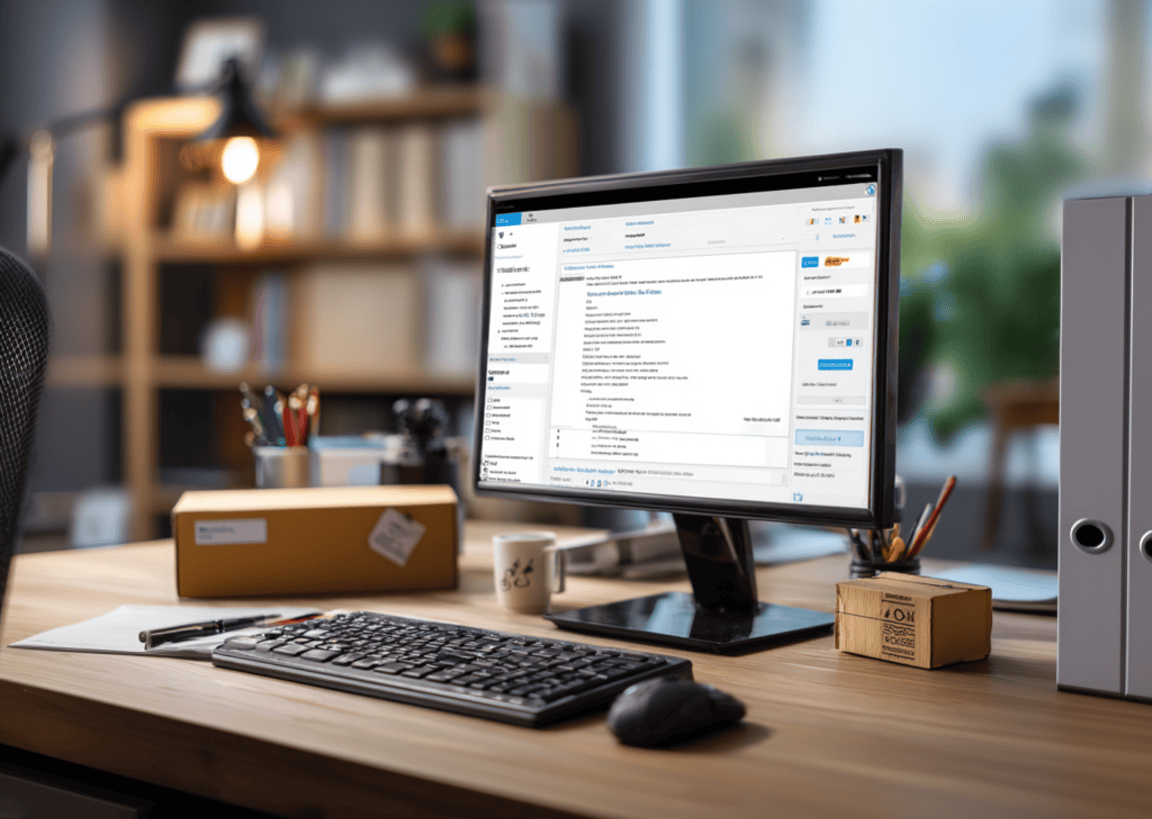
To maximize "first-ping" pickups and reduce mailroom clutter, a notification should follow this specific hierarchy:
- The Subject Line (The "Direct-Action" Header): Avoid vague subjects like "Notification from Mailroom." A 2026 subject line acts as a status report.
- Good: [Ready for Pickup] Amazon Pkg - Locker 42
- Better: [Action Required] Urgent Legal Doc - Desk 4, Floor 2
- The Visual Confirmation (The "Proof of Arrival"): Text isn't enough anymore. Scientific research from MIT (2014) found that the human brain can process images in as little as 13 milliseconds. Including a compressed photo of the label reduces "package anxiety" by allowing recipients to identify their specific order at a glance. Additionally, an email header analyzer can also be used to verify the authenticity and routing of notification emails, adding an extra layer of trust to digital communications.
- The "Access Key" (The Frictionless Link): QR Codes: A dynamic code scannable at the locker.
- Deep Linking: A button that opens the building’s mobile app to the "Unlock" or "Confirm" screen.
Industry-Specific Best Practices
While the core structure of a notification remains consistent, the delivery method and tone must adjust based on the recipient's environment. Effective mailroom management requires segmenting users to address their specific habits, whether that is a student’s preference for instant messaging (SMS open rates reach 98%) or a corporate employee’s reliance on workspace productivity tools.
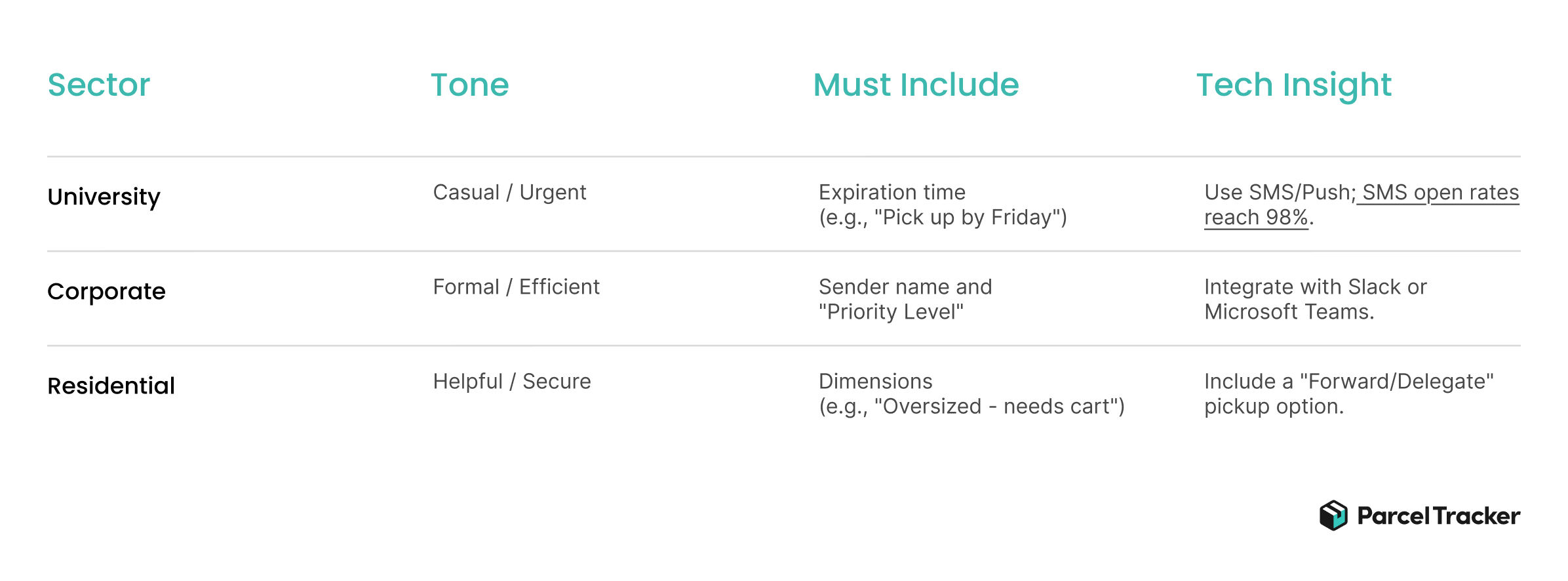
On top of these specific requirements, managers should consider "accessibility-first" design. In 2026, this means ensuring your notification templates are compatible with screen readers and offer high-contrast modes for visually impaired residents or employees.
Furthermore, providing multilingual support in which notifications are automatically translated based on the recipient's profile settings has become a standard expectation in globalized corporate hubs and diverse residential communities.
Common Pitfalls to Avoid
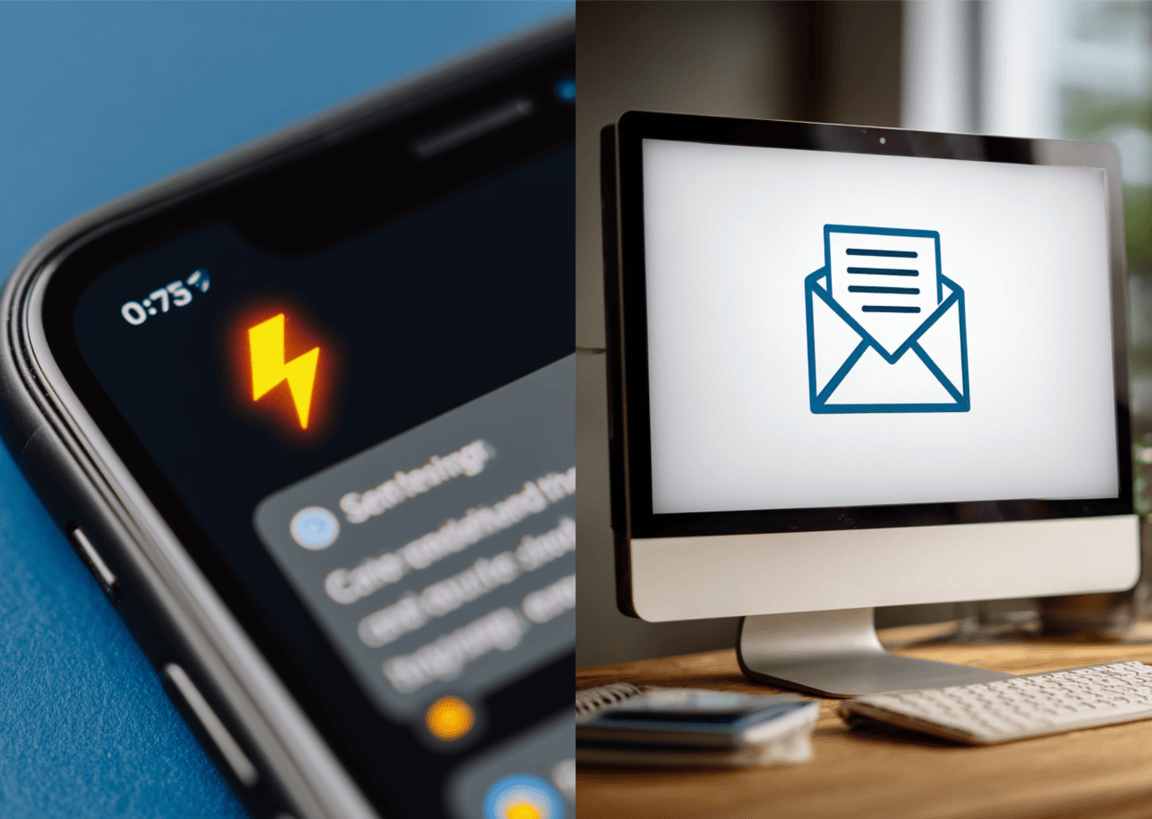
Information overload is the primary enemy of the modern mailroom. Managers should never include the entire "Terms and Conditions" in every automated email; keep the content to a single screen-height on a mobile device to ensure the recipient doesn't have to scroll to find the "Action" button.
Furthermore, a lack of a clear Call-to-Action (CTA) creates unnecessary friction. If a recipient needs to bring a photo ID or a specific keycard, that requirement should be bolded and centered, not buried in a footer disclaimer. Finally, timing is everything. A notification sent two hours after the package was logged is considered a failure in 2026. The current benchmark for "Intake-to-Notify" is under few minutes to prevent backlog. Automated notification is highly desirable.
Measuring Success: The "Notification-to-Pickup" (NtP) Metric

Managers should track the NtP ratio to gauge the effectiveness of their communication strategy. Based on internal mailroom KPIs, performance is categorized as follows:
- High Performance (80% within 4 hours): This indicates clear, urgent, and accessible messaging. The 4-hour window aligns with the "Human Transit Cycle" (commutes, lunch breaks, or class changes).
- Low Performance (>24 hours): Packages sitting for a full day indicate that notifications were too vague, landed in a junk folder, or failed to provide a frictionless way to collect the item.
If your NtP ratio is lagging, it may be time to audit your software. To streamline this entire process from the moment a package is scanned to the second the recipient receives a branded, high-impact alert, consider utilizing a specialized mailroom management software like Parcel Tracker.


.svg)