How to Automate Parcel Notifications?

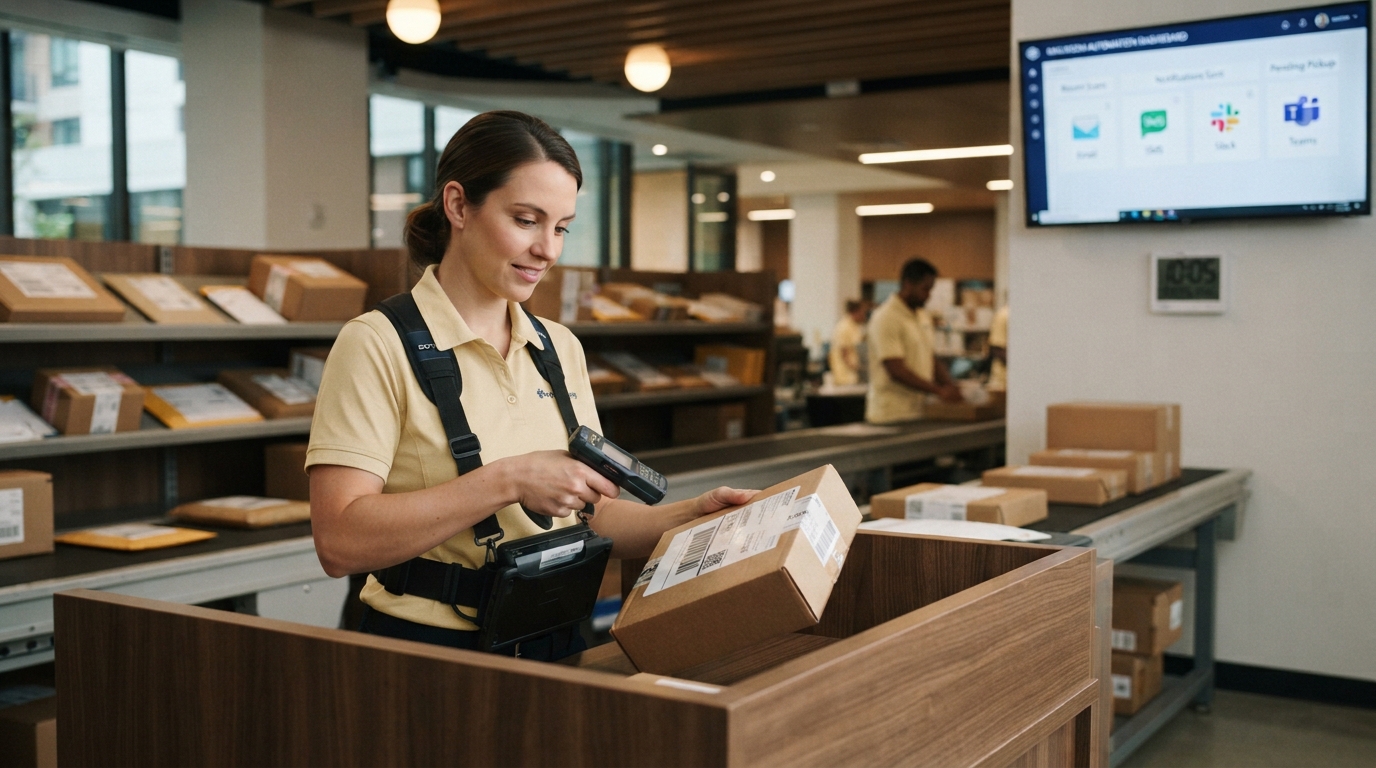
Automating parcel notifications starts with a parcel log that sends a message whenever a status changes, delivered through the channel each recipient reads most. Tools such as Parcel Tracker bundle those pieces together, which helps teams cut manual follow-up in their wider parcel management routine. The first decision is which channel carries each message, since email, SMS, Slack, and Teams each reach people in a different way.
Comparing Email, SMS, Slack, and Teams for Parcel Alerts

Each channel fits a different audience and level of urgency, so many teams pair two of them.
- Email - Holds the most detail, including pickup instructions, locations, and a searchable record. Suits residents, students, and office staff who check their inbox during the day.
- SMS - Reaches people away from a desk. About nine in ten U.S. adults own a smartphone, so a short text about an arrival or an overdue parcel is likely to be seen quickly.
- Slack - Posts updates in a channel the team already watches, which works well for facilities and internal logistics groups.
- Microsoft Teams - Does the same for organizations built around Microsoft 365, placing parcel news beside everyday conversation.
Pairing a text for the quick nudge with an email for details covers most buildings, while Slack or Teams keeps staff informed. Some platforms add WhatsApp and webhooks to the mix, and an open API covers custom integrations.
Parcel Notification Template Examples for Every Delivery Stage
Delivery problems are common, with 68% of UK consumers reporting a delivery issue in the previous six months in Ofcom research summarized by the House of Lords Library. Clear wording at each stage helps recipients know what to do. In these original examples, curly brackets mark placeholders for your own details.
- Arrival - "Hi {name}, a parcel from {carrier} is waiting at {location}. Please collect it by {date}."
- Reminder - "Hello {name}, your parcel is still at {location}. Collection hours are {hours}."
- Special handling - "Hi {name}, your {parcel type} parcel needs prompt collection. Please pick it up from {location} today."
- Collected - "Thanks {name}, your parcel was collected on {date} at {time}. Please contact the front desk if this was not you."
Editable message text and event-based triggers make these easy to adapt for arrivals, pickup reminders, and collection confirmations.
Branded and Group Alerts That Reduce Repeat Questions
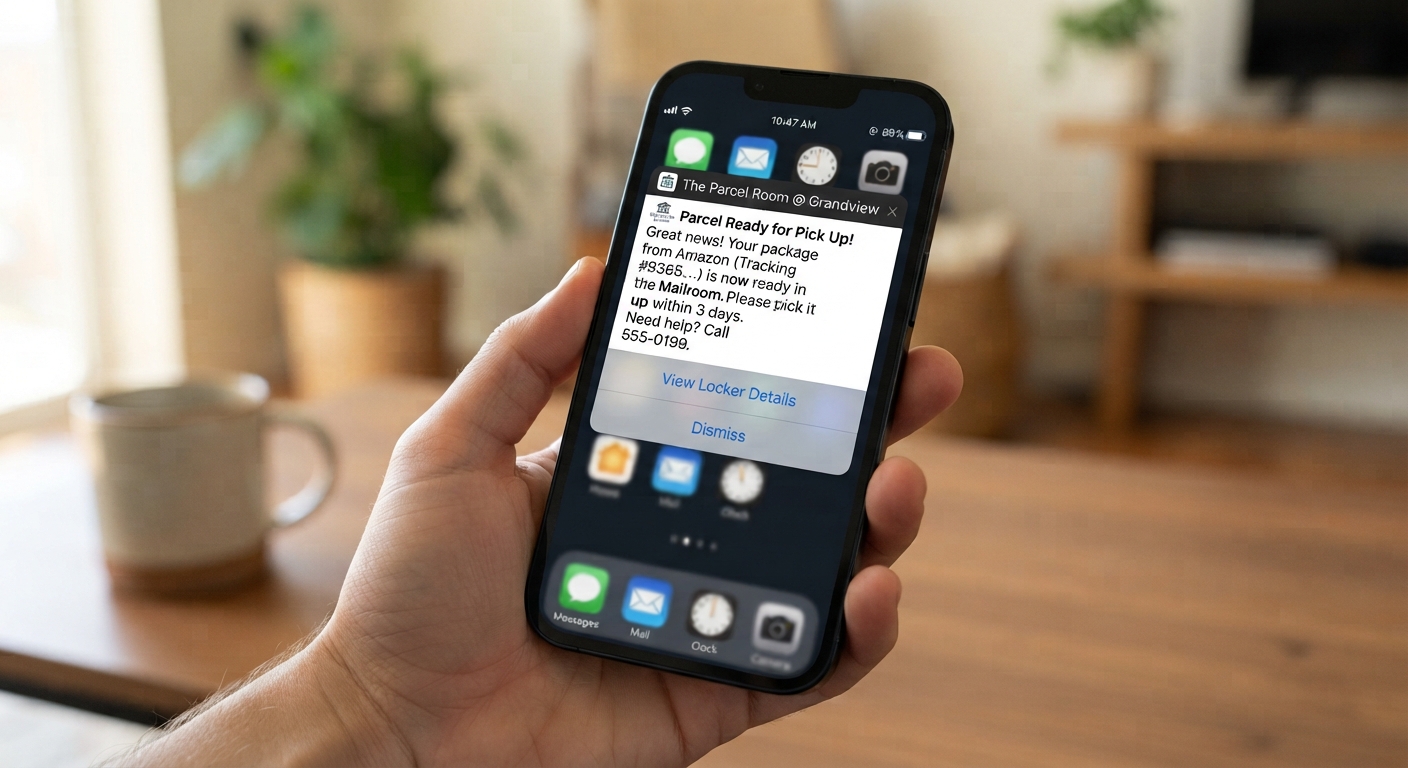
Branded notifications look familiar, which helps recipients recognize them as genuine. A logo, brand colors, and custom wording can all be applied to emails, and custom notifications let teams choose which events trigger a message and when reminders repeat.
Group alerts cover situations where one person receives updates for several recipients. Shared notifications suit an assistant who collects for executives or a department that shares one desk. Rules can also vary by recipient type, parcel category, or delivery method, such as a special alert for perishable or oversized items.
Fewer status questions also protect concentration. UC Irvine workplace research found that people resumed interrupted work after an average of 23 minutes and 15 seconds. Notifications that answer potential recipient inquiries before anyone asks can give staff longer uninterrupted stretches during daily mailroom management.
What a Complete Parcel Notification Setup Includes
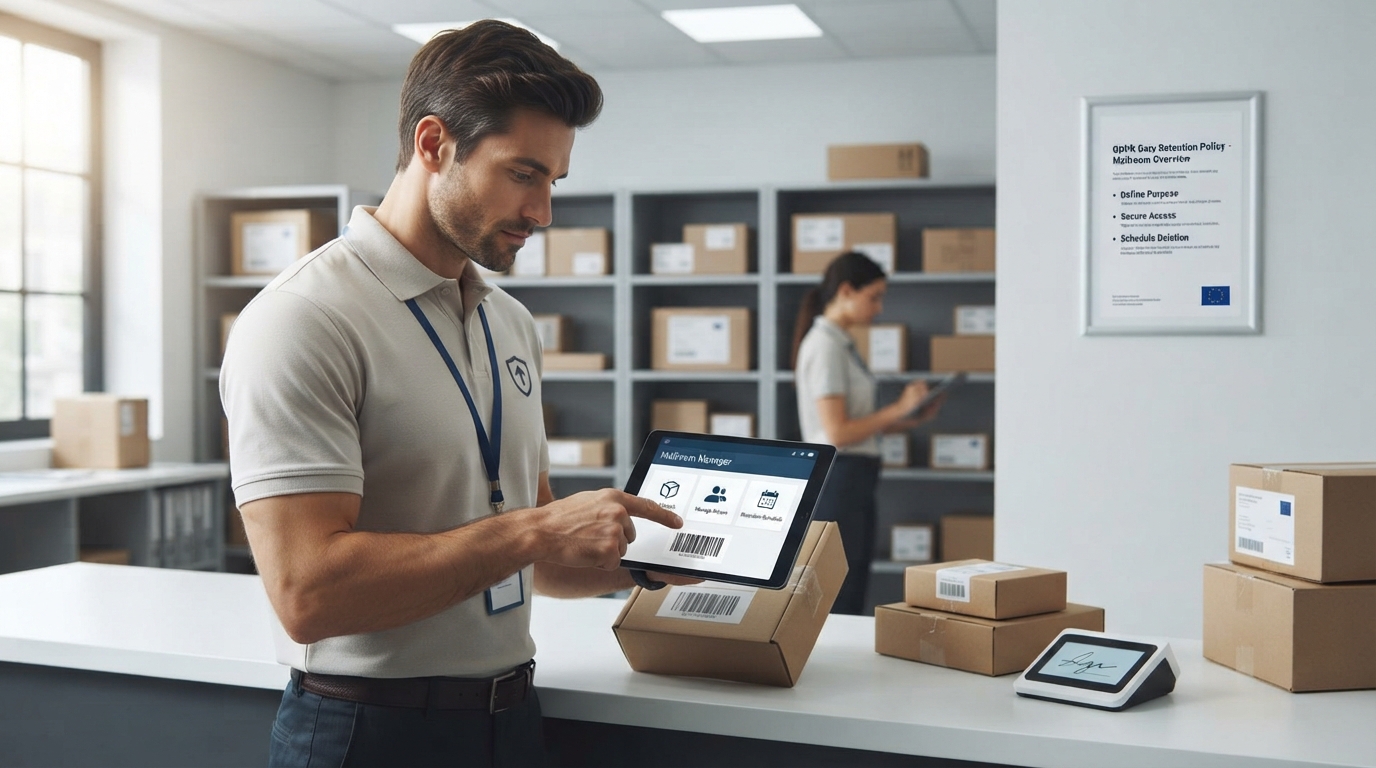
A complete setup covers a check-in trigger, channel choice, editable templates, event rules, and a way to connect other apps. Parcel Tracker, for example, offers native email, SMS, Slack, and Teams notifications along with a Zapier integration, and as mailroom management software, it notifies recipients at check-in once a label is scanned with a mobile device.
A typical setup runs in this order:
- Check-in trigger - Log each parcel on arrival and match it to a recipient in your directory so the first message goes out automatically.
- Channel choice - Use SMS or email for recipients and Slack or Teams for staff.
- Templates and branding - Add your logo and brand colors, then adjust wording for each stage.
- Event rules - Give arrivals, reminders, and collection confirmations their own triggers.
- Integrations - Connect Zapier or an API when updates need to reach other platforms.
Start Sending Automated Parcel Updates with the Live Demo

Match channels to audiences, use clear templates, and apply branding and group alerts to give recipients timely updates with less manual chasing. Check out Parcel Tracker's live demo to see how check-in, notification, and collection fit together, then try it before committing to a setup.
Expert FAQ
How do I automate parcel notifications?
Scan parcels at check-in, choose channels for each audience, and set triggers for arrival, reminders, and collection.
What channels does Parcel Tracker support?
It supports email, SMS, Slack, and Microsoft Teams natively, with Zapier available for connecting other platforms.
Why use branded parcel notifications?
Familiar logos and wording help recipients recognize messages quickly and trust that the update is genuine.
What are group alerts for parcels?
Group alerts let one person or team receive notifications for several recipients, so shared desks stay informed.
How do reminders help collection?
Scheduled reminders prompt recipients to collect waiting parcels, reducing pile-ups in mailrooms and reception areas.