GDPR Guide for Mailrooms: How Long to Keep Your Data?

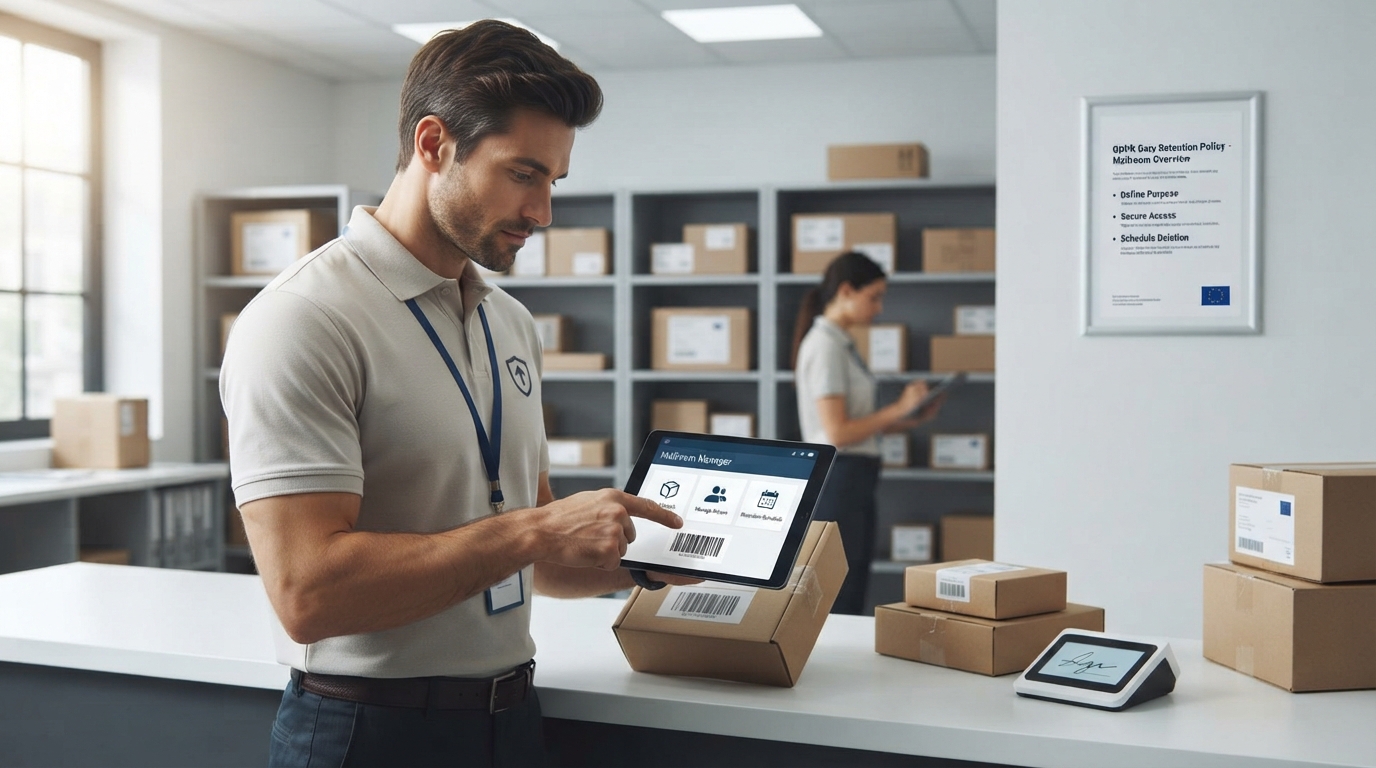
General Data Protection Regulation (GDPR) sets no fixed retention period for mailroom data. Keep each record for as long as its documented purpose requires, then delete it under a written schedule.
Regulators are examining how organizations apply this principle. In 2025, 32 data protection authorities across the EEA launched coordinated investigations into erasure practices, and 764 controllers answered the questionnaire. The European Data Protection Board's (EDBP) February 2026 report found that half of the responding authorities raised concerns about deleting data from backups. Seventeen raised concerns about missing or incomplete procedures for handling erasure requests.
As a manager, you need to understand retention periods, access controls, and deletion practices for mailrooms that log parcels, signatures, and recipient details.
How Long GDPR Allows Mailrooms to Keep Parcel Data
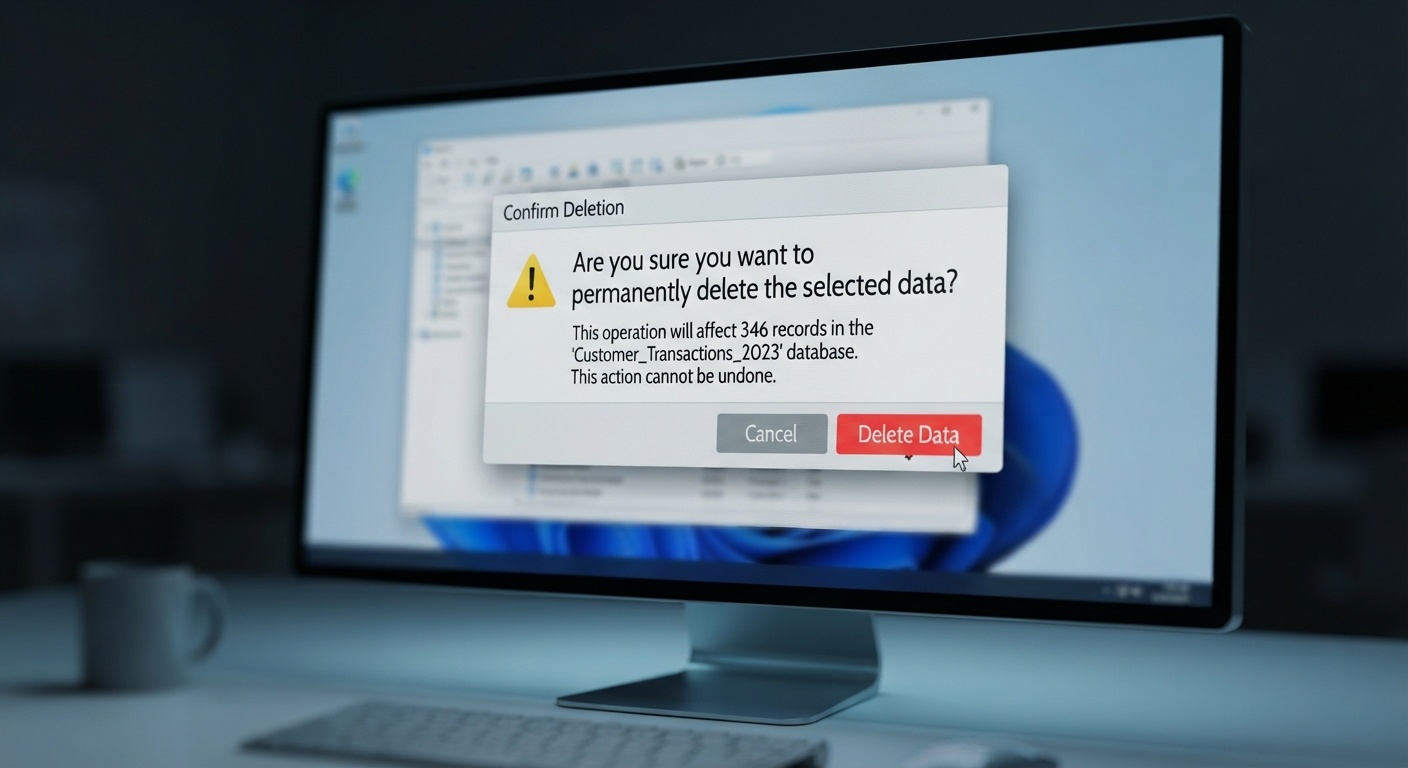
Article 5(1)(e) allows personal data to be held in identifiable form for no longer than its purpose requires. Each organization sets its own windows, and Article 5(2) makes the controller responsible for demonstrating the reasoning.
Mailroom records hold more personal data than many teams expect: recipient names, email addresses and room numbers, signatures, delivery photos, ID checks at collection, and timestamps tied to a named person.
Article 30 asks controllers to record, where possible, the planned time limits for erasing each data category. An exemption applies to organizations with fewer than 250 staff, but it does not apply to non-occasional processing. Daily parcel logging is recurring, so ask your data protection officer whether the exemption fits.
Setting Retention Periods for Each Type of Mailroom Record

The EDPB report found that some organizations, mostly small ones, struggled to set retention periods. One applied the longest period in use to every processing activity. Its best-practice example is a "data deletion matrix" that cross-references data type, legal basis and retention period.
A mailroom version can start from the windows below. GDPR sets none of these figures, so adjust each to your purpose, contracts, and local law.
- Routine delivery logs (received, notified, collected) - 30 to 90 days after collection.
- Signature and photo proof of delivery - 6 to 12 months, enough to cover typical queries and claims.
- Damaged, lost or disputed parcel files - until the case closes, plus the limitation period that applies in your country.
- Customs and carrier paperwork - the period set by tax and customs rules where you operate.
- Unclaimed item records - until the item is returned or disposed of, plus a short review period.
Write the purpose beside each window. Article 13(2)(a) requires you to tell recipients how long their data is stored, or the criteria used to decide. Review the schedule once a year and when carriers, buildings, or systems change. Truly anonymous statistics can be kept longer because they no longer identify anyone.
Access Controls That Limit Who Sees Recipient Details
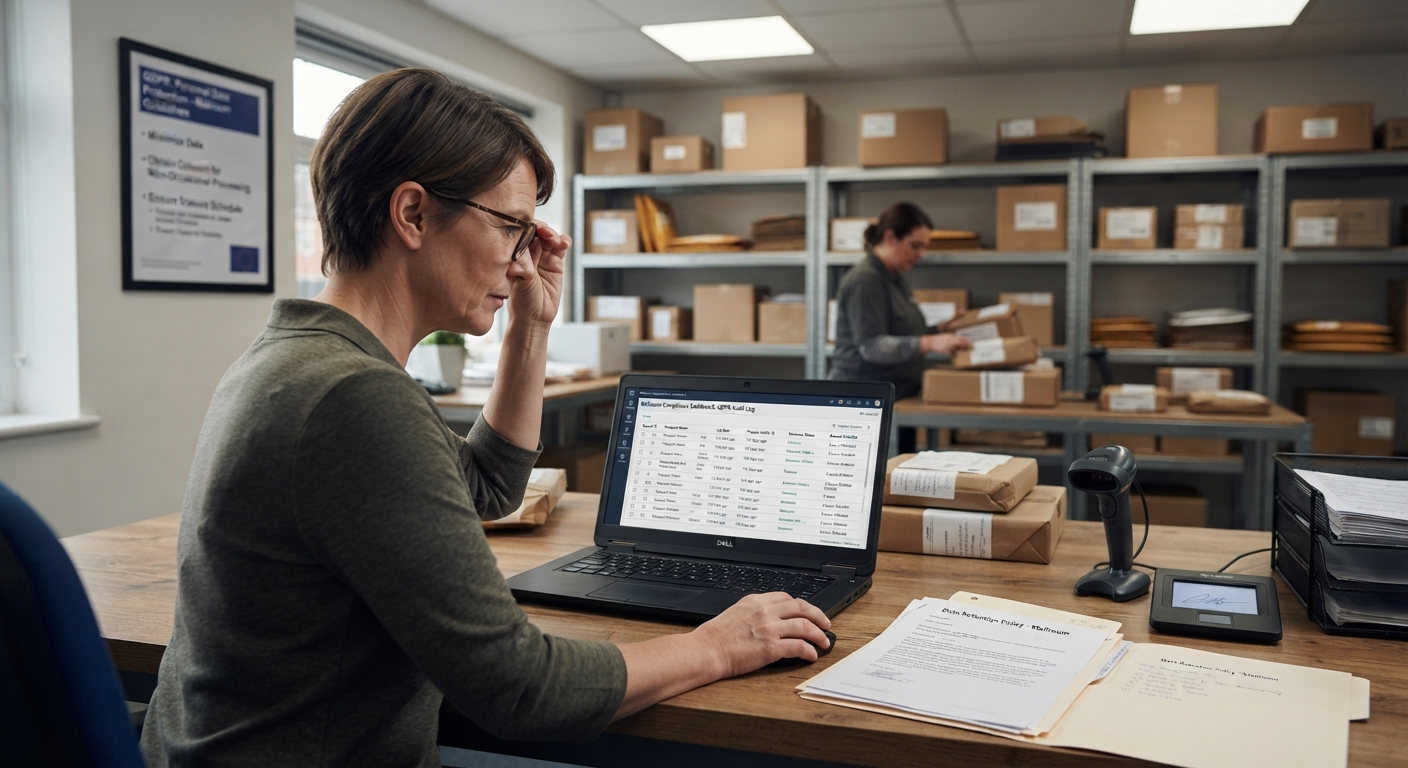
Article 25(2) requires measures that, by default, keep personal data inaccessible to an indefinite number of people. In a mailroom, roles make this practical. A front desk assistant needs names and parcel status. A mailroom manager needs reports. An administrator manages users, and an auditor reads logs. Give each role the minimum access its task requires.
Article 32 expects security measures that match the risk, including encryption, system confidentiality and resilience, and a process for testing those measures. Single sign-on, multi-factor authentication and role-based permissions tie access to each person's job and support that expectation.
Remove access on the day someone leaves or changes role. Train staff on handling labels, signature pads, and photos. The EDPB recommends role-specific training for staff who handle data subject requests and cites mock requests as a way to test it. Secure paper logbooks and shred discarded labels.
Deleting Parcel Data on Schedule and Documenting the Process
A retention schedule works when deletion follows it. These practices support that:
- Automate deletion - run it at the end of each window where the system allows.
- Treat archives as in scope - GDPR continues to apply to archived records, so the archive needs its own purpose and retention window.
- Answer erasure requests within one month - Article 12(3) allows two further months if you explain the delay within the first month. Verify the requester, locate matching records, delete them unless an Article 17(3) exception such as legal claims applies, and record the outcome. A help center article shows how recipient and user data removal works in one mailroom platform.
- Distinguish account closure from erasure - the EDPB found controllers that closed a profile while keeping the data in internal systems.
- Include backups and exports - where backups cannot be edited, track erasure requests so they can be re-applied if a backup is restored.
- Use true deletion - according to the EDPB, basic pseudonymization or partial masking does not meet the requirement.
- Check processor terms - Article 28(3)(g) requires contracts under which the processor, at your choice, deletes or returns all personal data when services end. Review how providers document permanent removal of profile data.
- Keep a deletion log - the EDPB cites software that generates proof of deletion automatically as good practice.
Enforcement is real. Failures on data subject rights can draw fines of up to €20 million or 4% of worldwide annual turnover, whichever is higher. In Finland, a parking enforcement company received a €75,000 fine, reduced to €70,000 by the Helsinki Administrative Court, partly for keeping personal data after it was no longer necessary.
Building a GDPR-Ready Mailroom Routine With Parcel Tracker
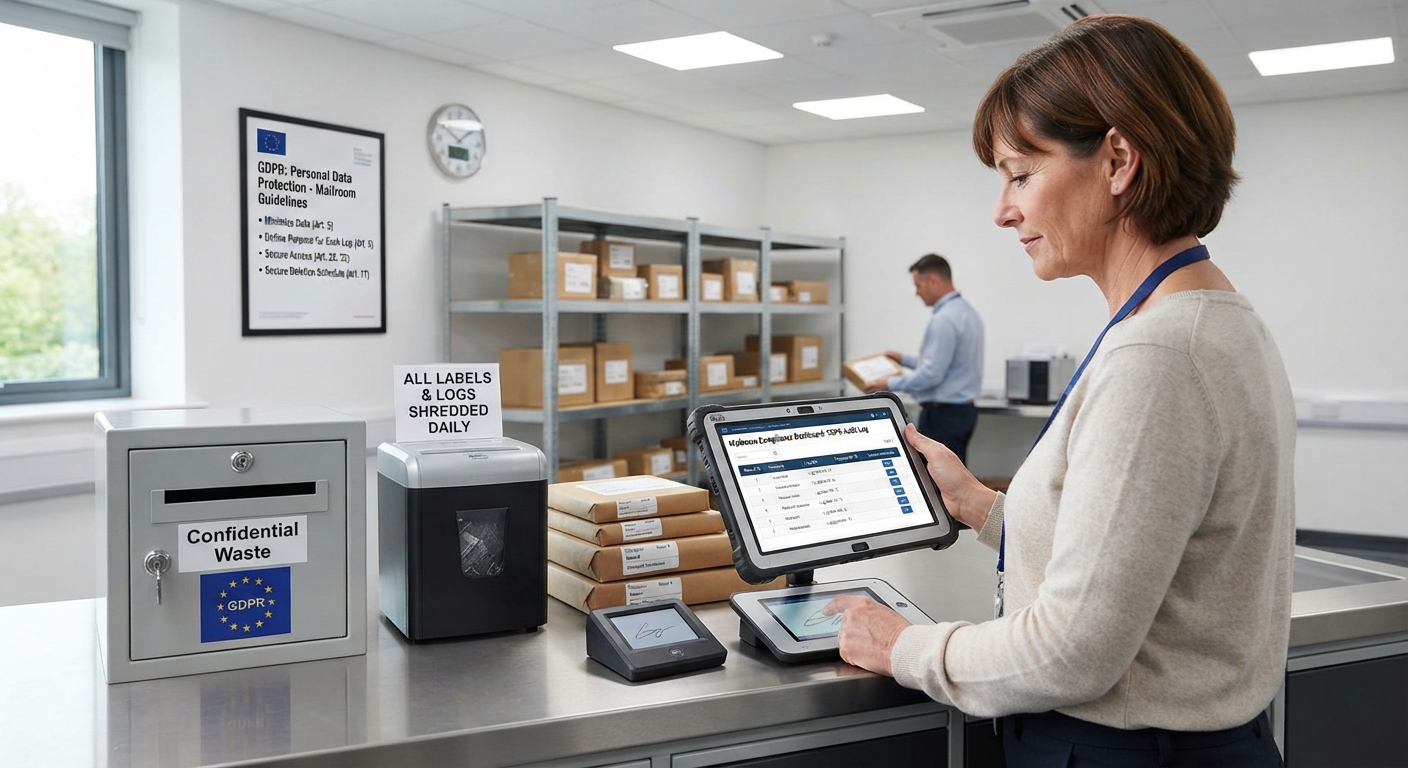
Set windows by record type and tie each to a purpose. Limit access by role. Delete on a documented schedule.
Mailrooms need logs that are easy to search when a recipient asks about a delivery, and easy to archive or remove once the window closes. Parcel Tracker pairs searchable, archivable parcel logs with GDPR compliance, hosting in the UK, US, Germany, or Canada, and role-based access to keep retention and access practices consistent.
Read the Platform Privacy Policy or visit the Trust Center to request security documentation.
Expert FAQ
How long should a mailroom keep parcel delivery records?
As long as the documented purpose requires. Routine logs may last weeks to months. Disputed items may need longer.
What does GDPR say about data retention periods?
It sets no fixed periods. Article 5(1)(e) requires keeping identifiable data no longer than necessary for the purpose.
Why should mailrooms limit access to recipient data?
Fewer viewers reduce exposure of names, room numbers, and signatures and give a clearer audit trail if an incident occurs.
How do mailrooms handle a GDPR erasure request for parcel records?
Verify the requester, find matching records, delete them unless a legal exception applies, and log the outcome.
What is the difference between archiving and deleting mailroom data?
Archiving moves records to restricted storage for a defined purpose. Deletion removes them permanently so they cannot be recovered.