
.svg)
What is a Mail Stop?


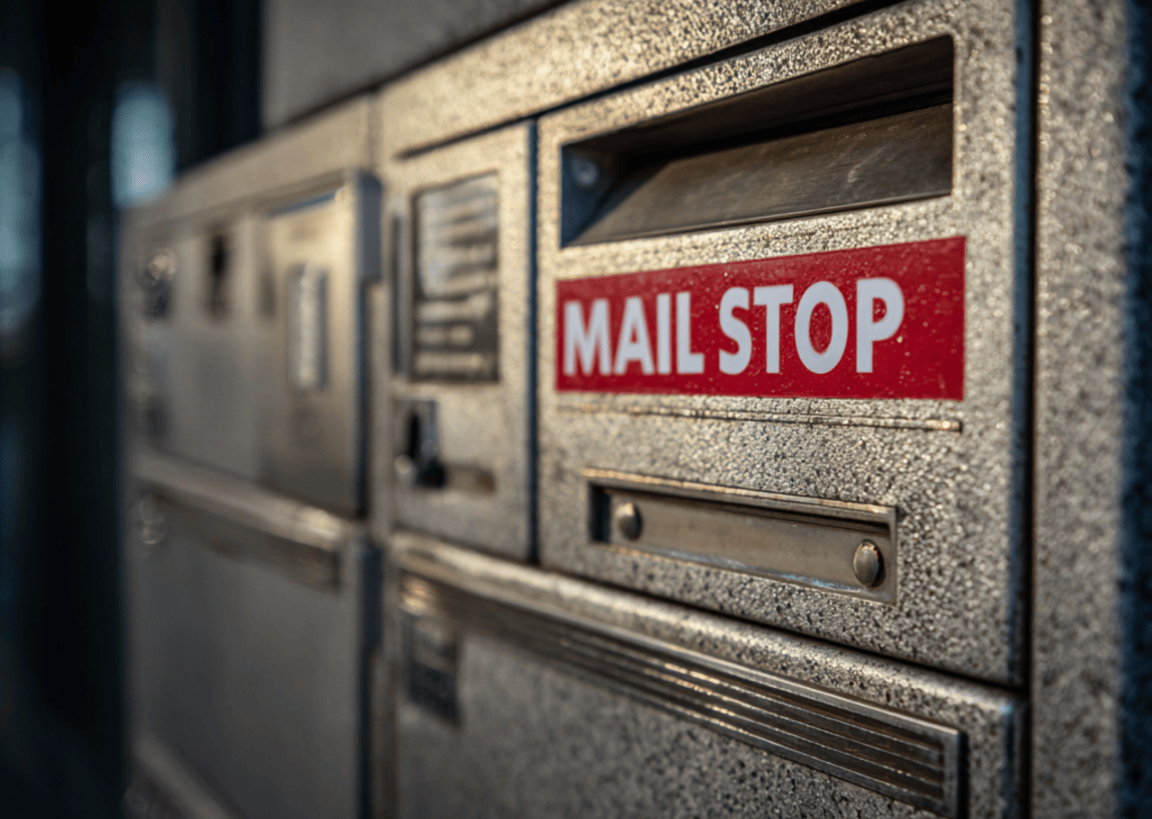
A mail stop is a designated, fixed physical location within a large organization (such as a corporation, university, or hospital) where a central mailroom or internal courier consistently delivers and collects mail and parcels for a specific department, floor, or group of recipients.
It serves as an internal address code and is the critical intermediate step between a central mail facility and the end recipient. It ensures efficient and accountable last-yard delivery within a complex building or campus.
The Need for an Internal Delivery Point
Modern organizations face the complex challenge of logistics within their own walls. While external carriers (like FedEx or USPS) handle the "last mile" to the front door, the internal "last-yard" distribution to the recipient's desk or department is the organization's responsibility. The mail stop is the concept engineered to solve this mailroom management challenge.
A mail stop is a simple yet vital piece of the internal logistics infrastructure. It is a shared, recognizable point (like a specific cabinet, desk, or parcel locker bank) that streamlines delivery by preventing the internal mail team from having to visit hundreds of individual offices. Today, mail stops manage not only traditional letters but also the massive flow of personal and business parcels, often driven by e-commerce.
Mail Stop vs. Mailroom
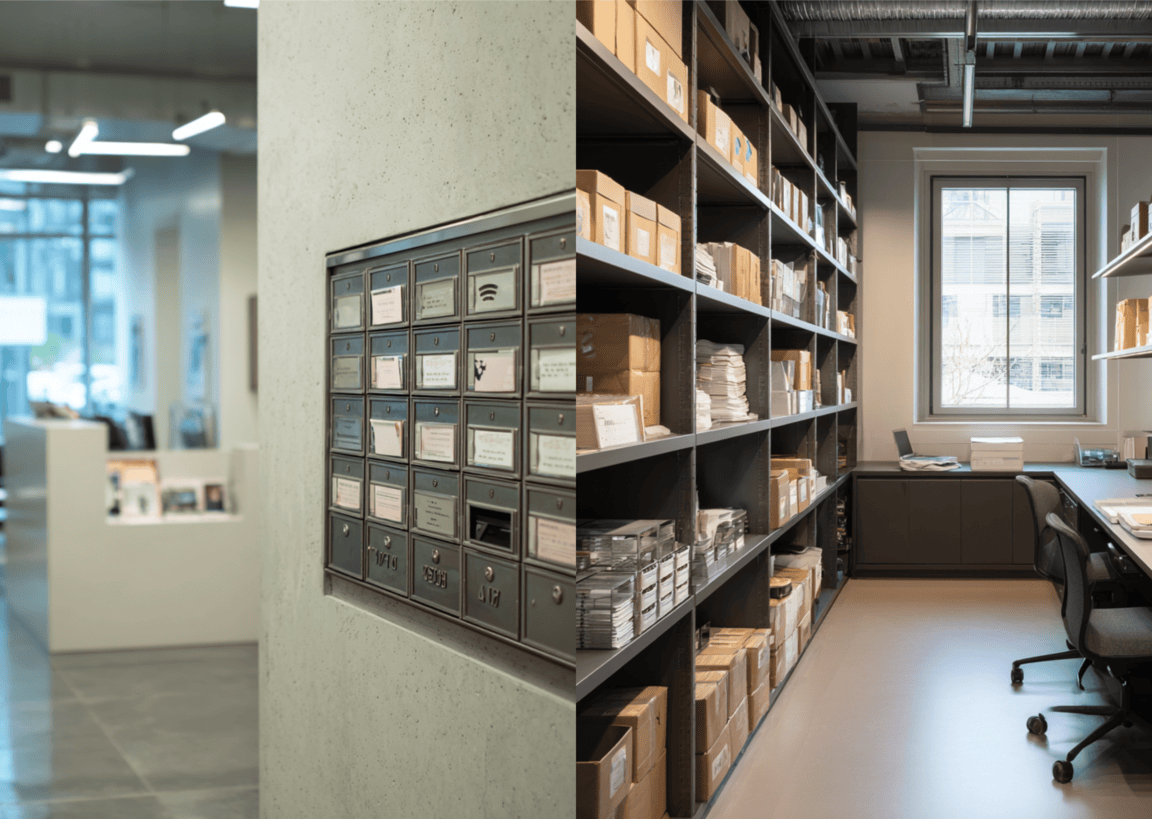
It's common to confuse the mail stop with the central mailroom, but they serve distinct and complementary functions, easily distinguished by their role in the delivery sequence:
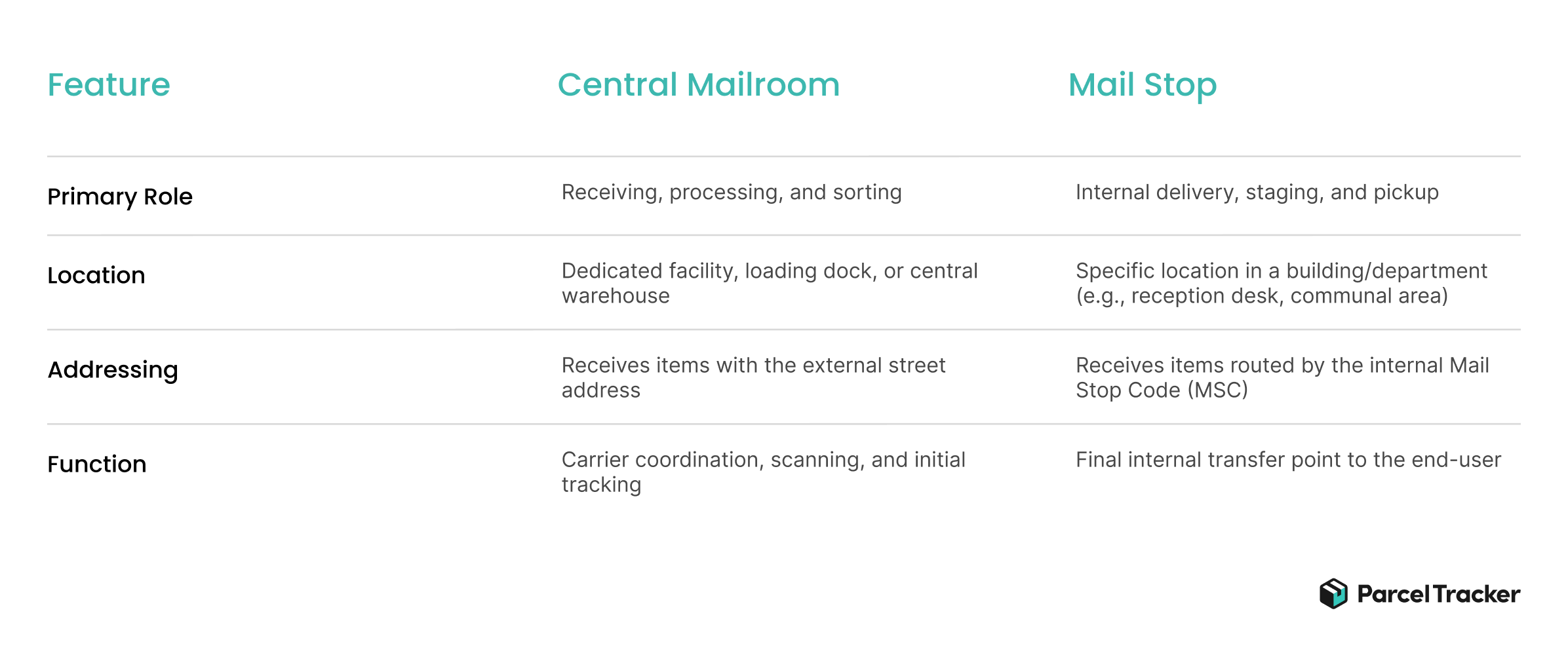
The mailroom is the central facility where external mail and parcels land, while the mail stop is the internal destination that mailroom staff deliver to. The latter’s system defines the courier routes taken by internal staff.
Core Mechanics and Implementation
Anatomy of the Mail Stop Code (MSC)
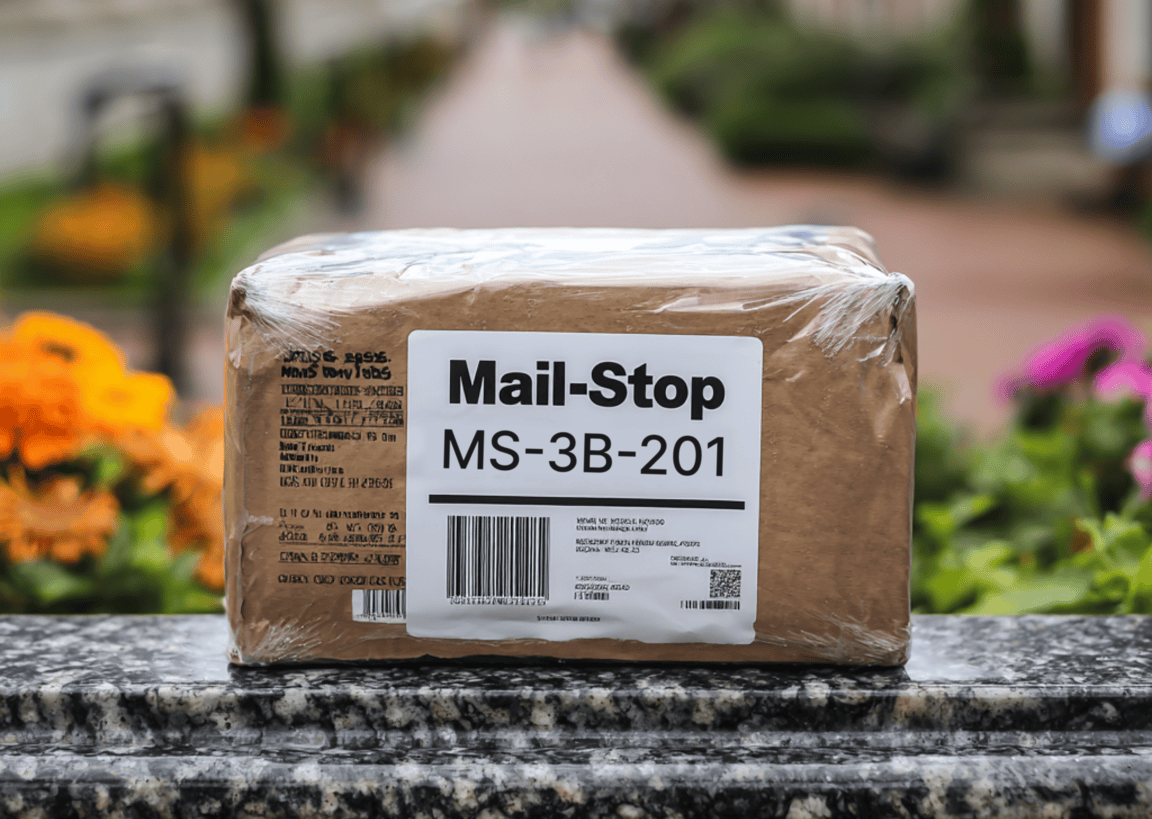
To facilitate internal routing, organizations assign a Mail Stop Code (MSC) to each mail stop location.
- Function: The MSC serves as a mandatory internal address layer, added below the recipient's name and above the street address, on official correspondence. This is the code the mailroom uses to sort.
- Format: Codes can vary widely but often contain location or departmental information, such as MS 1205 (Mail Stop 1205), RHA-400 (Residence Hall A, Floor 4), or FIN-A (Finance Department, Wing A).
- Example Usage: Many large universities, such as Western Michigan University, state that the mail stop is used to identify a department's location and is not intended to identify personnel, often corresponding to a ZIP+4 extension.
Real-World Examples of Mail Stop Systems
Mail stops are essential infrastructure in any large facility with complex distribution needs:
- Universities: They are widely used to manage mail for faculty, staff, and students. For instance, the University of Alabama assigns every enrolled student a unique 6-digit MSC to match mail to the right student, in addition to using District Numbers to route packages to the correct parcel locker based on their residence hall.
- Corporate Campuses: Tech companies, financial firms, and large corporate headquarters use MSCs to direct mail to specific business units across different buildings or floors. A corporate address might include "Mail Stop Code: MS-2F-214" to send an item to a specific office on the 2nd floor.
- Hospitals and Medical Centers: Due to the need for rapid, accurate delivery of sensitive documents, lab results, and patient supplies, large centers like the University of California, San Francisco (UCSF) maintain strict mail stop policies for departments and administrative units. The use of MSCs helps ensure high-priority mail reaches the correct clinic or office quickly within a sprawling medical complex.
Physical Location Types
Mail stops are evolving to handle the shift from letters to parcels:
- Traditional: Unsecured departmental mail slots, trays, or a reception desk where mail is simply dropped off.
- Modern: Centralized smart lockers located in building lobbies or communal spaces. These stops provide security and require a PIN or QR code for pickup, significantly improving accountability.
Common Pain Points and Modern Solutions
While mail stops solve the routing problem, their legacy design often creates three major pain points in the parcel-heavy modern environment:

Parcel Congestion and Tracking Gaps
- The Issue: Many mail stops were initially designed as small slots for paper. When they are used to stage bulky boxes and personal e-commerce parcels, they quickly become overwhelmed. This leads to clutter, damaged packages, and the mailroom staff's inability to find a specific item quickly.
- The Solution: Redesign for Volume and Smart Systems
- Facilities teams must assess current volume (parcels vs. letters) and allocate dedicated shelving or large-capacity storage units in mail stop locations.
- Implementing smart parcel lockers at the mail stop acts as an automated storage system, reducing manual handling and ensuring space is used efficiently.
Lack of Accountability
- The Issue: Tracking often stops when the internal courier drops the item at the Mail Stop. If the recipient claims the package never arrived, there is a gap in the chain of custody between the mailroom and the end-user.
- The Solution: Digital Tracking and Proof of Delivery (POD)
- Utilize Mailroom Management Software that requires the internal courier to scan the item at the mail stop location.
- The system should then capture the recipient's signature or a scan of their ID/Locker PIN upon pickup, providing digital Proof of Delivery (POD) that closes the "last-yard" gap and assigns final accountability.
Recipient Delay and Retrieval Friction
- The Issue: Recipients are often slow to collect their items, leading to prolonged backlog and storage issues.
- The Solution: Automated Communication
- The software must instantly trigger an automated notification (email or SMS) to the recipient the moment the item is scanned into their specific Mail Stop.
- Setting clear policies with consequences for items not picked up within a set timeframe (e.g., 48 hours) encourages prompt retrieval.
Mail and Parcel Right on Time

The mail stop is a vital yet straightforward concept that dictates the efficiency and success of internal parcel and mail delivery. It is an infrastructure that defines how effectively a large organization manages the daily flow of packages and mail for its employees, faculty, or students. Modernizing the stop from a simple, passive drop-off tray to a secure, technologically tracked hub is key to maintaining high efficiency and ensuring reliable, accountable service in the parcel-centric era.
To enforce accountability and streamline your internal delivery routes, explore the benefits of mailroom management software for your mail stops.


.svg)

