
.svg)
What is Optical Character Recognition (OCR) in Mailroom Management?

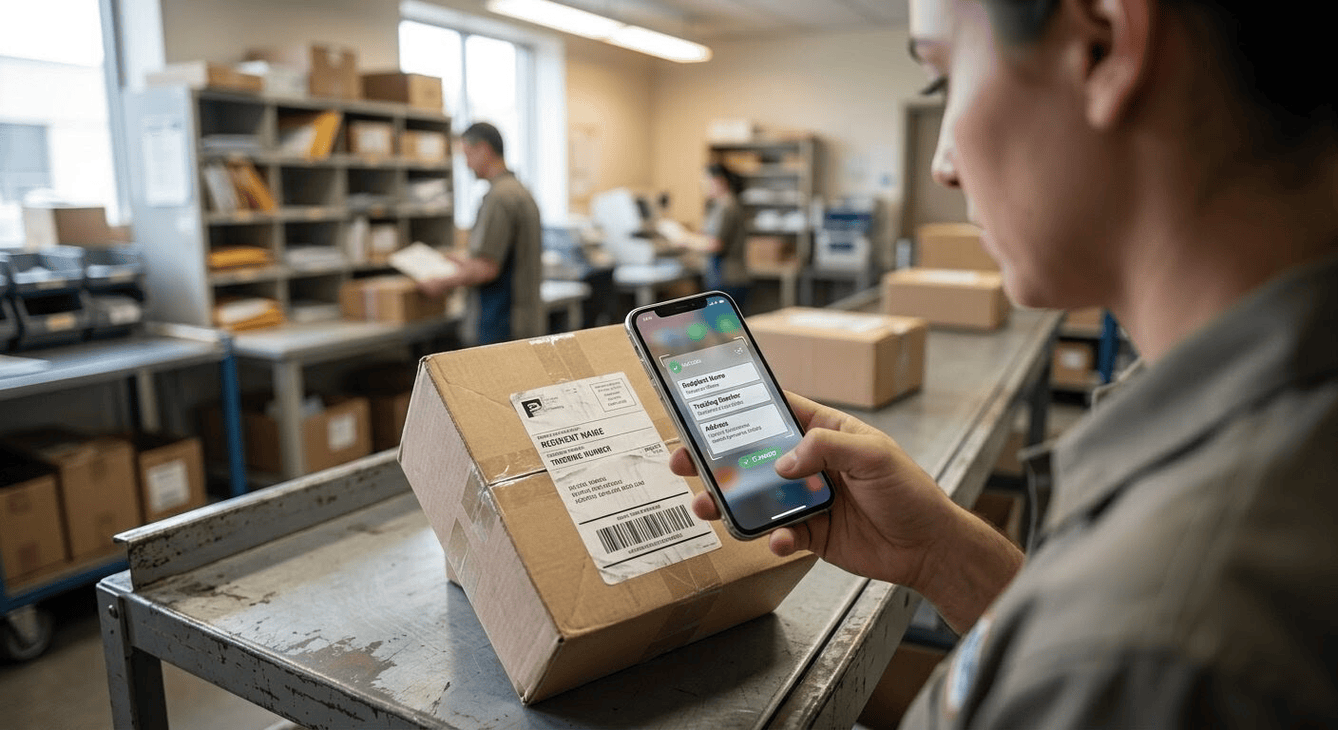
Optical Character Recognition (OCR) is a software technology that extracts text from physical documents, images, or scanned files and translates it into editable, machine-readable data. This technology identifies individual letters and numbers, allowing computers to search, index, and organize information without manual input.
What is Mailroom OCR?
In modern logistics, mailroom OCR is the specific application of text-recognition software to automate package processing. Systems built for high-volume mailroom management use OCR to instantly scan shipping labels, capture tracking numbers, read recipient identities, and cross-reference delivery details with internal location databases.
How OCR Improves Mailroom Operations
Reducing Package Processing Time
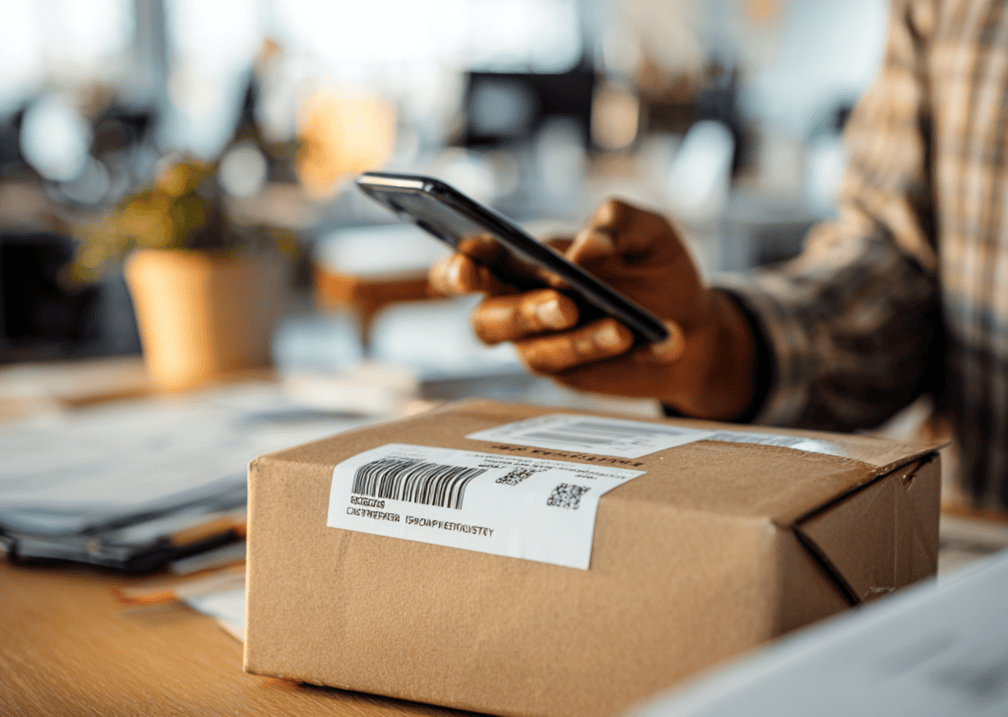
Traditional inbound tracking depends heavily on manual bookkeeping. Staff must locate the carrier barcode, find the tracking ID, and type every name into a spreadsheet or paper logbook.
When a facility switches from paper logs to digital automation, the entire intake operation transforms completely. The specific workflow changes include:
- Instant Label Scanning: Mobile or desktop cameras capture label data in milliseconds.
- Logbook Replacement: Digital scanning drops the intake window from several minutes per package down to a few seconds.
- Automated Logging: The system populates recipient profiles automatically upon scanning.
Minimizing Courier Logging Errors
Human data entry is inherently prone to mistakes, particularly during peak delivery hours when staff face constant distractions.
- Eliminating Typos: Direct text conversion removes human data entry mistakes.
- Accurate Database Matching: The software connects the scanned name with the internal directory instantly.
Enhancing Internal Package Security
A lack of real-time visibility creates gaps where incoming parcels can go missing between the delivery drop-off point and the final recipient. Implementing an automated approach to parcel management solves this issue.
The OCR system creates a digital chain of custody, ensuring that every item is tracked from the exact moment of arrival until the final recipient signs for it. This automated workflow immediately triggers a real-time notification to inform the recipient that their package is ready for collection.
Critical Mailroom OCR Software Features

Reading Damaged Labels
Parcels endure harsh transit conditions, often arriving at sorting facilities with scuffed, wet, or degraded labels. Specialized logistics OCR uses advanced image processing to resolve these issues.
Initially, the software automatically cleans up background noise, sharpens text contrast, and adjusts binarization to read smudged or faded text. Then, the system uses surrounding barcode data and legible text fragments to reconstruct any missing or obscured tracking information.
Fuzzy Matching for Shortened Names
Couriers frequently print shortened names, nicknames, or incomplete unit titles on shipping documents. Advanced systems handle these discrepancies smoothly:
- Directory Integration: The software connects directly to your user directory to resolve variations like "Mike" for "Michael."
- Probability Algorithms: Smart logic matches incomplete names using historical delivery data.
- Interactive Resolution: The system provides a quick selection list for operators if multiple matches exist.
Multi-Language and Handwritten Labels
- Script Adaptation: Recognize international courier fonts and diverse script styles.
- Handwriting Processing: Translate hand-drawn text into structured digital profiles.
Optimizing Mailroom Workflows with Smart OCR
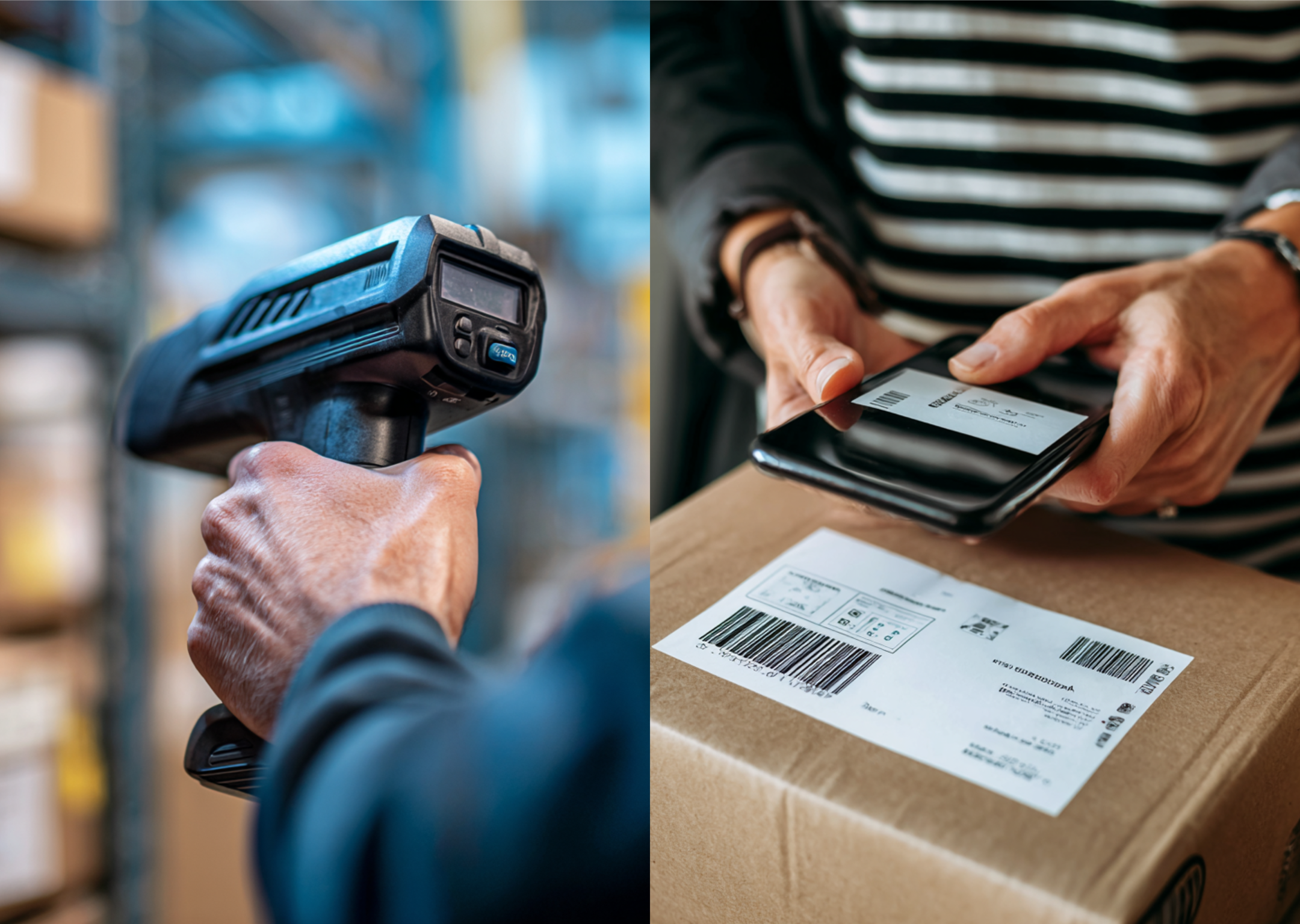
Manual parcel logging slows down operations and leads to lost deliveries. Implementing smart scanning technology optimizes your workflow from the dock to the desk. Discover how Parcel Tracker uses advanced OCR to improve your mailroom efficiency.
Expert FAQ
What is the main benefit of mailroom OCR?
Mailroom OCR automates data ingestion to accelerate package check-in and eliminate manual delivery logging errors.
How does OCR software read damaged shipping labels?
Advanced OCR uses fuzzy matching algorithms to reconstruct obscured tracking details and identify correct package recipients.
Why do smart mailrooms use mobile OCR technology?
Mobile OCR allows mailroom staff to scan carrier labels anywhere using smartphone cameras for agile parcel processing.
What data points does mailroom OCR extract?
Mailroom OCR extracts recipient names, carrier tracking numbers, destination addresses, and specific courier barcode data.
How does OCR integration prevent lost office parcels?
OCR instantly creates a digital chain of custody that tracks internal chain steps and automates recipient arrival notifications.


.svg)

