Best Free Parcel Management Software for Small Offices and Buildings


The best free parcel management software for small offices and buildings gives a team a no-cost starting point. It logs every package on arrival, alerts the recipient, and records who collected it, all within a monthly cap sized for a modest front desk.
Getting that starting point right matters more each year. Online purchases made up 17.9% of total U.S. retail sales in the third quarter of 2026, and e-commerce grew 10.4% over the prior year. The U.S. Postal Service alone delivered an average of 22.7 million packages every day in 2025, and it expects volume to climb about 40 percent between October 1 and December 31 this season. Each of those boxes lands on a reception counter or a mailroom shelf, and someone has to account for it.
Front desk and mailroom teams absorb that surge with whatever tools they have. Paper logbooks make staff squint at handwriting whenever a resident asks whether a delivery arrived. Spreadsheets demand the retyping of recipient names for every box. Recipients without answers walk to the desk and interrupt the next person in line, while the shelf behind it keeps filling. McKinsey research found that knowledge workers spend roughly 20% of the workweek searching for and gathering information, and a package log that cannot be searched quickly adds to that pile.
A purpose-built free tool removes much of that friction at zero cost, which makes it a sensible first step for most small desks. The sections below cover what free plans include, which limits deserve a close look, and how to tell when growth calls for more.
What Free Parcel Management Software Includes for Small Offices and Buildings
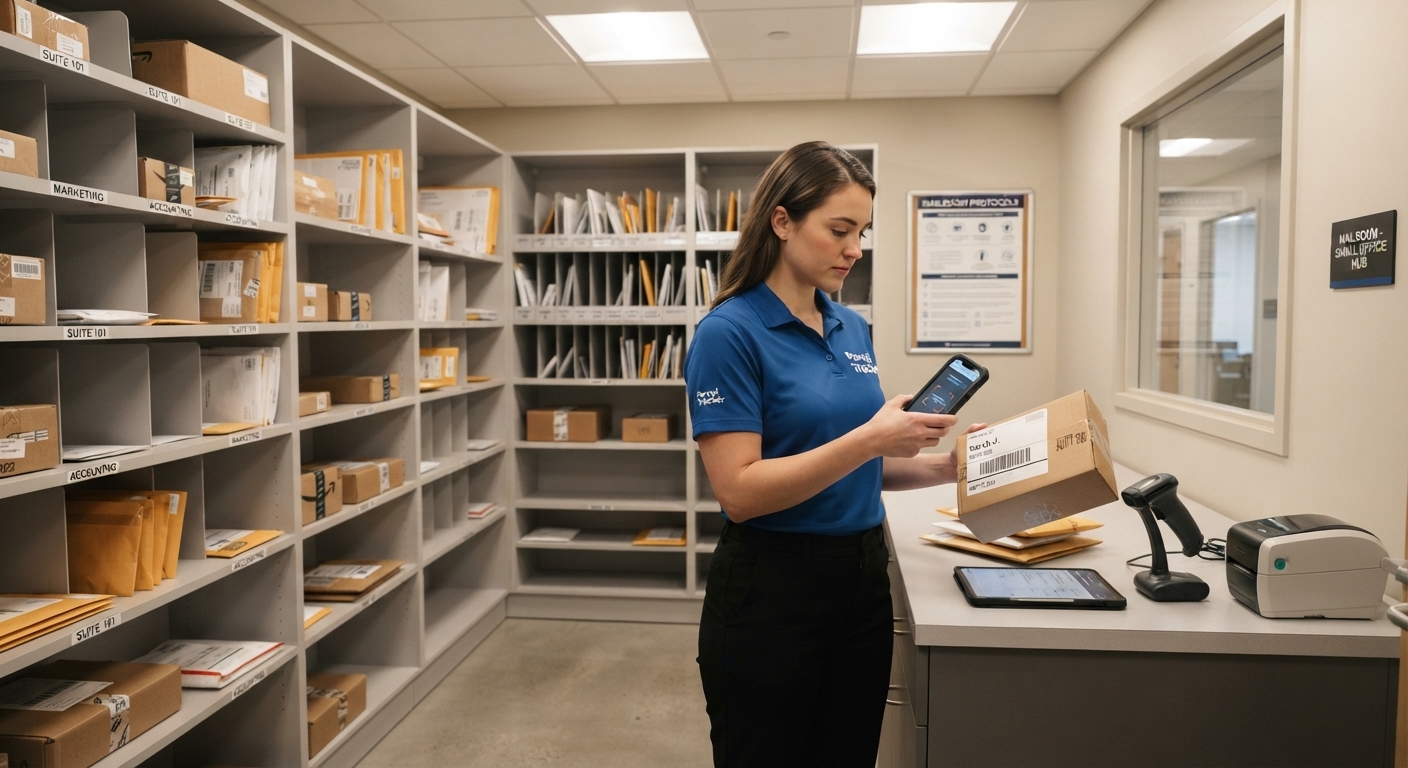
Free plans from credible vendors cover the full loop of a delivery. Staff logs each package with its carrier, recipient, and arrival date. The recipient receives an email or text. At pickup, the system captures a signature or photo, which gives the desk a record to point to if anyone questions the handoff later.
Most free mailroom management software layers a few extras on that core, such as notes and photos on each package record, a searchable delivery history, and basic volume reporting. Those extras let a desk answer recipient questions in seconds and the core loop matches the one larger teams rely on every day.
Coworking spaces, small apartment buildings, clinics with shared suites, property managers with a single front desk, and offices where one person handles deliveries between other tasks all fit this profile. These teams seldom need multi-site dashboards or enterprise sign-on, so a lean plan covers their daily work. Plans differ most in the fine print, which the next section covers.
Eight Plan Limits Worth Checking Before You Commit to a Free Tier
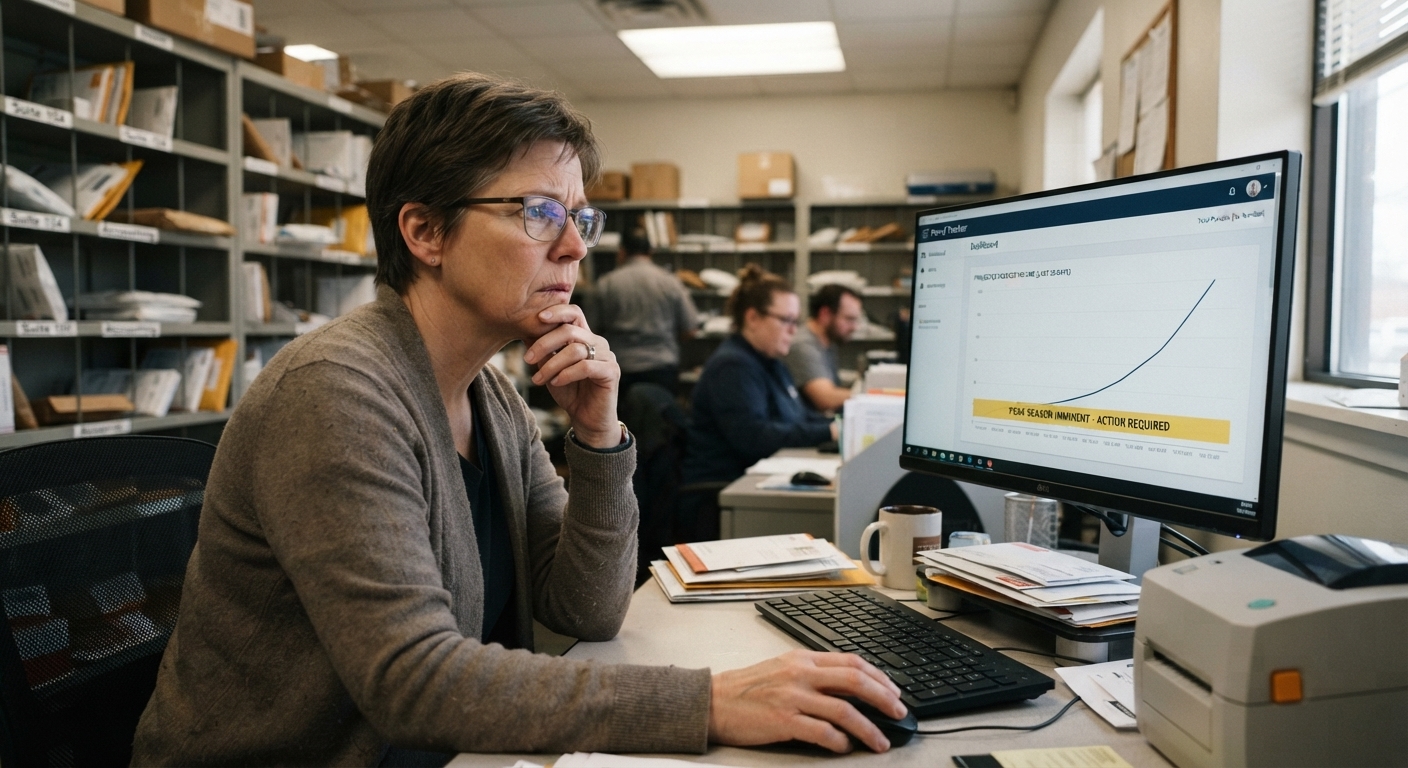
Close attention to plan limits is a core part of good mailroom management, since a cap reached in mid-December disrupts the whole desk. Each limit also doubles as a guidepost for when a bigger plan might help later. These eight items deserve a look before signing up:
- Package and recipient caps: Monthly package counts, recipient limits, or staff seats. Compare each against your busiest month.
- Notification allowances: Whether text messages are capped or billed separately, and whether emails are unlimited.
- Reporting and history: How far back records go, and whether analytics or exports exist for resolving disputes.
- Site count: Many free plans cover one location only.
- Security controls: Multi-factor authentication and single sign-on often sit on paid tiers.
- Integrations: API, Zapier, and webhook access are commonly reserved for paid plans.
- Support access: Community forums alone, or live chat during a delivery rush.
- Plan duration: Some free offers are timed trials, so confirm whether an end date applies.
Quick tip: Write down your average and peak monthly package counts first, so every cap can be judged against a real number.
Why Starting Free Works and the Signs It Is Time to Grow
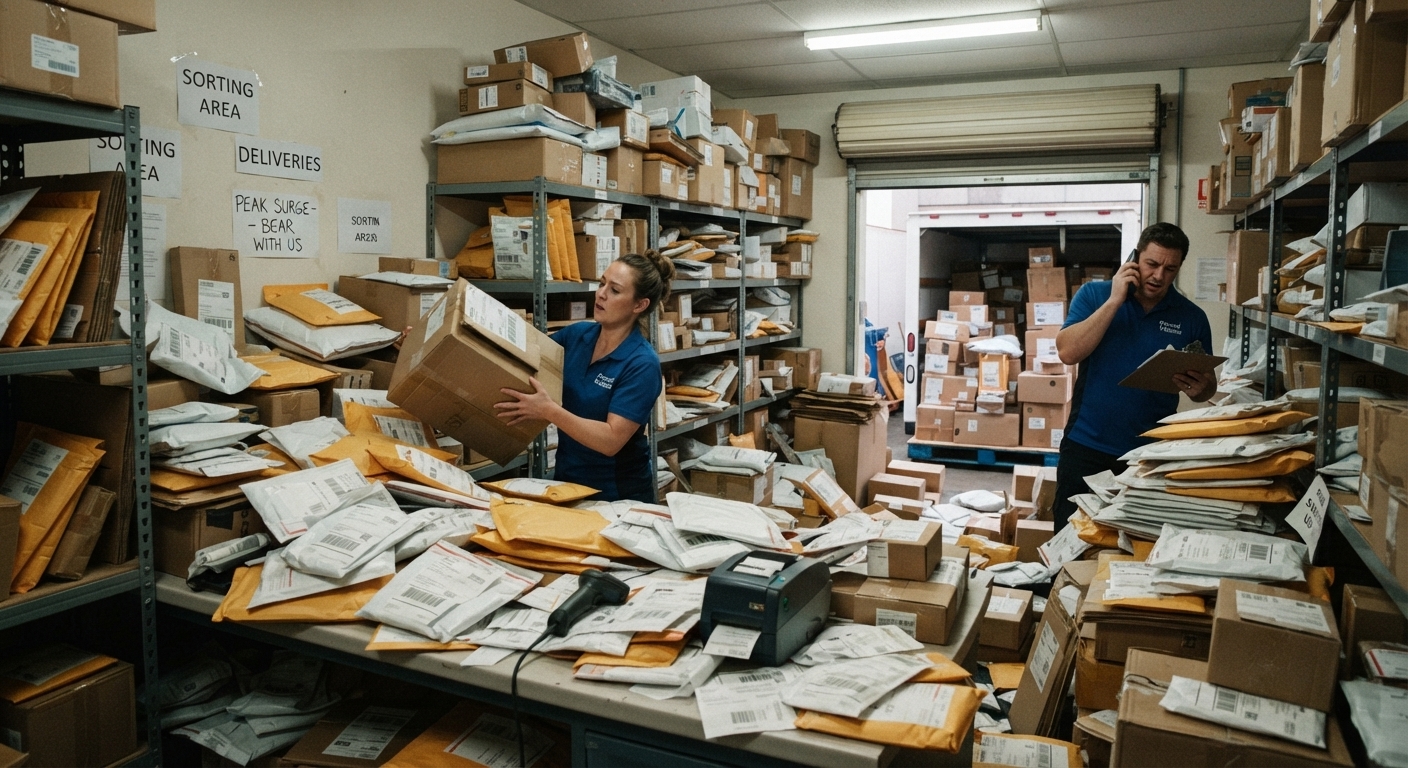
Starting free is a low-risk way to learn how many packages your office handles, who sends them, and where the busy hours fall. Plenty of small desks run happily on a free plan for a long stretch and the goal is simply to notice when growth begins to press against it. Parcel Tracker's guide to the six signs that free solutions stop making sense covers that decision for mailroom teams. The signals below add a software-plan lens:
- Peak-month volume regularly reaches the plan cap
- Recipients expect building-branded alerts, or other systems need an API connection
- Several sites or buildings need one shared view
- Manual workarounds, such as re-keying names, consume noticeable staff time
- IT asks for single sign-on or multi-factor authentication
Choosing a parcel management platform whose free and paid tiers share one system lets records and workflows carry forward as the office grows. Parcel Tracker's pricing page shows what such a ladder looks like. Plus adds unlimited parcels and API and Zapier access for receptions, student halls, and small offices, starting at $67 per site per month on yearly billing. Pro adds multi-site management, SSO, and custom workflows for larger offices and mailrooms, starting at $117 per site per month on yearly billing. Prices vary by currency and billing term, and the page states that plans can be changed at any time.
What the Parcel Tracker Free Plan Covers and How It Scales With You
A free trial ends in a purchase decision after a set number of days. A permanent free tier stays available indefinitely, so a small office can run on it for as long as its needs fit. That arrangement remains uncommon in the mailroom management software category, since most vendors build pricing around paid conversion.
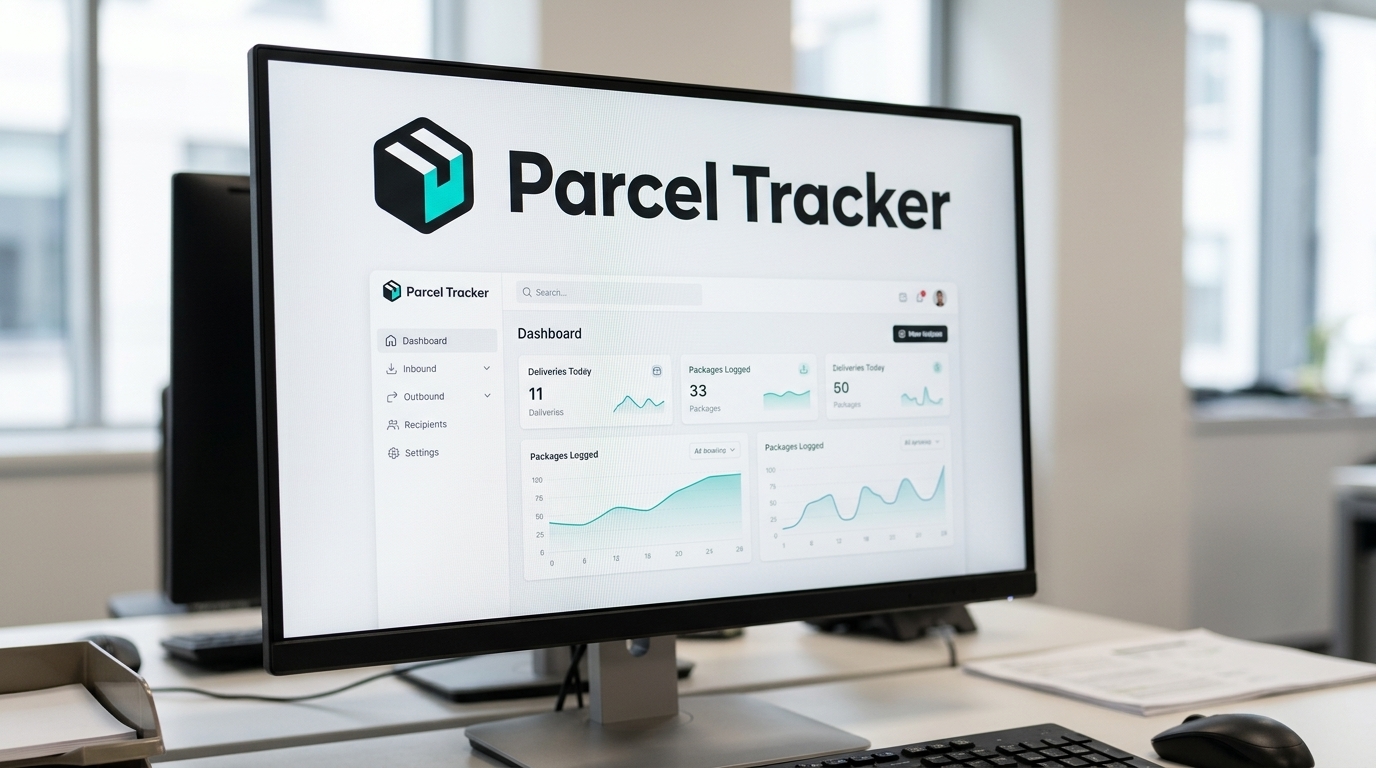
Parcel Tracker follows the permanent model. New accounts start with a 14-day trial of the Pro plan, then continue on the free plan with no expiry. The free plan includes:
- Up to 100 parcels per month
- AI-powered label scanning with automatic recipient detection
- Inbound and outbound parcel logging
- Notes, tags, and photos on each record
- Signature or photo proof at collection
- Reporting and analytics
- Unlimited email notifications with branded, customizable templates
- 50 SMS notifications per month
- Live chat and email support
The free plan covers a single site and leaves out API and Zapier access, webhooks, custom workflows, custom attributes, MFA, and SSO. The 100-parcel cap is the only volume limit on the platform, because Plus and Pro are unlimited.
For small offices and buildings, this setup gives teams room to build habits and a searchable delivery history before spending anything. If the building adds residents, tenants, or sites, the same platform steps up through Plus and Pro, and larger organizations with complex workflows can move to a custom Enterprise plan with multi-hop tracking and an SLA. Parcel Tracker describes the platform as built to scale, with locations and features added as needs evolve.
How to Start Free and Let Your Package Process Grow at Its Own Pace

Start with your numbers. Match your peak monthly volume to each plan's cap, confirm that notifications and pickup records come included, and check that a clear upgrade path exists for later. A permanent free plan is the safer pick over a timed trial when budget is tight, since it removes the pressure of a countdown.
Rollout can happen in a single afternoon. Set up one drop-off spot, label shelves by recipient or suite, and ask everyone who accepts a delivery to log it on arrival so the history stays complete. Those first months of records show exactly when a bigger plan would pay off.
Small offices and buildings ready to replace paper logs can get started free with Parcel Tracker and upgrade whenever package volume calls for it.
Expert FAQ
What does a free package logging tool include?
Package check-in, recipient alerts, and proof of pickup at no cost, typically within monthly volume and feature caps.
How many parcels does the Parcel Tracker free plan cover?
Up to 100 parcels per month, with unlimited email notifications and 50 SMS messages included monthly.
Why is a free plan a good starting point for a small office?
It lets a team build logging habits and a delivery history at no cost before volume justifies paying.
How do I know when to upgrade from a free plan?
Upgrade when package volume or reporting needs exceed plan limits and manual workarounds start consuming staff time.
Why is a permanent free tier uncommon among package tools?
Many vendors offer time-limited trials built to convert users, so a standing free plan is a rarer offering.
What happens after the Parcel Tracker 14-day trial ends?
The account continues on the free plan, which covers up to 100 parcels per month with no expiry.