.svg)
Best Practices for Logging and Storing Meal-Kit Deliveries


The meal-kit market is expanding rapidly, with the global meal kit market estimated to reach $37.06 billion in 2026 as consumers prioritize time-saving dining solutions. Busy lifestyles and changing food cultures mean that 70% of users cite convenience as the top reason for choosing these subscription options. This massive influx of perishable packages creates a distinct challenge for property managers. Implementing modern mailroom management strategies ensures that food deliveries are logged efficiently, reducing front-desk clutter and preventing ingredient spoilage.
Optimizing your parcel management system protects shipments from expiring in holding areas. When residents receive instant notifications about their deliveries, they pick up their food boxes quickly, maintaining building hygiene and resident satisfaction.
How to Establish a Perishable Inventory Protocol

Managing food deliveries requires a specific workflow to handle the sensitive timeline of raw ingredients. Standard packages can sit on shelves for days, but meal kits require immediate tracking.
- Immediate Identification: Staff must apply high-visibility stickers to incoming meal kits right after unloading. This visual marking helps everyone in the mailroom recognize which boxes need urgent attention.
- Designated Cold Zones: Property managers should set up dedicated refrigerators or insulated holding areas specifically for food deliveries. Keeping these separate from dry goods prevents ambient heat from warming the packages.
- First-In, First-Out (FIFO) Sorting: Organizing the cold storage space by arrival time ensures that older kits sit at the front, prompting staff to hand them out first during busy hours.
- Temperature Logging: Mailroom operators should check and record refrigerator temperatures twice daily to ensure food stays below 40 degrees Fahrenheit.
- Aisle Clearance: Staff must keep pathways to cold storage completely clear of regular cardboard boxes to allow quick access during peak delivery hours.
How to Set Up Real-Time Resident Alerts

The fastest way to clear out perishable packages is to inform the recipient the moment the box touches the counter.
Property teams can use mailroom management software to send automated text and email alerts when a meal kit is scanned. These immediate messages bypass traditional paper slips or delayed daily digests, ensuring residents know their dinner has arrived while it is still fresh.
Every digital notification should specify the exact storage location, such as "Refrigerator B," so the resident knows precisely where to look. Including specific handling indicators like "Perishable" or "Keep Refrigerated" in the subject line creates a healthy sense of urgency.
Setting up an automated follow-up alert four hours after the initial scan prompts forgetful residents to collect their dinner ingredients before the internal ice packs melt. If a package remains uncollected by evening, a final automated notification can remind the resident of the building's overnight disposal rules.
How to Streamline the Collection Process
A smooth pickup process keeps traffic moving through the mailroom and reduces the time staff spend hunting for boxes.
- Contactless Pickups: Utilizing QR codes or digital signatures speeds up verification and keeps logs completely accurate.
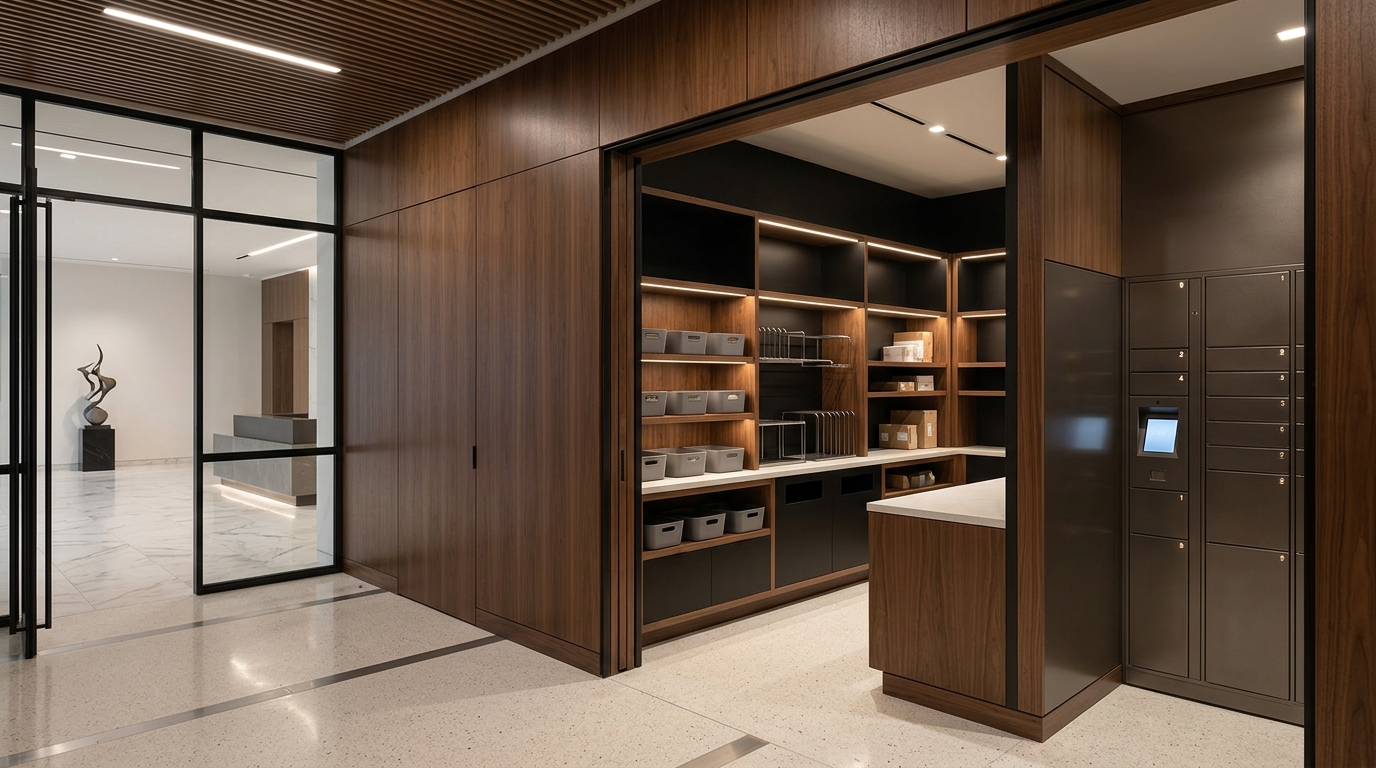
- After-Hours Access: Placing smart lockers or secure lockboxes in common areas allows residents to retrieve food late at night without needing an active desk attendant.
- Clear Discard Policies: Establish a firm rule stating that unclaimed perishables will be disposed of after 24 hours to maintain sanitation and prevent foul odors.
- Staff Training: Team members need training on how to handle leaking or damaged boxes safely to protect other packages from cross-contamination.
- Peak-Hour Staffing: Scheduling extra team members during evening rush hours ensures that food retrievals happen fast without creating long lines at the front desk.
Modernize Perishable Mailroom Management

Efficient perishable management keeps mailrooms clean and residents happy. Upgrading your workflow with specialized tools makes this process seamless. Discover how Parcel Tracker automates notifications and tracks perishable deliveries from arrival to pickup.
Expert FAQ
How should mailrooms store incoming meal-kit deliveries?
Mailrooms must place incoming meal kits inside dedicated refrigerators or temperature-controlled zones immediately to prevent ingredient spoilage.
What information belongs in a perishable delivery notification?
The notification must include the package arrival time, a food-spoilage warning, and the specific cold storage location.
Why do property managers need automated package alerts?
Automated alerts prompt residents to collect perishable items quickly, reducing front-desk box accumulation and food odor issues.
What is the safe time limit for unclaimed food boxes?
Mailrooms should establish a strict twenty-four-hour disposal policy for unclaimed perishable shipments to ensure health safety.
How does scanning technology improve meal-kit logging workflows?
Scanning technology logs incoming deliveries instantly, triggers immediate resident notifications, and records accurate digital proof of collection.


.svg)