When to Send Repeat Parcel Notifications in a Mailroom

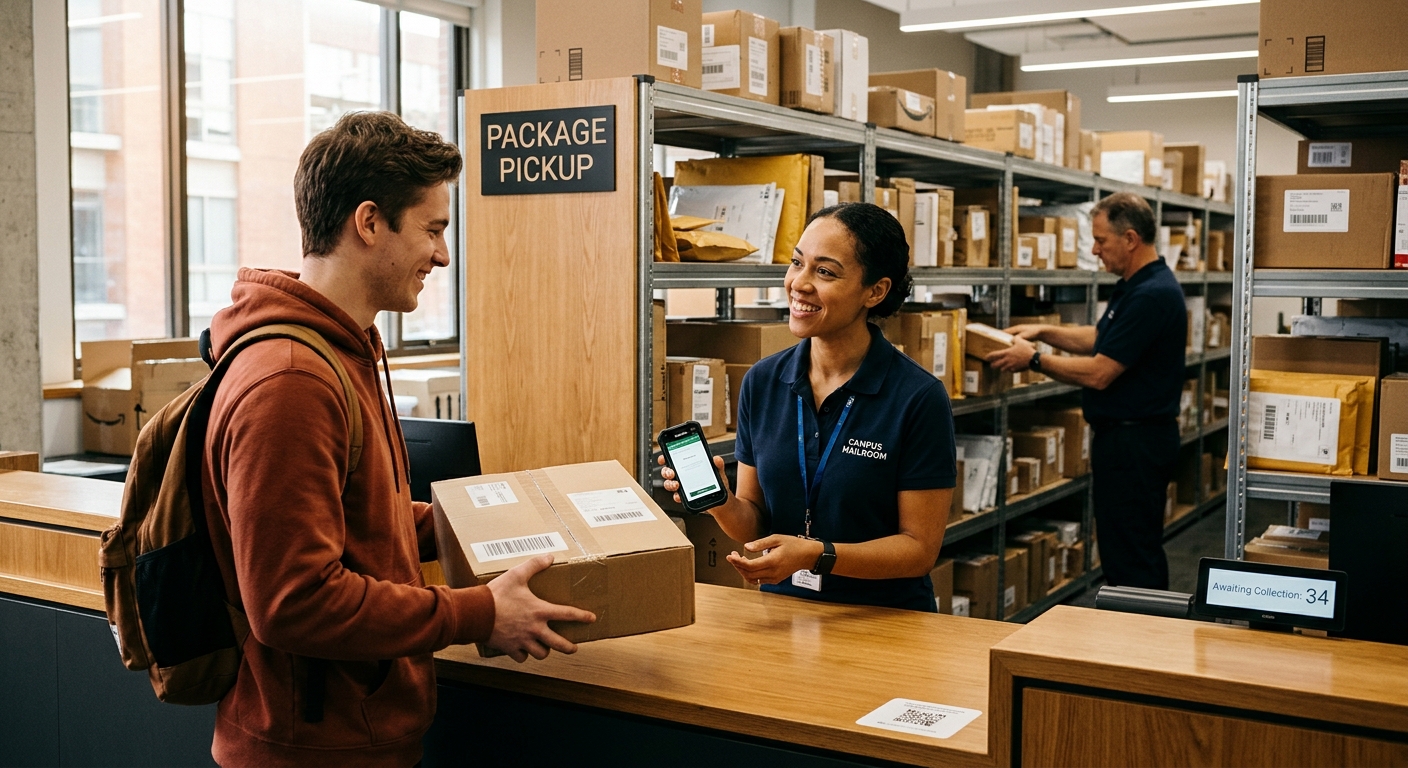
Send the first notification as soon as a parcel is logged, a reminder after 24 to 48 hours, a second reminder around day four, and a final notice shortly before the pickup deadline. Stop every message the moment the parcel is collected.
Timing matters because each day a parcel waits uses shelf space and staff attention. Good mailroom management treats reminders as a planned schedule, set once and applied to every recipient, so nobody has to remember who still has a package waiting. The same schedule supports strong parcel management habits by keeping holding periods short and shelves clear.
A Reminder Schedule Most Mailrooms Can Start With
The schedule below suits a typical holding period of about one week. Shorten or stretch the gaps to match your own pickup deadline and storage space.
- Arrival alert at check-in - Send recipient notification instantly the moment the parcel is logged, with the pickup location, opening hours, and carrier name so the recipient knows what to expect.
- First reminder after 24 to 48 hours - Many recipients miss the first message, so a second contact catches most with a friendly prompt.
- Second reminder around day four - Add urgency by mentioning how long the parcel can stay in the mailroom.
- Final notice before the deadline - Send it one to two days before the holding limit and state what happens next, such as return to sender or escalation to a manager.
- Collection confirmation at check-out - Confirm the pickup so the recipient has a record and the reminder cycle ends cleanly.
Why One Notification Rarely Gets a Parcel Collected
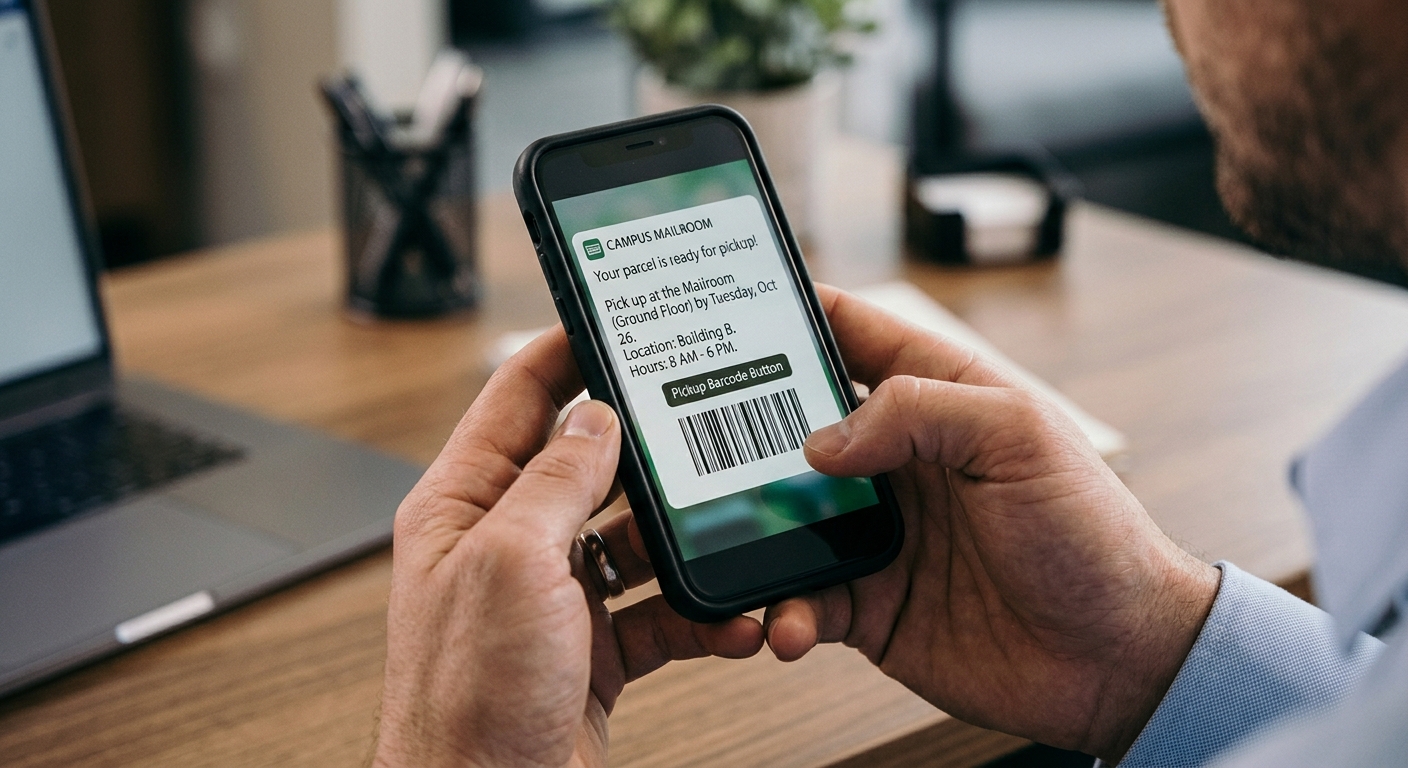
A single message competes with everything else in a recipient's inbox, and it may arrive at a poor moment. If someone reads it during a meeting or while traveling, they have no chance to act, and the message slides down the list within hours.
A second and third message reach the person at a different moment, raising the odds it is read when pickup is possible. Reminders also reduce the steady flow of "has my parcel arrived?" questions that reach mailroom staff, because recipients already hold the details they need. Shelves benefit too, since parcels leave sooner and shared spaces stay organized.
What Every Repeat Notification Should Include
Recipients act faster when a message answers their questions in one read. These details are worth placing in each reminder:
- Recipient and parcel details - Include the recipient's name and the number of parcels waiting, so the message feels relevant and is hard to mistake for spam.
- Pickup location and hours - State where to go and when the desk is open.
- Pickup deadline - Give a specific date, since a clear limit prompts action better than a vague request.
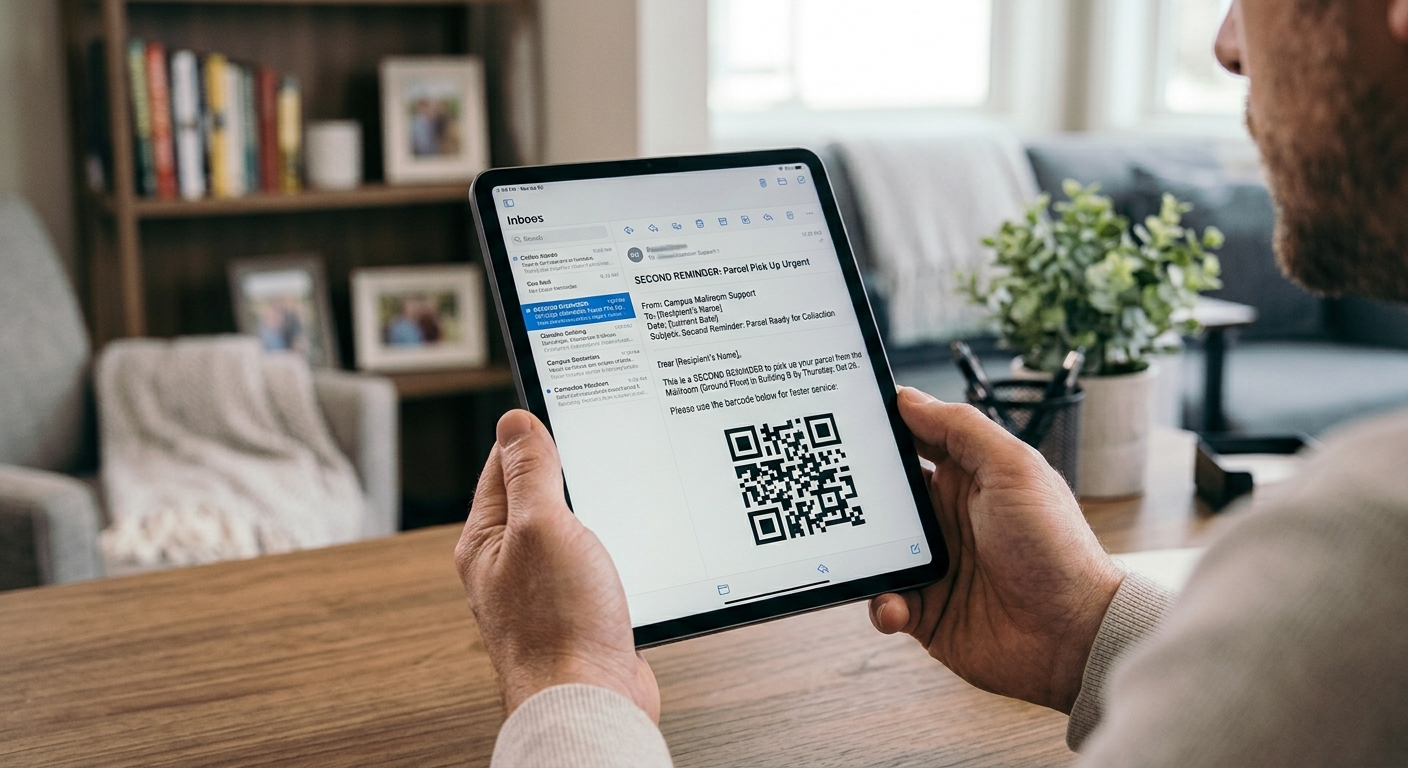
- Collection QR code - Where a QR code is used at pickup, add it to the message so collection takes seconds at the counter.
- Extra instructions - Use a body section for ID requirements and building policies.
Adjusting Reminder Timing for Different Parcels and Recipients
One schedule rarely fits every situation. Perishable and oversized parcels deserve shorter gaps between messages, and so do high-priority deliveries. A time-sensitive document could receive a reminder on the same day it arrives.
Recipient type shapes the schedule too. Residents and students often collect in the evenings and at weekends, so a weekend-friendly final notice works well for them. Office staff usually collect during the working week, which suits shorter intervals. Peak seasons such as the holidays bring heavy volume, making earlier reminders worthwhile before the shelves fill. For recipients who regularly leave parcels uncollected, a personal follow-up from a staff member after the automated sequence ends adds a human touch.
Choosing Channels and Tone So Reminders Get Read
Email works well for the arrival alert, though crowded inboxes can bury it. Offering SMS, WhatsApp, Slack, or Microsoft Teams reaches recipients where they already pay attention. Keep the first reminder light and friendly, and later ones should include the deadline and the outcome if the parcel isn't collected. Adding your logo and brand colors helps recipients recognize each message as a genuine communication from your building or organization.
Cap the number of reminders, since a long run of messages encourages people to ignore them. Three reminders after the arrival alert cover most holding periods.
Automating Repeat Notifications in Mailroom Management Software
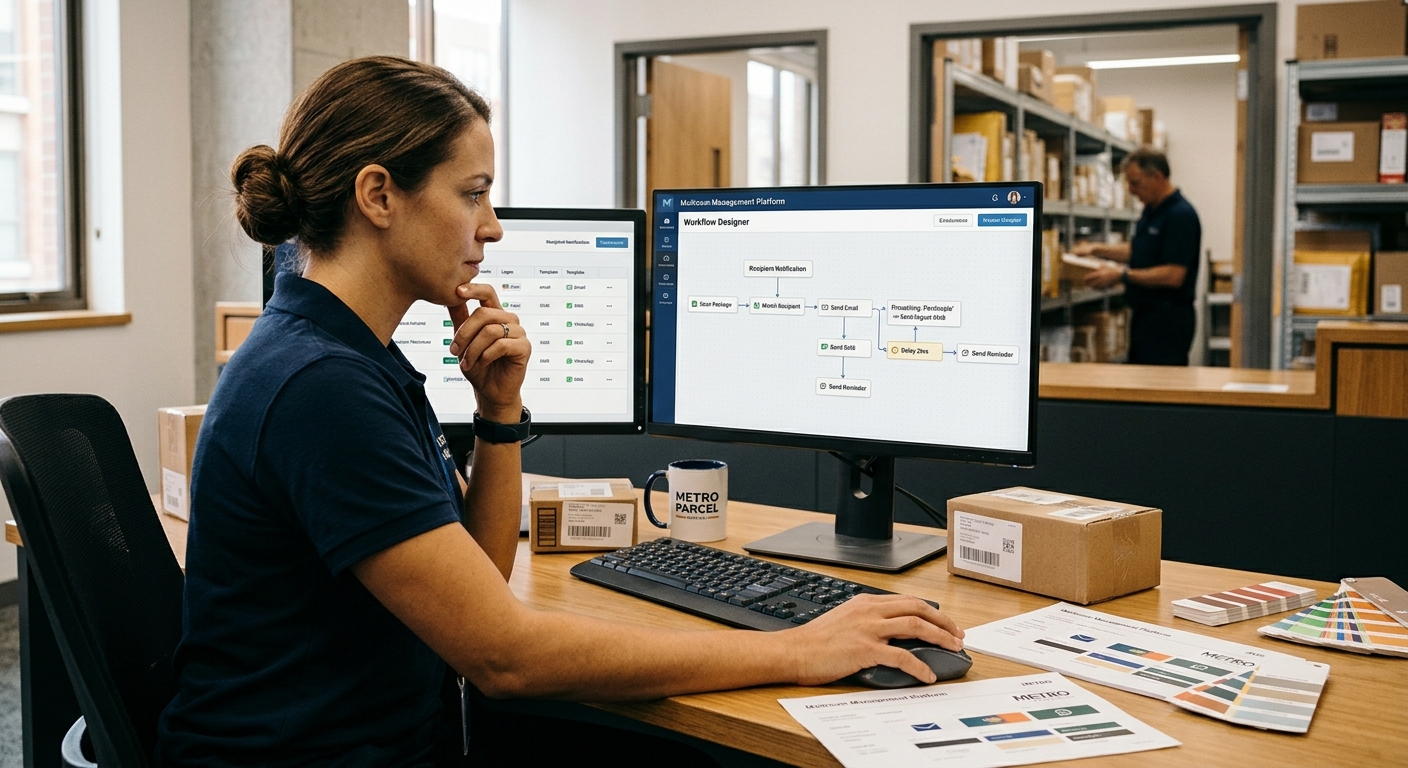
Manual reminders consume staff time, so many teams rely on mailroom management software to send the whole sequence automatically. In Parcel Tracker, Owner and Admin users configure reminders in the notification template settings, where these options apply:
- Reminders delay in hours - Sets the gap between each alert, for example, 48 hours between reminders.
- Maximum number of reminders - Caps the total sent so recipients are never overloaded.
- Editable template text - Customize the subject, heading, intro text, and body, with variables for details such as the recipient's name and the number of parcels.
- QR code option - Adds the collection QR code to the notification.
- Multiple channels - Email, SMS, Slack, WhatsApp, and Teams are available, alongside custom logos and colors.
- Workflow-based rules - Different notification rules can apply by recipient type or parcel category, such as perishable or oversized items.
A Reminder Routine Recipients Respond To

A clear sequence of arrival alert, a few reminders, and a final notice gives recipients enough chances to collect their parcels without feeling overwhelmed. Set the schedule once and end messages at pickup to keep communication helpful and the mailroom tidy.
Ready to automate notifications? Start with Parcel Tracker's free version that covers 100 parcels per month. Sign up for a free trial today and let repeat notifications run on their own.
Expert FAQ
How often should a mailroom send repeat parcel notifications?
Send reminders every 24 to 48 hours, up to three, with a final notice before the pickup deadline.
What should a repeat parcel notification include?
Recipient name, parcel count, pickup location and hours, and a clear deadline for collection.
Why do recipients miss parcel notifications?
Messages get buried in busy inboxes or arrive at inconvenient times, and lack a clear deadline.
Why should reminders stop after pickup?
Messages about collected parcels cause confusion and teach recipients to ignore future alerts.
How many reminders are too many?
More than three reminders per parcel risks message fatigue; a personal follow-up works better afterward.