.svg)
How to Conduct a Parcel Volume Analysis to Justify Staffing and Budget?


With global parcel volumes projected to exceed 30 billion by 2030 in the U.S. alone, this demonstrates the relentless scale of deliveries flowing into organizations worldwide. Therefore, there is no room for guesswork to ensure an optimized mailroom.
A robust parcel volume analysis is essential to avoid budget leaks, internal delays, and staff burnout. This analysis is the systematic, data-driven process of tracking and categorizing all inbound and outbound items over a set period. Its goal is to translate raw data into actionable insights, providing the quantifiable proof needed to justify essential resource allocations, including staffing, new technology, or budget requests.

The 5-Step Parcel Volume Analysis Framework
Follow this actionable, five-step framework to conduct a successful mailroom audit and generate a data-driven justification report.
Step 1: Define Scope and Metrics
A simple item count is insufficient. You must define categories that reflect the proper level of effort required by your team.
- Categorization by Effort: Delineate items based on the time and risk involved in processing:
- High Effort: Tracked Parcels (requiring signature/scan validation), Oversize/Heavy items, Controlled/Internal Transfers.
- Low Effort: Standard Flats/Letters, Interoffice Mail.
- Timeframe: Select a representative period, ideally a full 30, 60, or 90 days. Ensure the period captures both regular activity and predictable peaks (e.g., seasonal influxes, corporate gifting, or new equipment shipments) to build a robust case.
Step 2: Establish the Tracking Method
The reliability of your data hinges on the consistency of your tracking method.
- Manual Tracking (Caution): Using manual tallies or log sheets is prone to human error and difficult to scale, making the resulting data unreliable for a formal budget request.
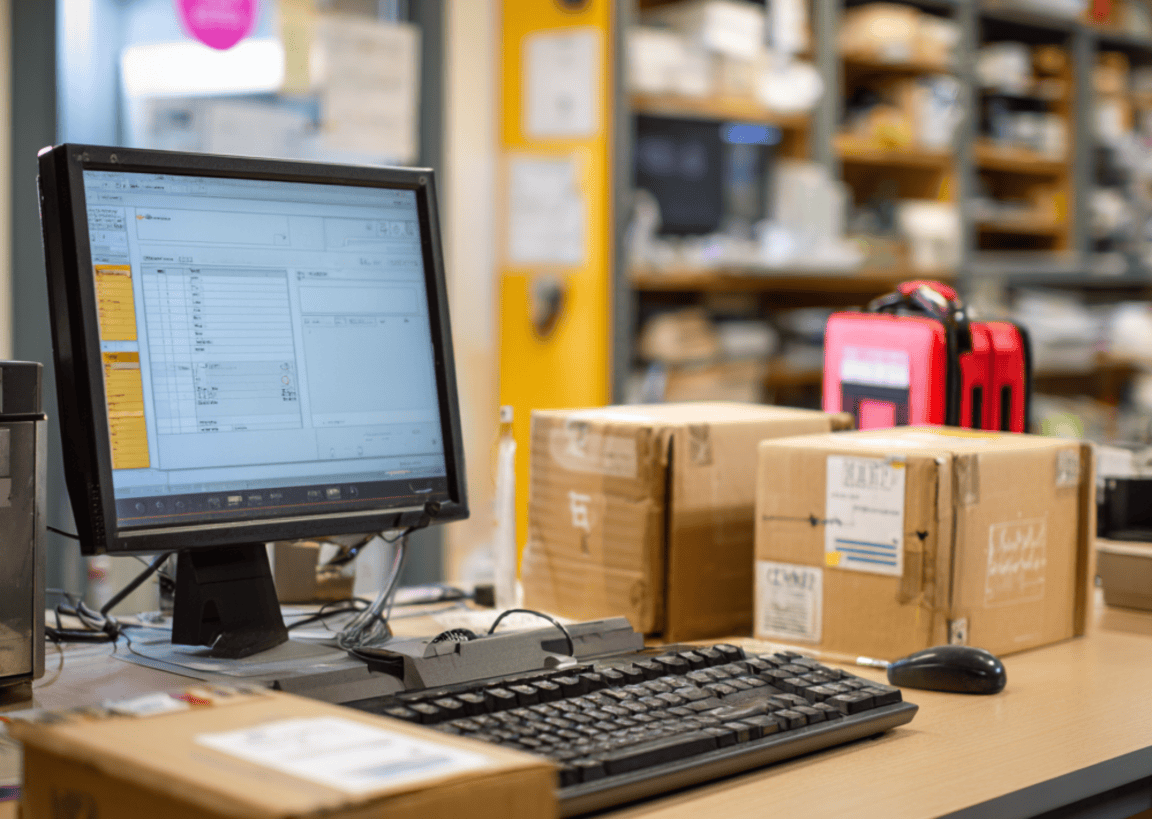
- Digital Tracking (Recommended): Modern mailrooms use dedicated mailroom or parcel management software combined with scanners. This method ensures every single item is logged upon receipt/dispatch, establishing a secure chain of custody and instant digital records. This digital workflow is what makes your volume data accurate and auditable.
Step 3: Collect and Cross-Reference Data
Volume data must be cross-referenced with labor data to establish a need for resources.
- Volume Log: Record the daily count for each "effort category" defined in Step 1.
- Time/Labor Log: This is your primary tool for budget justification. Track the average time required to process an item in each category. For instance, while a letter may take seconds, a tracked parcel requires check-in, recipient notification, storage, and retrieval, potentially requiring 2–3 minutes of staff time per item.
- Identify Peaks: Document the day of the week and hour of the day with the highest incoming traffic. These surge periods reveal exactly when and why your staff is overwhelmed.
Step 4: Analyze and Interpret the Findings
Use the data to calculate existing performance gaps and future requirements.
- Identify Volume Growth: Compare your current average volume with data from a previous year. For example, if your report shows a 22.6% increase in parcel volume due to e-commerce trends, you have clear evidence of organic growth that warrants resource investment.
- Determine Bottlenecks: Use the Labor Log (Step 3) to calculate the total staff-hours required to process the average daily volume, and compare them with the available staff-hours. If the required time exceeds the available time, this clearly indicates a staffing deficit leading to backlogs.
- Calculate Inefficiency Costs: Assign a value to inefficiency (e.g., staff searching for misplaced packages, or delays in receiving critical documents). This allows you to show the cost of doing nothing.
Step 5: Create a Data-Driven Justification Report
The final report must transition from problem identification to solution-oriented proposals.
- Staffing: Propose specific staffing adjustments based on the peak load calculations ("We require an additional 4 hours of staffing between 10 AM and 2 PM to eliminate the daily processing backlog").
- Equipment: Justify capital expenditure based on documented efficiency gains. Automated solutions can reduce processing times up to 90% and lower labor costs, demonstrating a clear ROI for adopting smart lockers or advanced scanning technology.
- Budget: Tie all findings back to a quantifiable return on investment. Use your data to prove that the proposed expenditure will prevent lost items, eliminate backlog delays, and free up staff for higher-value work.
Accurate Analysis for Mailroom Success
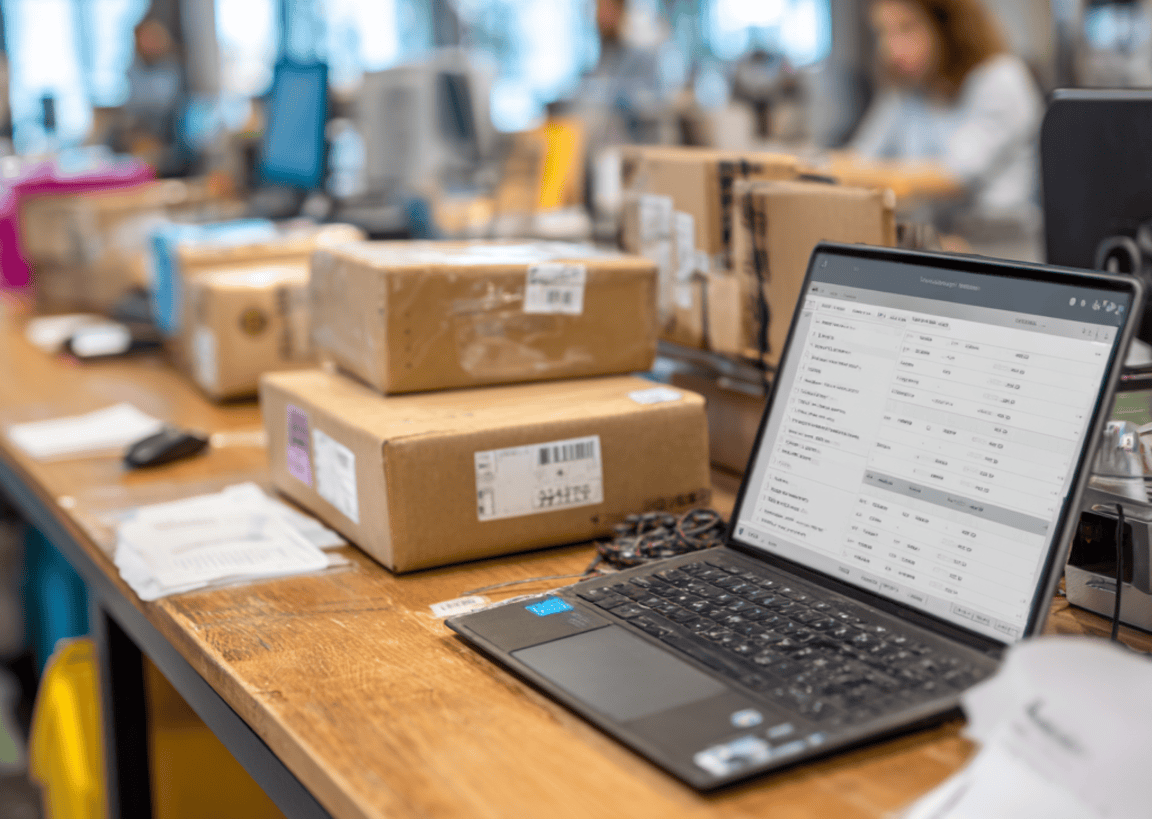
A comprehensive parcel volume analysis is a step towards optimizing mailroom operations. It also leverages data effectively to scale the mailroom. When you quantify your mailroom management workflow, you build a solid case for the resources you need.
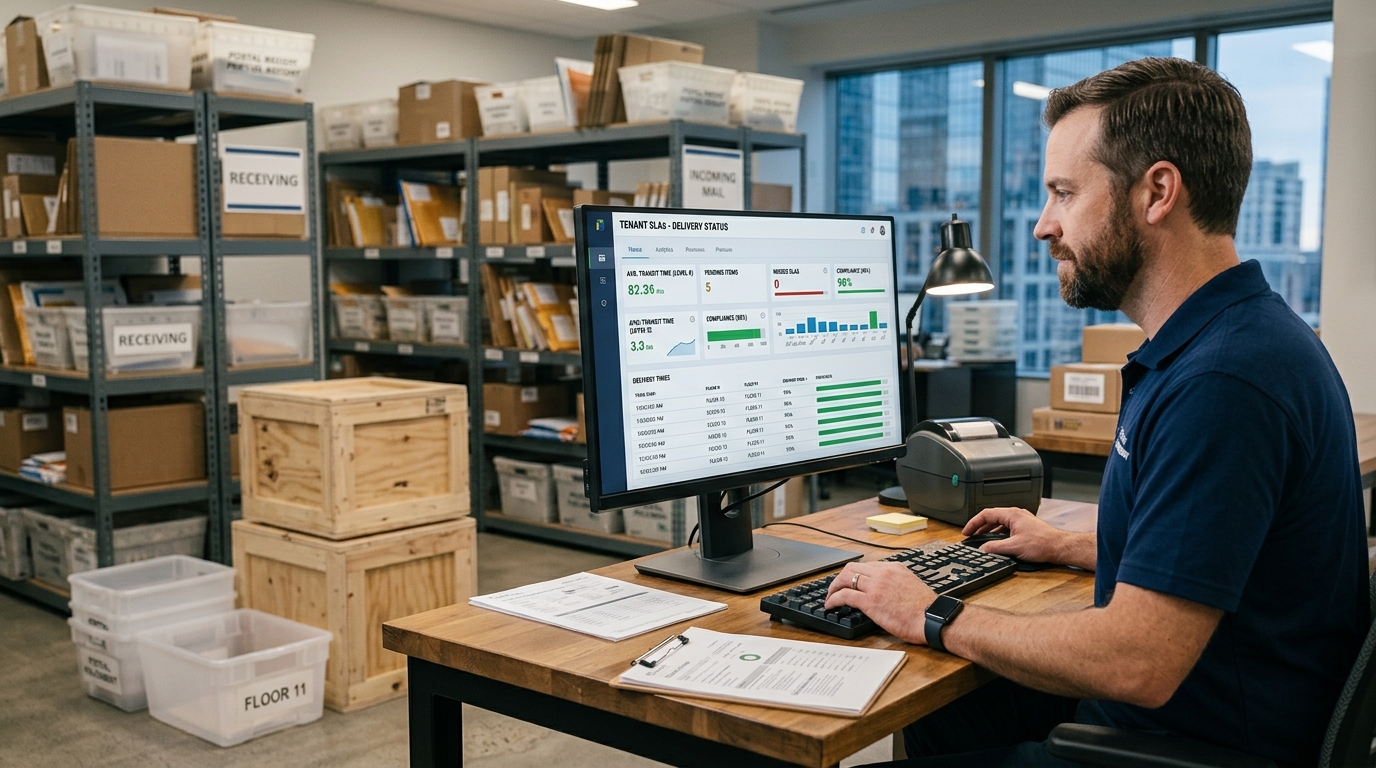
Modern parcel management software streamlines this entire analysis process, automating tracking and reporting to ensure perfect accuracy and instant data access, allowing managers to focus purely on high-level analysis and justification.
Automate your parcel management and build your case for budget approval today with Parcel Tracker.


.svg)