.svg)
How to Scan Incoming Packages and Documents for Remote Teams


Modern mailroom management for remote teams is an integrated digital process that converts physical inbound logistics into searchable data. Using a package tracking system, mailroom managers can capture a digital chain of custody, providing remote employees with instant visibility and digitized access to physical assets through automated recipient notifications.
This digital transformation has become essential as the global shift to hybrid and remote work fundamentally transforms the corporate environment. The traditional mailroom has evolved from a mere storage closet into a critical data hub.
The pandemic acted as a massive catalyst for this evolution. It forced a move away from manual logbooks and physical hand-offs. As of early 2026, nearly 80% of employees whose jobs can be done remotely are working in a hybrid or fully remote capacity. This shift demands a more agile approach to handling physical correspondence and parcels.
Without a physical presence, employees need a digital twin of their mail to stay productive. Modern expectations have evolved significantly. Remote teams now demand the same speed and transparency they get from consumer e-commerce experiences. Effective scanning bridges the gap between the physical office and the digital workspace.
Reducing Dwell Time with Digital Inbound Logistics
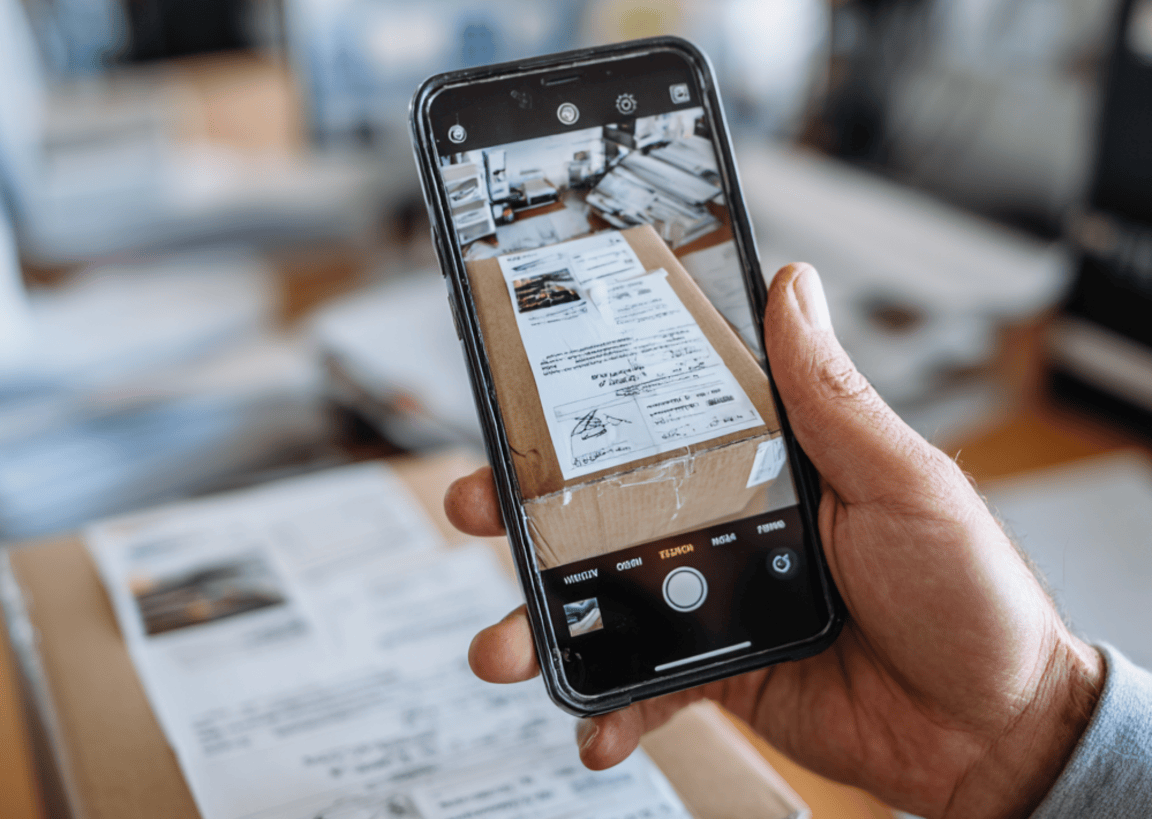
A common misconception is that remote work inherently slows down delivery. However, with a robust package-tracking system, dwell time need not increase. Digital scanning ensures a package is "received" by the employee the second it hits the loading dock. This prevents items from sitting for days while waiting for someone to check a physical desk.
Transitioning from manual logging to a digital system can reduce logging time by over 75%. Reliable automated recipient notifications enable employees to make instant decisions. They can choose to forward, scan, or hold an item immediately. This keeps the mailroom floor clear and maintains high operational velocity.
Enhancing Mailroom Security and Digital Chain of Custody
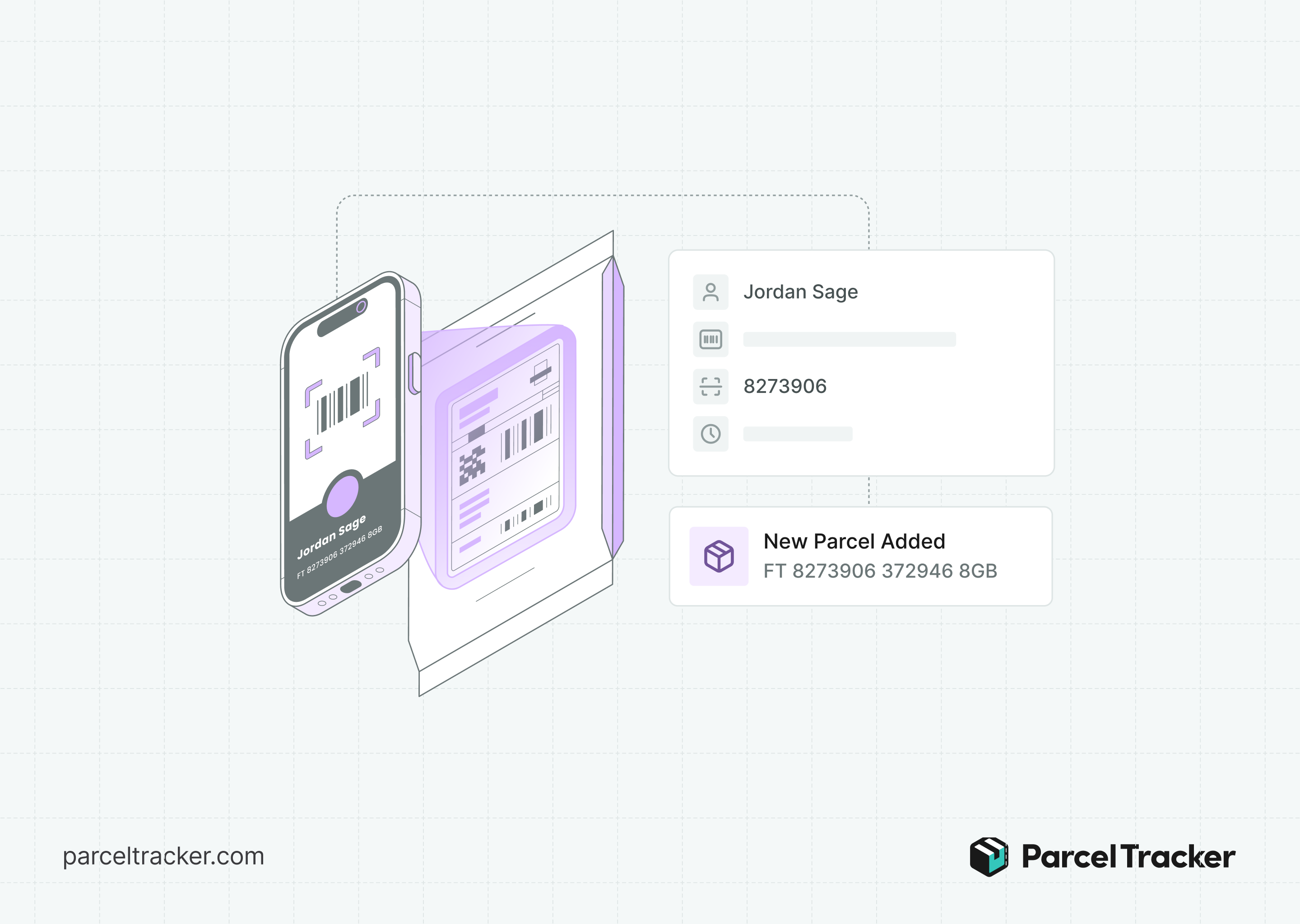
Transitioning to a remote setup often raises concerns about data privacy and physical theft. Digitizing the mailroom improves security compared to traditional paper-and-pencil methods. Technology ensures only authorized personnel can scan and log items. This creates a timestamped user trail for every piece of mail.
Mismanagement is expensive for any modern business. Replaced, damaged, or lost items cost businesses an average of $10 to $20 in operational expenses per incident. Top-tier software ensures scanned documents are encrypted and sent via secure cloud links. A digital chain of custody means every item is accounted for at every touchpoint. This virtually eliminates the "lost" packages that often plague unmanaged mailrooms.
Establishing a Digital Chain of Custody
To manage inbound logistics effectively, every item must be accounted for from the moment it hits the dock to its final destination.
- The Initial Scan: Using AI-powered OCR to capture labels instantly, which significantly reduces human error.
- High-Volume Sorting: Strategies for organizing large batches of mail by department or urgency to prevent bottlenecks during peak hours.
- The Digital Audit Trail: Software connects a physical barcode to a specific remote user profile. This provides a permanent, searchable record for compliance and internal security.
- Clear Communication: Effective communication is essential for maintaining visibility throughout the process. When teams can quickly share updates, clarify responsibilities, and flag exceptions, fewer items are misplaced or delayed. Even seemingly small communication tools can help create a more focused environment. For example, noise cancelling technology can reduce distractions in busy mailrooms and help staff communicate clearly when coordinating high-volume workflows.
Automated Recipient Notification and Proof of Delivery
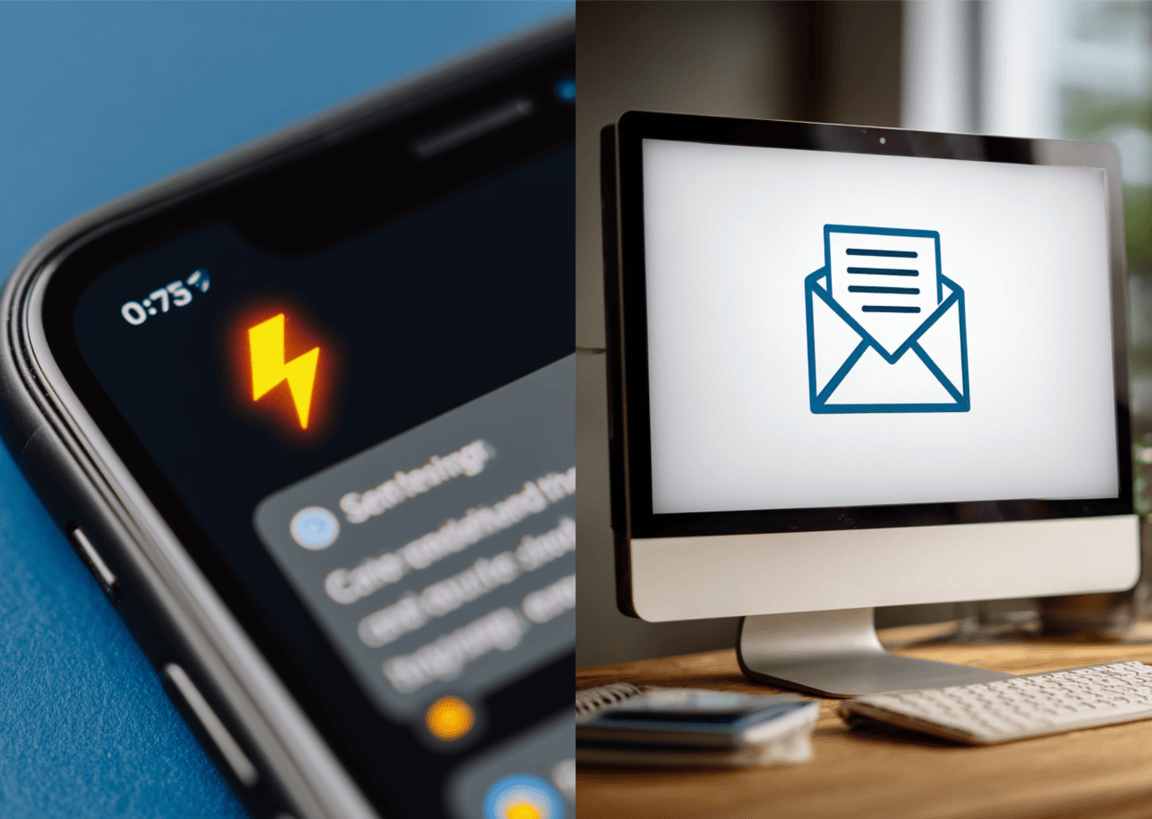
The process is not complete until the recipient has received the item, whether in physical or digital form.
- Forwarding Logistics: Managing the secondary shipment to an employee’s home address or a local pickup hub with tracked precision.
- Secure Access: Using QR codes or digital keys to provide proof of delivery without requiring face-to-face contact.
- Compliance: Digital logs provide the necessary data for insurance and internal security audits, including GDPR and HIPAA. This ensures that even sensitive documents are handled in accordance with legal frameworks.
Efficiency in the Hybrid Era

Adopting a digital-first approach to parcels and mail is essential for a modern distributed workforce. By automating your inbound logistics, you ensure that dwell time remains low and security remains high. Your team remains fast and productive. The right tools ensure that even if the desk is empty, the delivery is successful and secure.
Stop letting parcels and mail pile up in an empty office. Streamline your chain of custody, reduce dwell time, and automate your notifications with Parcel Tracker. This is the smartest way to bridge the gap for your remote team.
FAQ: Scanning and Managing Remote Mail
How do you scan a package for a remote employee?
Use a smartphone or tablet equipped with a package tracking system. Scan the carrier barcode to extract recipient data via OCR. The system then sends an automated recipient notification to the employee.
Does remote work increase mailroom dwell time?
No, dwell time typically decreases with the right software. Digital alerts provide instant visibility to remote staff. This allows them to request immediate forwarding or scanning.
Is scanning documents for remote teams secure?
Yes, digital mailrooms use end-to-end encryption for scanned files. This is much safer than leaving physical mail on an empty desk. Access is restricted to authorized personnel through a digital chain of custody.
What is proof of delivery in a digital mailroom?
It is a verifiable digital record showing when an item was received and collected. This often includes a timestamp, a photo of the parcel, or a unique QR code scan. It replaces traditional physical signatures for better accuracy.



.svg)