
.svg)
How to Scan Incoming Packages Effectively in a Modern Mailroom?

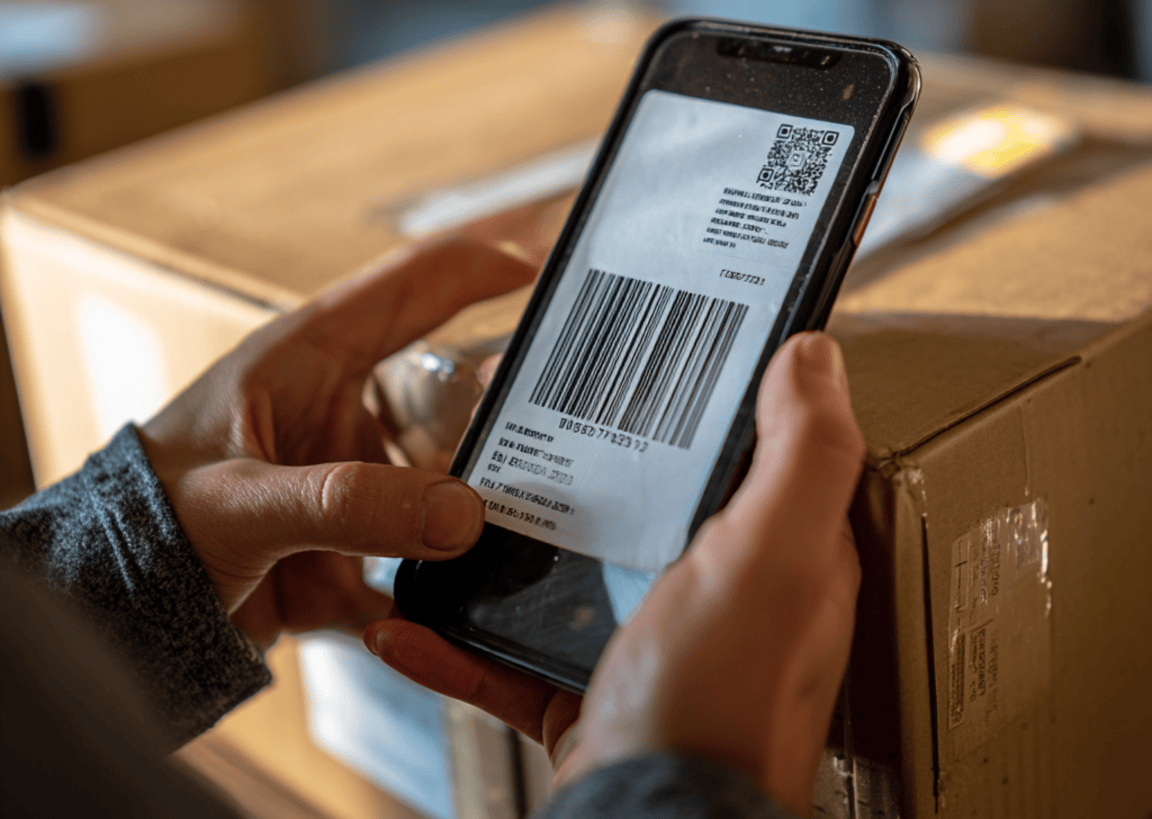
Scanning incoming packages is the digital process of capturing parcel data, such as tracking numbers, carrier origins, and recipient identities. This process uses OCR software or hardware. It is the foundation of modern mailroom management, ensuring an unbreakable chain of custody, 100% data accuracy, and the immediate automation of recipient arrival notifications.
Digital Transformation of Inbound Logistics
The role of the mailroom has shifted from a back-office storage area to a high-velocity data hub. As the world moves toward 100% digital visibility, the inbound logistics or the parcel’s journey between the mailroom and the final recipient remains the one of most complex segments of the delivery process.
The pressure to modernize is driven by staggering demand. McKinsey reports that the global parcel delivery market is expected to reach a massive 200 billion parcels annually by 2030. This surge means that mailrooms still relying on paper logs or manual spreadsheets are facing an inevitable breaking point. By digitizing the intake process, modern mailrooms can reduce the average loss rate for a more streamlined and secured mailroom management.
Step-by-Step Workflow: Scanning Incoming Parcels for Maximum Efficiency
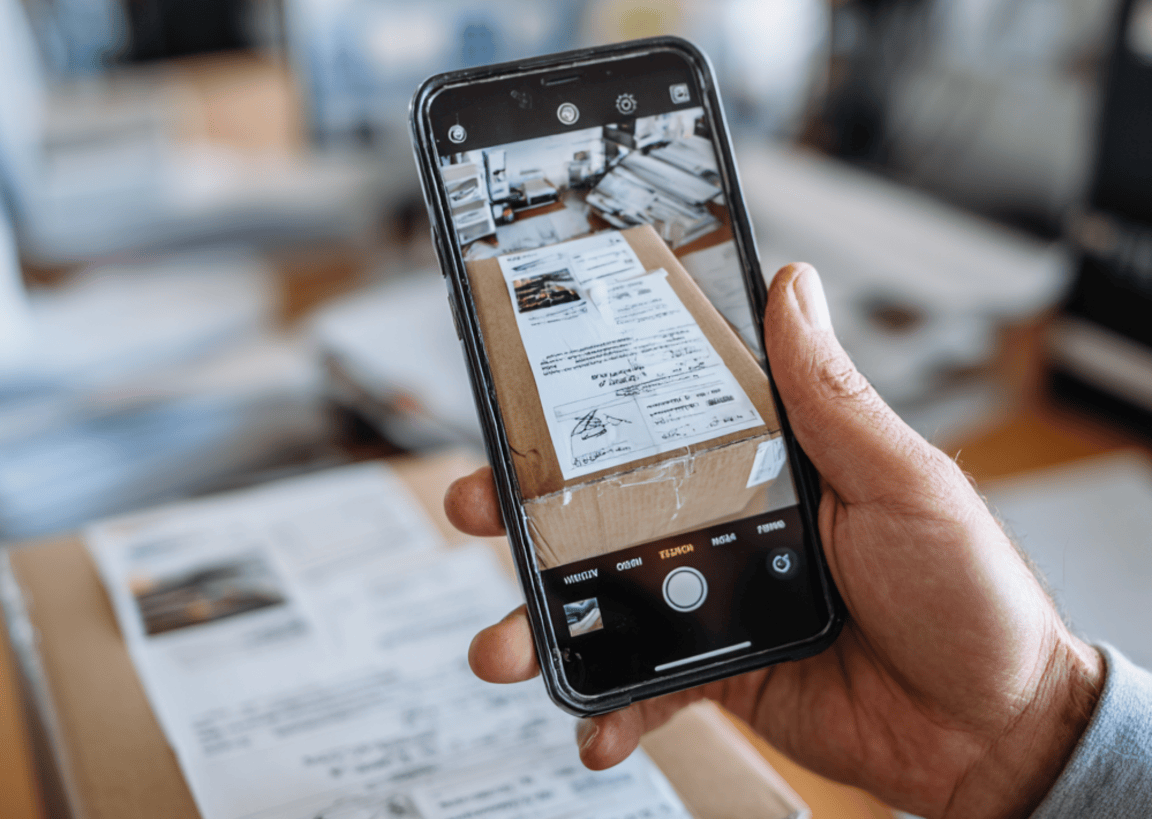
To achieve peak performance, mailroom managers must move away from ad-hoc receiving. Following a standardized, logical sequence ensures that no parcel is left unaccounted for and that staff labor is used effectively.
- Stage by Carrier: Group arrivals by carrier (such as FedEx, UPS, DHL, or other carriers). This allows your scanning software to anticipate specific label geometries, increasing the speed of recognition.
- Initialize the Scan: Open your mailroom app and align the primary carrier barcode within the viewfinder.
- Execute OCR Capture: High-performance software uses Optical Character Recognition (OCR) to automatically extract the recipient's name and tracking number. Modern systems should complete this capture in just a few seconds.
- Capture Condition Metadata: Use the device camera to take a high-resolution photo of any visible box damage. This creates an immediate record of condition, protecting the mailroom from liability for damages incurred during transit.
- Assign Storage Logic: Designate a physical shelf, bin, or smart locker location within the app. Digitizing the location ensures that any staff member can find the parcel instantly during the pickup phase.
- Trigger Instant Notification: Finalize the scan to send an automated alert via the recipient’s preferred channel, be it SMS, Email, or integrated workplace apps like Slack or Microsoft Teams.
Smartphones vs. Dedicated Scanners
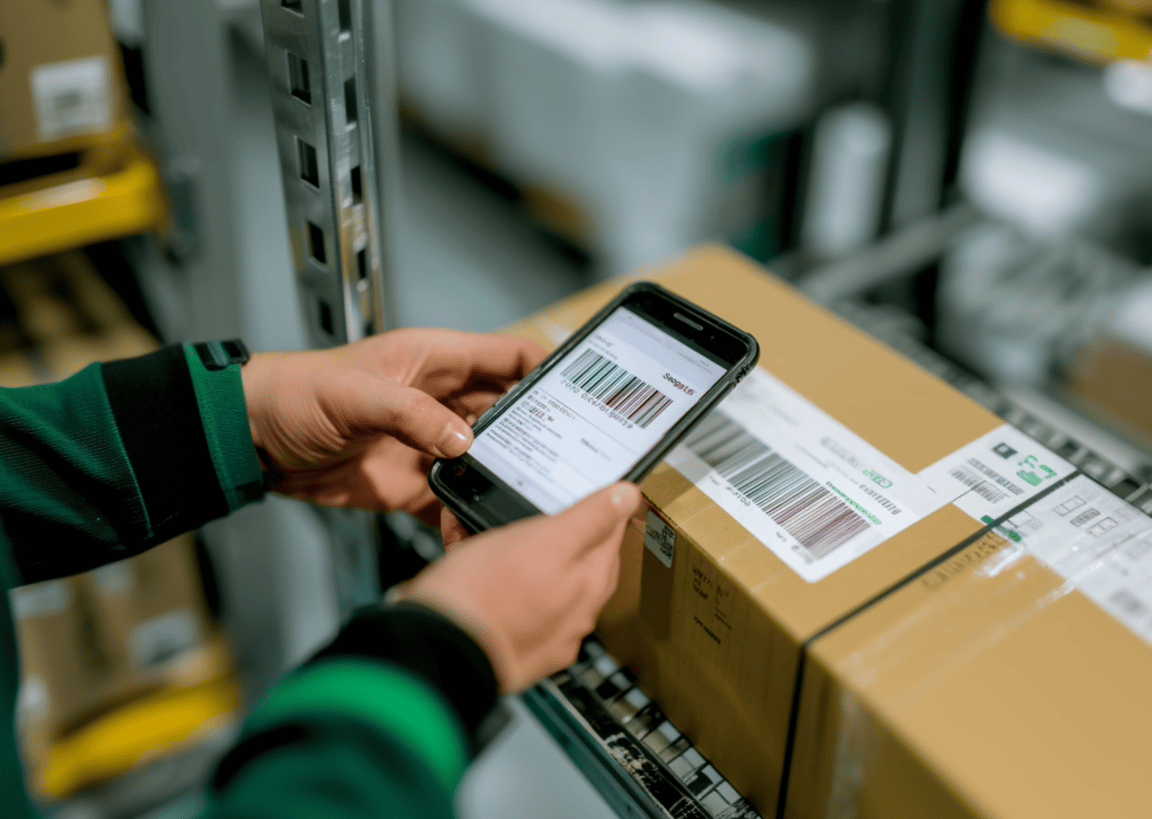
The barrier to entry for high-tech scanning has never been lower. Managers generally choose between two hardware paths. Modern mailroom apps allow staff to use smartphones or tablets. This turns every employee's device into a powerful scanner, allowing for "roaming" intake and reducing the need for expensive, stationary hardware.

In environments with extremely high volume or harsh loading dock conditions, rugged handheld scanners (such as those from Zebra or Honeywell) remain the gold standard for ergonomics and battery life.
Regardless of the device, the goal is to keep scanning accurately. Research on data integrity shows that manual data entry carries a high risk of error, averaging 1 error per 300 characters entered. In contrast, switching from manual entry to barcode scanning has been shown to result in a 99.9% accuracy rate, virtually eliminating the risk of human transcription mistakes and ensuring that recipient data is captured correctly the first time.
Overcoming High-Volume Bottlenecks
Mailroom operations are defined by peaks. Managing these spikes determines the facility's overall success.
- The Monday Morning Surge: Many facilities experience about 15% spike in volume on Mondays due to weekend e-commerce activity. Effective scanning allows a single clerk to process these items in a fraction of the time a manual team would require, clearing the weekend backlog before the noon delivery window.
- Exception Handling: If a label is torn or a recipient is not in the database, the system should allow a "Quick-Add" or an "Exception Flag," ensuring the flow of other packages isn't stalled by a single problematic item.
- Batch Processing: Rapid-fire scanning modes enable staff to clear a loading dock in record time, moving items from the floor to secure storage as quickly as possible.
Mailroom Accountability and The Chain of Custody
A digital log is a legal record. By scanning incoming packages, you define the exact second when liability shifts from the external carrier to the internal mailroom staff.
Digital signatures and QR-code-based proof of pickup have entirely replaced the messy, unsearchable paper clipboard. These digital trails are invaluable during internal investigations or insurance claims. In fact, organizations that implement digital parcel tracking systems report up to an 80% reduction in package processing and audit time. This efficiency gain allows managers to resolve disputes in minutes rather than hours, effectively eliminating the need for manual, paper-heavy investigations.
Effective Scanning of Incoming Packages
As we look toward the 2030 milestone of 200 billion annual parcels, the "wait and see" approach to mailroom automation has expired. Efficiency is now the baseline for workplace and resident satisfaction. If your staff is still tethered to manual logs, they are being overwhelmed by a volume of mail that will only continue to grow.
Optimizing your workflow doesn't require a total infrastructure overhaul. To see these workflows in action and eliminate the friction of manual intake, consider implementing a dedicated mailroom management software like Parcel Tracker, which turns any smartphone into a high-powered inbound logistics tool.


.svg)

