.svg)
How to Use Handheld Scanners Efficiently?


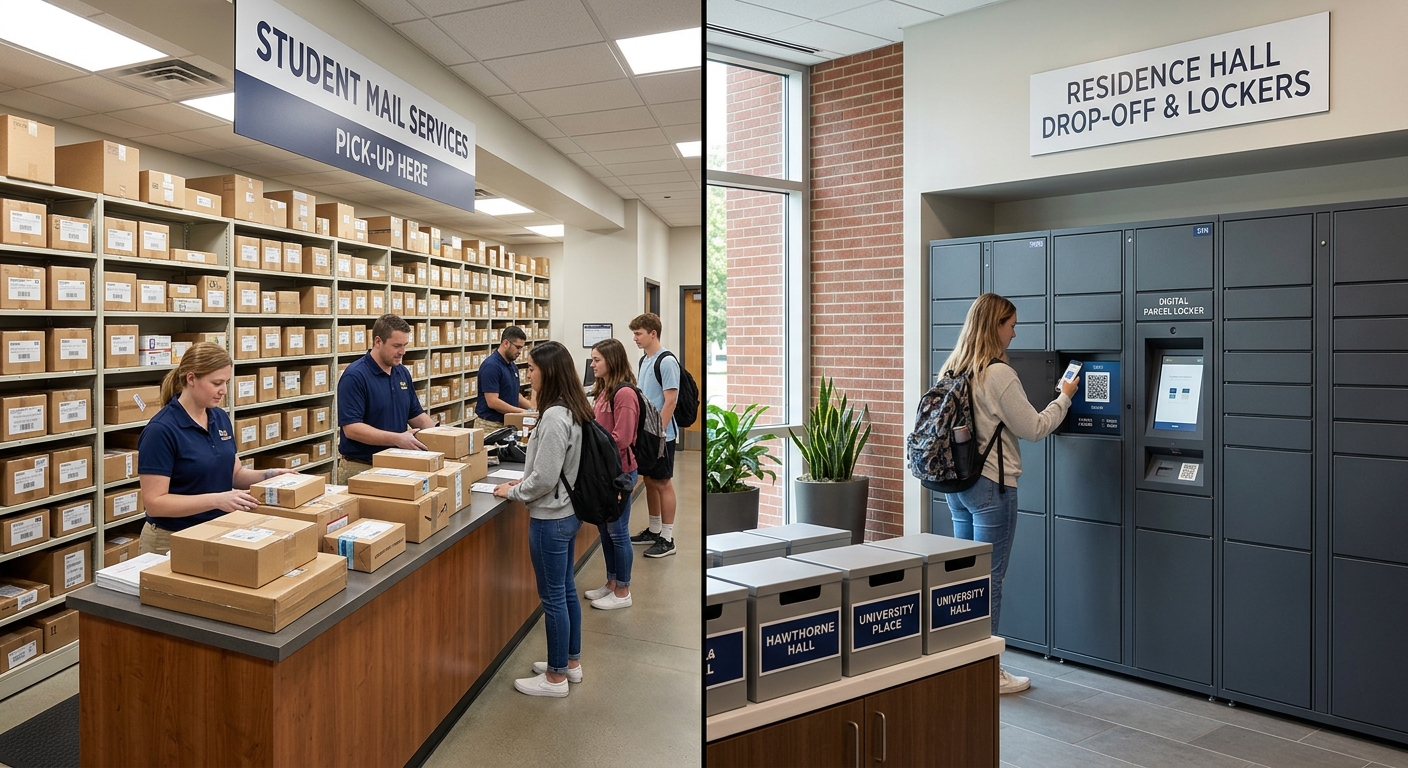
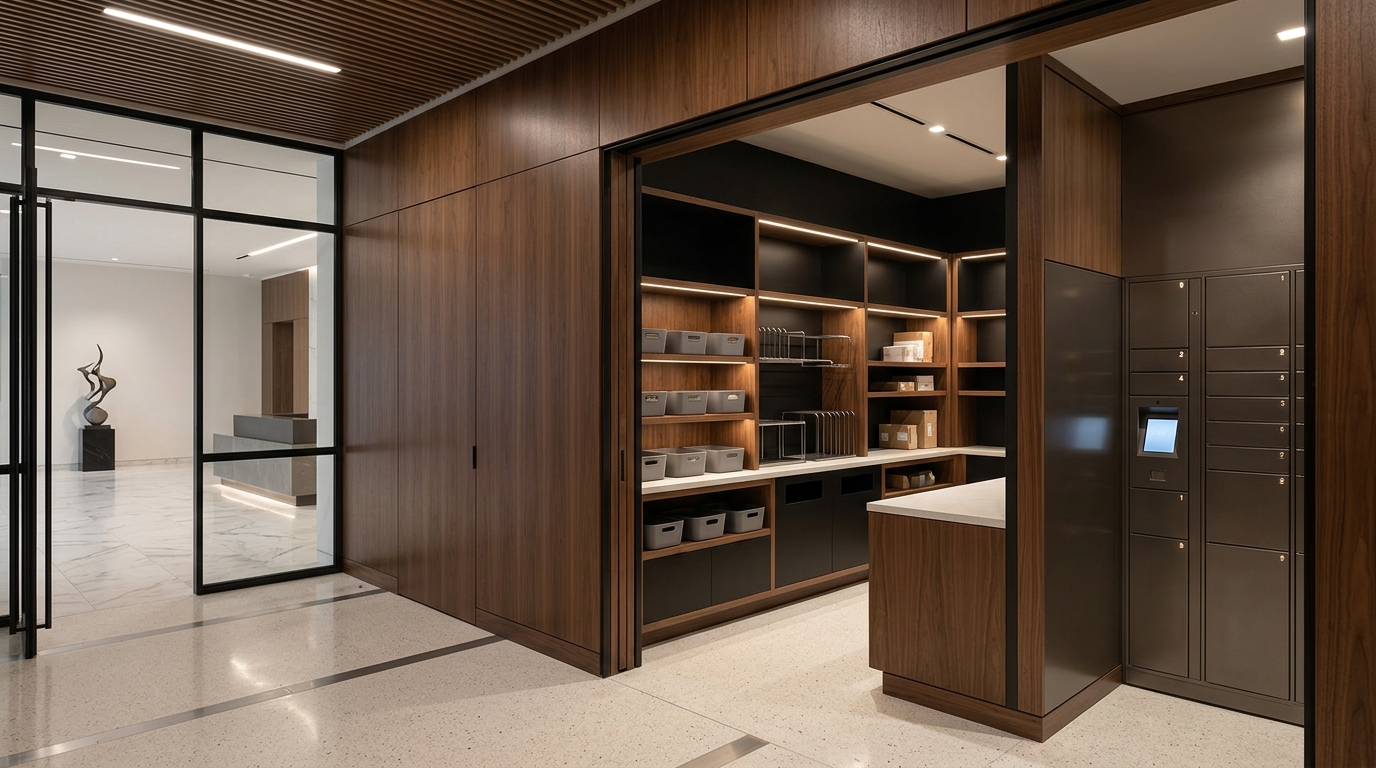
Mailroom management involves the comprehensive set of processes and technologies used to efficiently handle, track, and distribute incoming and outgoing mail and packages within an organization. It is crucial to maintain a seamless chain of custody and ensure timely recipient notification for all deliveries.
High-Speed, Accurate Scanning
The modern mailroom is the heartbeat of inbound logistics, and scanning speed dictates the rhythm. To achieve high-velocity throughput, staff must master the "sweet spot,” the ideal focal distance (typically 4-8 inches) that allows hardware to lock onto a barcode without focus lag.
For high-volume sorting, switching scanners to "continuous mode" or "auto-scan" eliminates the repetitive strain of trigger-pulling. When dealing with reflective poly-mailers or damaged labels, scanning at a 45-degree angle reduces glare, ensuring the delivery tracking software captures data on the first attempt.
Maximizing Hardware Longevity: Battery & Maintenance
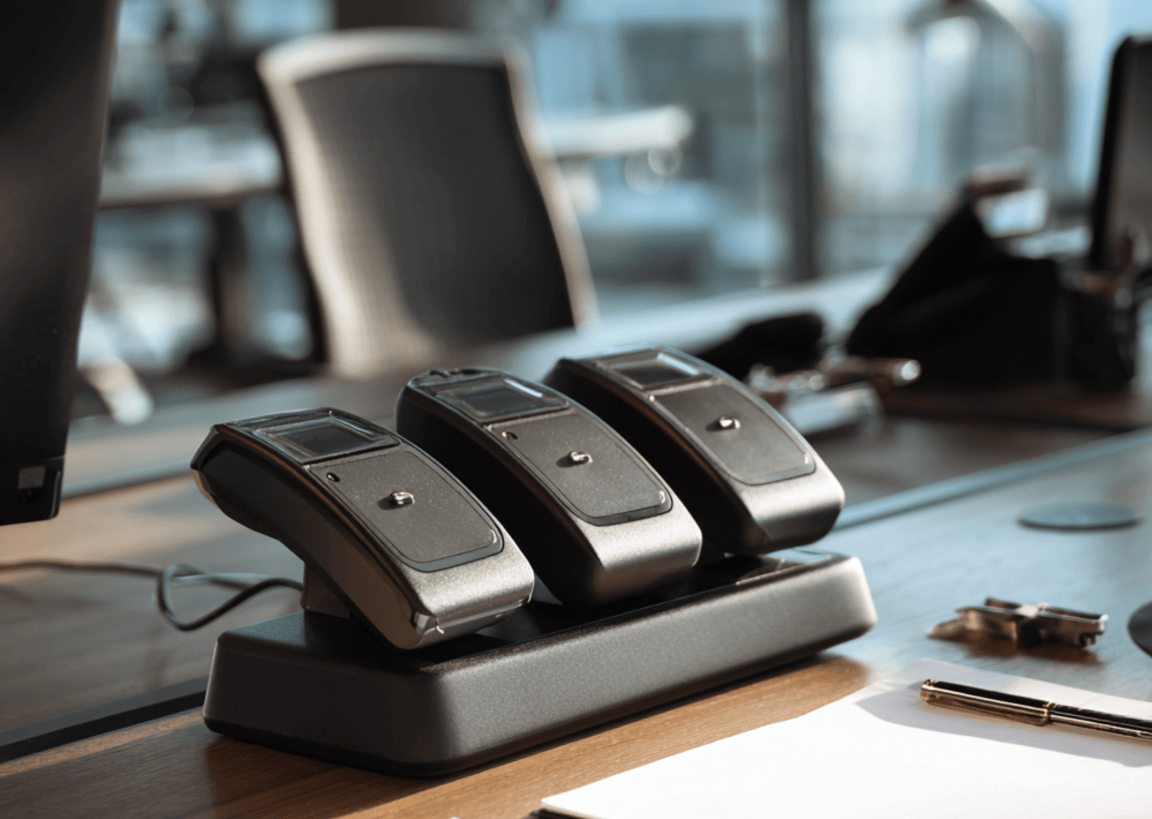
Reliable parcel management depends on hardware that lasts through the final shift. To extend the life of lithium-ion batteries, follow the "Goldilocks" rule: keep charges between 20% and 80%. Deep discharges shorten the lifespan of expensive handhelds.
Establishing standardized docking procedures ensures that devices are ready for peak afternoon delivery windows. Furthermore, maintaining clean optics using a microfiber cloth and isopropyl alcohol prevents "misfires" caused by dust or adhesive residue, keeping your automated mailroom solutions running smoothly.
Software Syncing and Firmware Management

Even the best hardware fails if the software is out of date. To maintain an unbroken chain of custody, schedule firmware updates during off-hours to avoid mid-shift "reboot loops."
Ensure your devices are configured for offline data buffering. This allows staff to continue scanning in Wi-Fi dead zones, with the data auto-syncing to the central hub once the connection is restored. This technical resilience is vital to maintaining accurate proof-of-delivery records.
Do You Actually Need Dedicated Hardware?
While traditional scanners are powerful, they come with high capital expenditure (CapEx) and steep repair costs. The industry is moving toward a more agile model. According to the Pitney Bowes Parcel Shipping Index, global parcel volume reached 161 billion items, and managing this growth requires tools that are easy to scale.

The smartphone revolution has changed the game. Modern delivery tracking software now turns standard mobile cameras into enterprise-grade scanners. By moving away from dedicated handhelds, mailrooms gain:
- BYOD Flexibility: Staff use familiar interfaces, reducing training time.
- Superior Displays: High-definition screens make reading recipient notifications and delivery notes easier than on low-res scanner screens.
- Instant Portability: Your scanner is always in your pocket, not left on a charging dock across the warehouse.
Partnering for a Smarter Mailroom
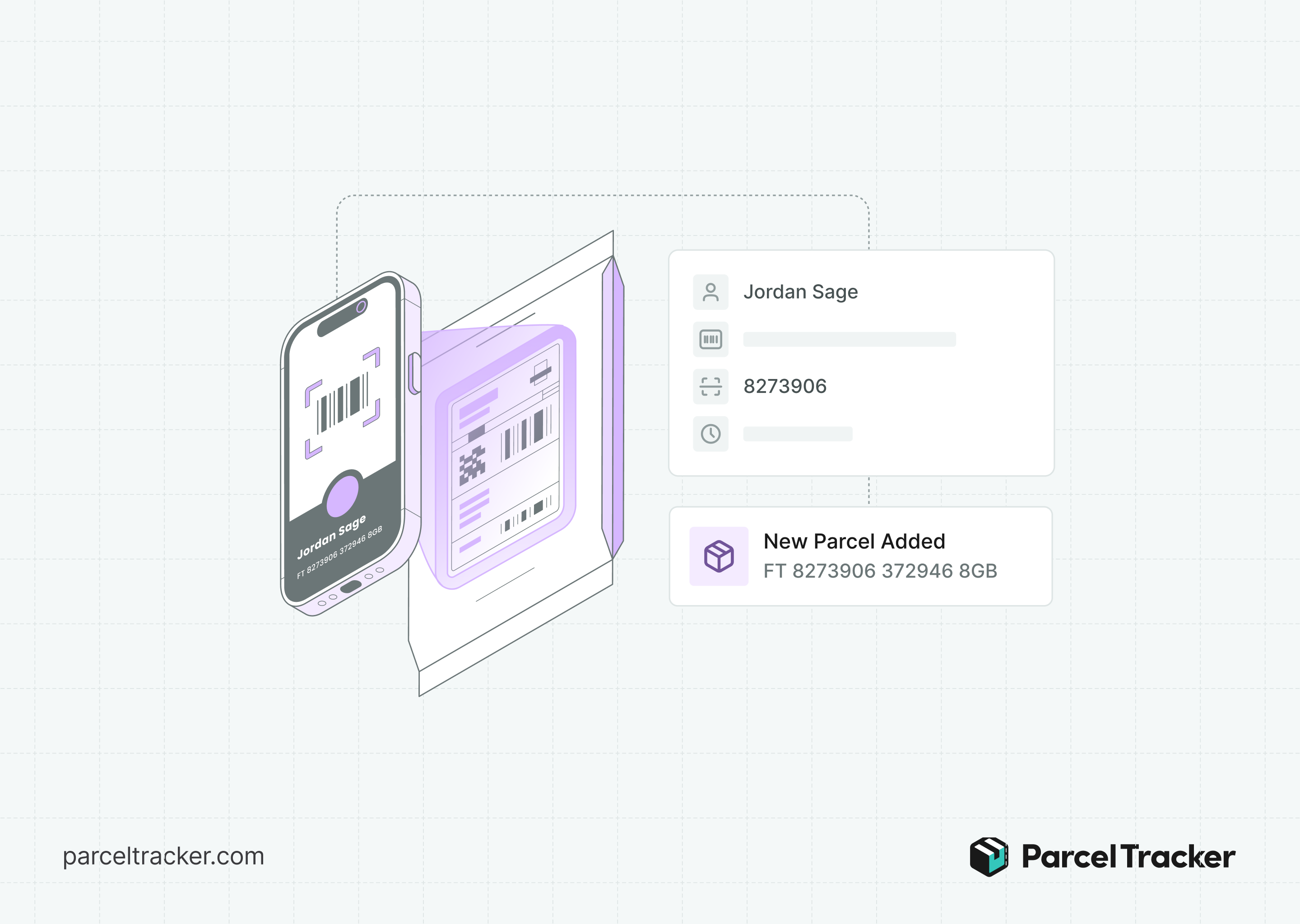
Efficiency is about flow, not just hardware. Whether you use a dedicated scanner or a mobile device, the goal is a seamless transition from inbound logistics to final-mile delivery. As the Courier, Express, and Parcel (CEP) market continues to grow, your mailroom must be ready to scale without being weighed down by clunky, expensive equipment.
Future-proof your operations by adopting modern standard mailroom management protocols. To see how you can eliminate the need for specialized hardware entirely and just use your existing smartphone as scanner, explore modern solutions like Parcel Tracker.


.svg)