
.svg)
Spring Cleaning Your Mailroom: How to Audit and Clear Stale Inventory?

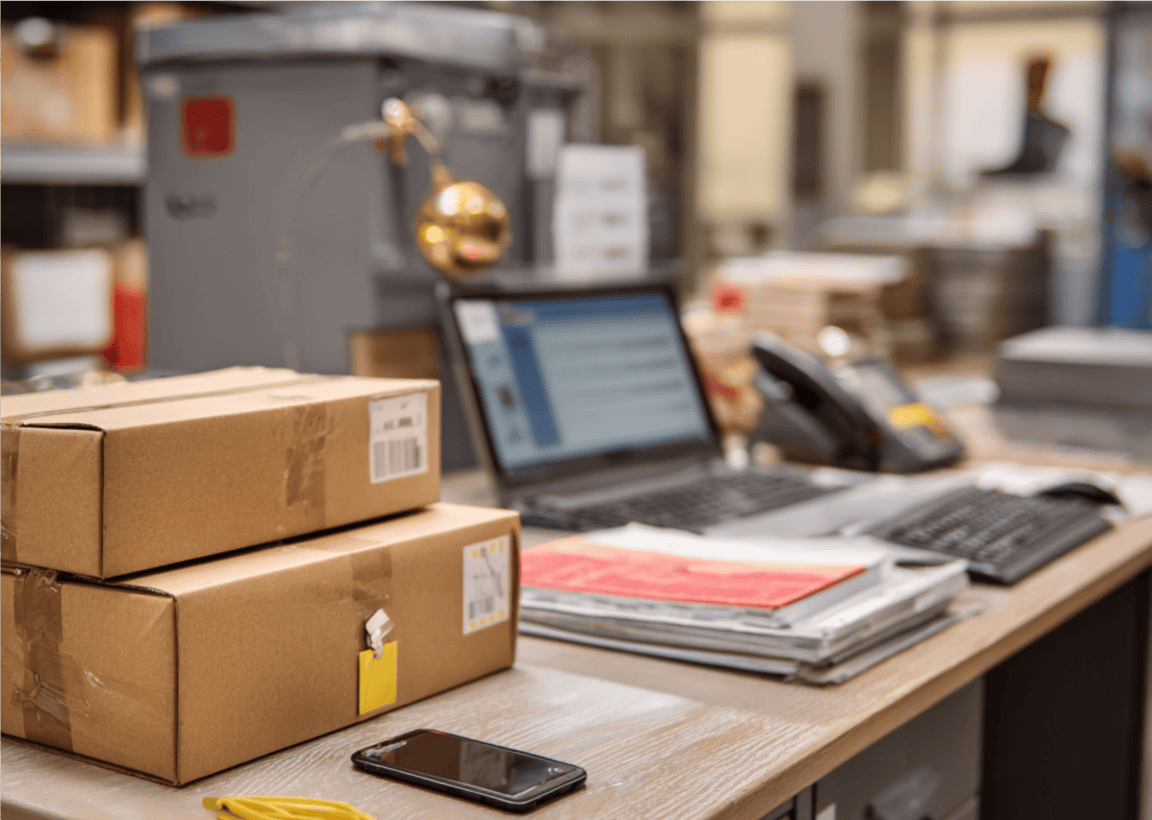
That parcel sitting in the corner since January is taking up valuable space and may also pose a problem as the seasons change. As we transition into warmer months, forgotten care packages and perishable items in residential or university mailrooms can start to smell, leak, or attract unwanted pests.
Spring cleaning your mailroom doesn’t just involve freeing up space. It also includes hygiene, liability, and operational efficiency. Here is how to conduct a comprehensive audit to clear your shelves and optimize your workflow using a modern parcel management system.
Phase 1: Conducting the Digital & Physical Audit

The first step in any cleanup is knowing exactly what you’re dealing with. Getting blind with clutter often sets in when staff see the same packages day after day.
- Database Reconciliation: Use your mailroom management software to filter your current inventory by "Date Received." Any item that has crossed the 30, 60, or 90-day mark should be flagged immediately.
- The Perishable Priority: Physically inspect older boxes. If a package appears to contain food or liquids and has sat for months, it poses a biological risk as temperatures rise.
- The Efficiency Benchmark: By digitizing this process, you can save massive amounts of labor. For example, the Vita Group saw a 75% reduction in time spent managing parcels after moving away from manual, spreadsheet-based tracking.
Phase 2: Solving the Left for the Season Dilemma
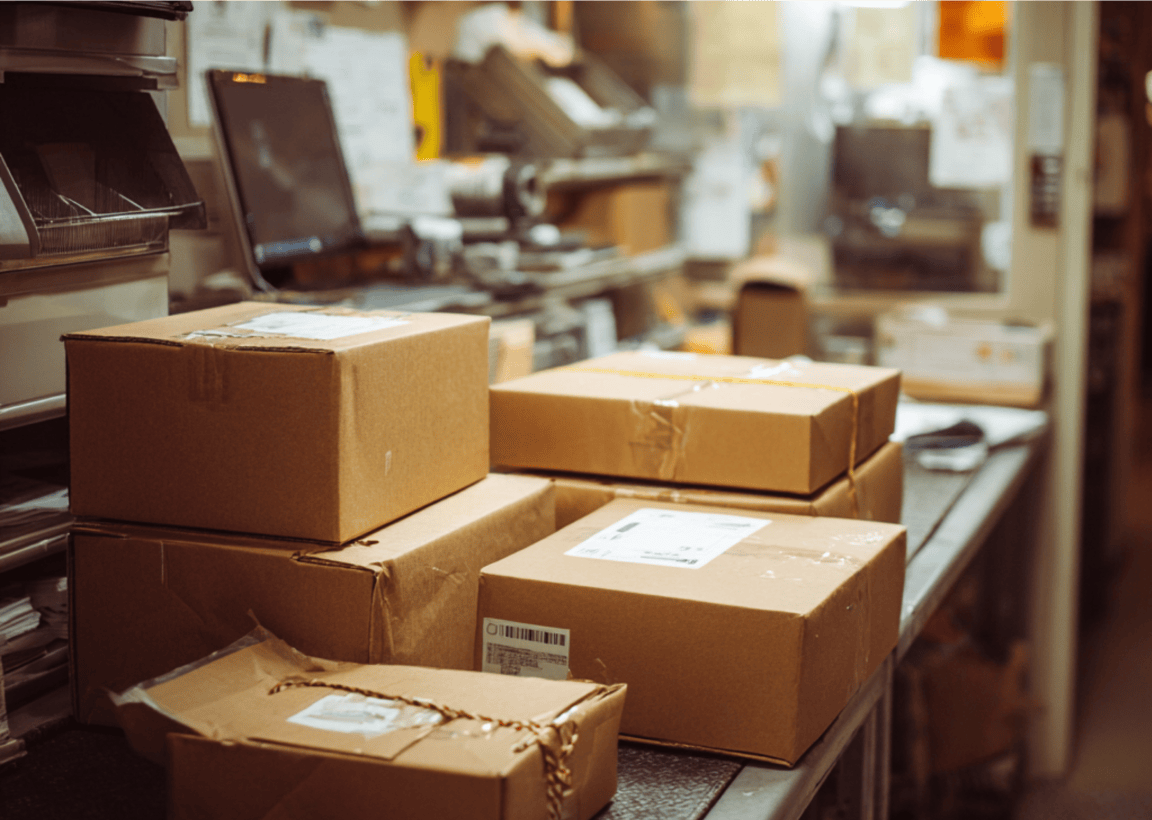
In high-turnover environments like universities or corporate offices, stale inventory often belongs to people who are no longer there.
- The Inactive Recipient Filter: Cross-reference your mailroom list with HR or housing data. If a student has graduated or an employee has left the company, their parcels shouldn't be occupying premium shelf space.
- Automated Forwarding: The best mailroom software allows you to mark these recipients as "Inactive," automatically flagging any new or existing arrivals for forwarding or "Return to Sender" (RTS).
Phase 3: Automation as the Antidote to Clutter
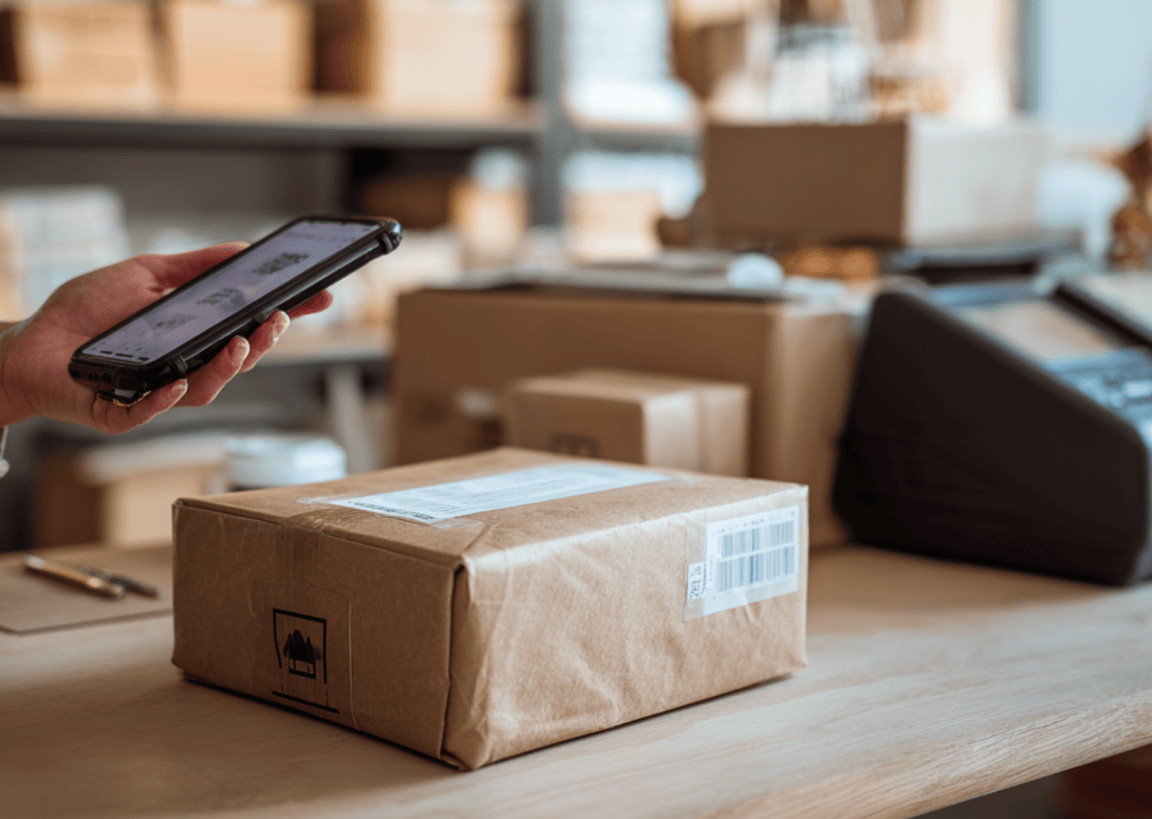
If you are manually emailing people to pick up their mail, you’ve already lost the battle against clutter.
- Multi-Channel Nudging: This is why your mailroom software needs automated parcel notifications. A modern system sends automated SMS and email escalations to forgetful recipients at set intervals.
- The Impact of Speed: When AXO Student Living implemented automated notifications, they saw an 80% reduction in the time it takes for residents to collect parcels. Faster pickups mean clearer shelves and zero backlog.
Selecting the Right Tools for Year-Round Efficiency

To prevent the spring cleaning from becoming an annual problem, you need a parcel tracking software that acts as a proactive partner. Look for these essential features:
- AI-Powered Label Recognition: The best package tracking app should utilize OCR to scan labels in seconds, ensuring that every item is logged accurately the moment it hits the floor.
- Dynamic Inventory Dashboards: Choose a system with color-coded alerts that highlight "Aged" items so you can address them before they become a problem.
- Seamless Integration: Your software should sync with G Suite or Active Directory to keep recipient lists up to date in real time.
- Security & Proof of Delivery: Ensure your delivery tracking software captures digital signatures and photo evidence to maintain a perfect chain of custody.
Reclaiming Your Mailroom Space

A clean mailroom is a fast mailroom. By auditing your stale inventory and implementing automated reminders, you reduce health risks, save labor costs, and provide a better experience for your recipients.
Ready to eliminate unclaimed clutter for good? Experience the power of a modern parcel management system and streamline your workflow with Parcel Tracker.
Expert FAQ
How do I manage unclaimed packages in my mailroom software?
Filter inventory by date and use mailroom software to send automated reminders and flag items for return.
What is the best way to handle stale inventory?
Conduct a digital audit using a parcel management system to identify aged items and initiate forwarding protocols.
Why should I use automated notifications?
They provide an 80% reduction in pickup times by alerting recipients via SMS through delivery tracking software.
What is the best package tracking app for high-volume mailrooms?
Parcel Tracker is a top-tier app that automates logging, notifications, and shelf-space audits for maximum efficiency.
How often should I audit my mailroom inventory?
Perform a monthly digital scan via your parcel tracking software to prevent perishable items from causing hygiene issues.


.svg)

