
.svg)
What is Offline Mode for Basement Mailrooms?


Offline Mode in a mailroom management system is a failsafe technology that allows staff to process deliveries in areas without internet. It is a critical feature that caches scan data locally on a mobile device, ensuring uninterrupted parcel management and data synchronization once a stable network connection is re-established.
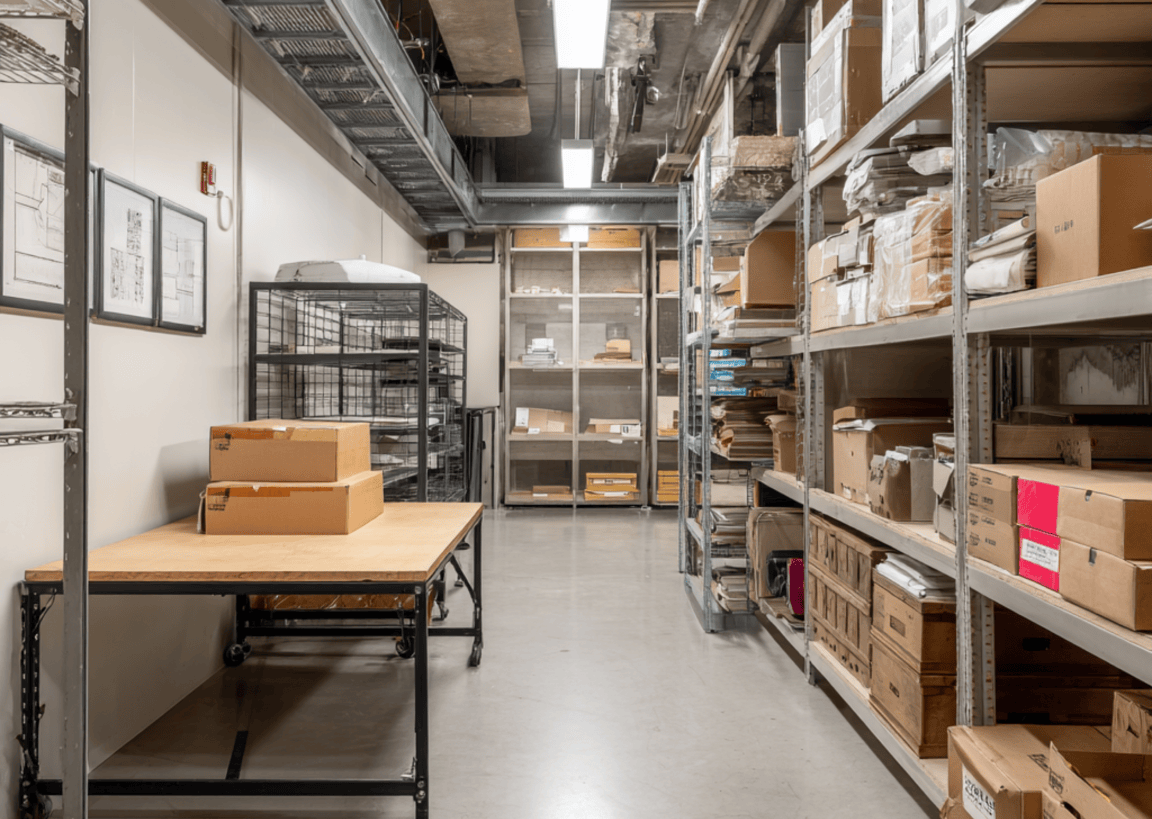
In logistics, we often face a frustrating reality that the most efficient place to store parcels is usually the most disconnected. While tucking a mailroom into a basement saves valuable floor space, those subterranean concrete walls effectively kill the Wi-Fi and cellular signals needed for digital logging.
For a traditional mailroom management system, this lack of connectivity is a total dealbreaker. However, modern logistics technology has introduced a mechanical necessity: Offline Mode.
The Connectivity Gap in Modern Logistics

Understanding what is mailroom management today requires looking beyond just organizing shelves. It involves real-time data entry and digital accountability. When a courier drops off fifty items in a basement with zero bars, an online-only system stalls. Workflows stop, data is lost, and the digital chain of custody is broken before the first item is even logged.
Offline Mode bridges this gap, ensuring that subterranean locations are no longer a barrier to digital efficiency.
How Offline Mode Bridges the Signal Gap
The tech behind this is often referred to as store-and-forward technology. Here is how the best package tracking app handles a dead zone:
- Local Data Caching: When a heartbeat to the server is lost, the software stores scans, photos, and recipient signatures directly on the device’s internal hardware.
- Queue Management: The app maintains a chronological list of actions performed offline, ensuring that the order of events is preserved for the audit trail.
- Uninterrupted Workflow: Staff can continue parcel management tasks, such as sorting, logging, and assigning, without seeing a single loading spinner.
- Automatic Synchronization: Once the device leaves the basement or re-enters a Wi-Fi zone, it reconciles the local data with the cloud. This ensures mailroom compliance and chain of custody remain intact without manual re-entry.
- Data Validation: Even while offline, the app can perform basic validation checks on barcodes to ensure the data being stored is accurate before it ever hits the forward stage.
Benefits for High-Volume Facilities
Reliability in dead zones is what separates basic tools from professional package tracking software. By utilizing offline-capable systems, facilities gain:
- Zero Latency: Processing deliveries at lightning speed regardless of signal strength.
- Reliable Notifications: While offline, the system queues data to trigger automated parcel notifications the second the connection is restored.
- Data Integrity: It eliminates the need for pen-and-paper fallbacks, which are the primary cause of manual entry errors in parcel management.
- Reduced Employee Frustration: Staff aren't forced to wander around looking for a signal just to finish a single delivery log.
- Battery Preservation: Modern apps stop aggressive polling for a network when in offline mode, saving device battery life during long shifts.
- Seamless Accountability: Proof-of-pickup and signatures are time-stamped locally, maintaining a perfect record for high-value items.
- Operational Continuity: Even during a building-wide Wi-Fi outage, the mailroom remains 100% operational.
- Faster Courier Turnaround: Couriers can be checked in and out in seconds, preventing congestion at the loading dock.
Selecting the Right Infrastructure

When auditing the best mailroom software, simply having an offline checkbox isn't enough. To do this properly, you must look for:
- Intelligent Conflict Resolution: If two devices scan the same parcel while offline, the software must be smart enough to merge those records correctly during the sync rather than creating duplicates.
- Transparent UI Status: Staff should see clear indicators, like a "Pending Sync" counter, so they have peace of mind that their work is saved and waiting for a connection.
- Robust Local Encryption: Since data is sitting on the device's storage temporarily, it must be encrypted to satisfy security protocols and protect recipient privacy.
- Hardware Compatibility: Ensure the software is optimized for the specific mobile computers or tablets your team uses, as offline performance often relies on the device's local processing power.
Powering Your Basement Mailroom

Basement locations are a reality of urban architecture, but connectivity issues shouldn't dictate your productivity. A resilient mailroom management system ensures that your "dead zone" is just as efficient as your lobby. By choosing tools designed for the physical realities of underground storage, you eliminate downtime and keep the logistics chain moving.
Ready to eliminate connectivity headaches and streamline your facility? Optimize your operations with Parcel Tracker.
Expert FAQ
What is offline mode for package management?
It is a feature allowing package tracking software to record delivery data locally without an active internet connection.
How does a mailroom management system sync data?
The system stores scans on the device and uploads them to the cloud automatically once Wi-Fi is restored.
Why is offline mode essential for parcel management?
It prevents workflow interruptions in basement mailrooms where thick walls often block cellular and Wi-Fi signals.
What is the best package tracking app for dead zones?
The best apps prioritize offline functionality to maintain a secure chain of custody in disconnected environments.
How do automated notifications work in offline mode?
The software queues the alert and sends the notification immediately after the device re-establishes a network connection.


.svg)

