.svg)
How to Choose the Best Mailroom Management Software?

The volume of incoming deliveries has changed how facilities handle their receiving bays. Traditional mail systems were built around flat letters and occasional documents, which fit neatly into stationary cubbies. Today, the rise of e-commerce and distributed supply chains has replaced those paper files with a continuous stream of irregular cardboard boxes and bulky express parcels.
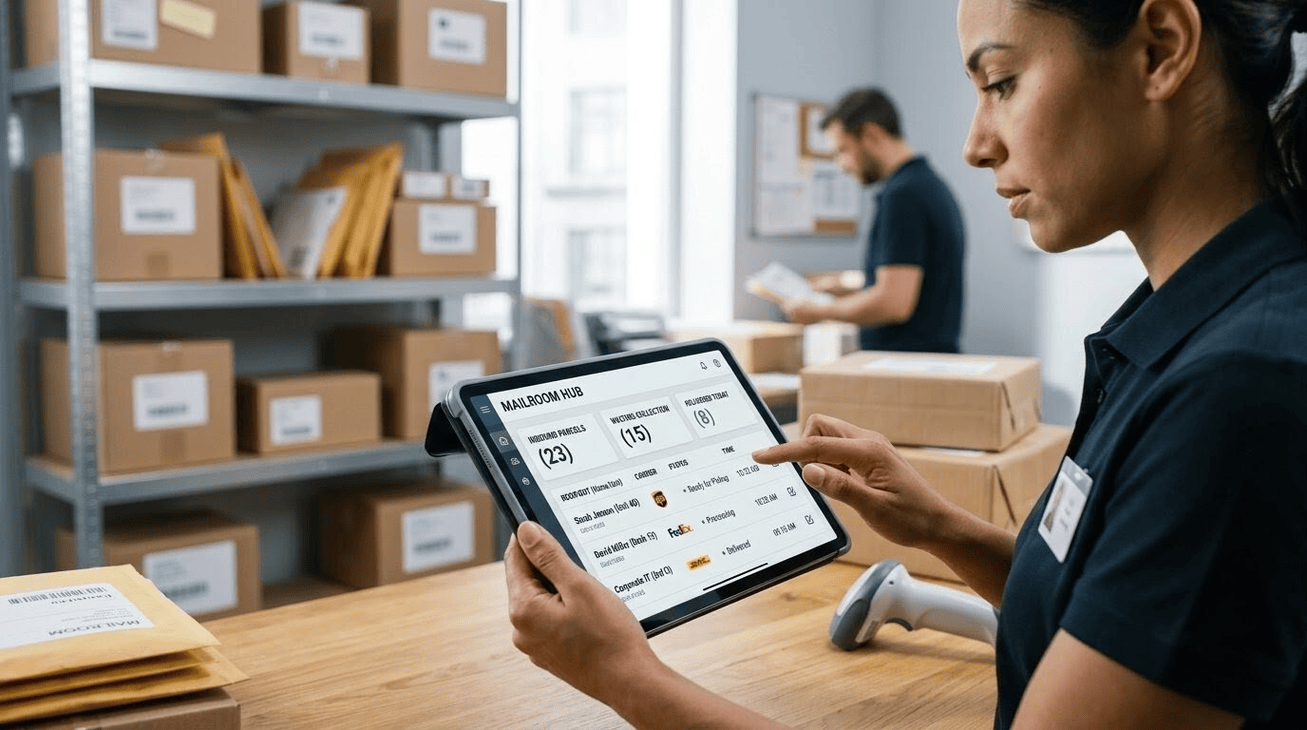
When your receiving area relies on paper logs or manually updated spreadsheets, every delivery creates an immediate bottleneck. Staff members spend their shifts deciphering smudged carrier labels, hand-writing logbooks, and manually typing recipient emails. This delay leaves packages sitting on sorting tables for hours, completely invisible to the people waiting for them. Transitioning to a specialized mailroom management workflow turns this chaotic physical arrival into an organized digital ledger instantly.
The scope of this challenge spans global logistics chains. Modern delivery networks process more than 100 billion packages each year, bringing unprecedented inventory stress to private sorting hubs. Without digital tools to automate ingestion, mail centers suffer from severe workspace clutter, tracking gaps, and extensive hours spent tracking down missing items.

Logistics Variability Across Corporate, Residential, and Academic Hubs
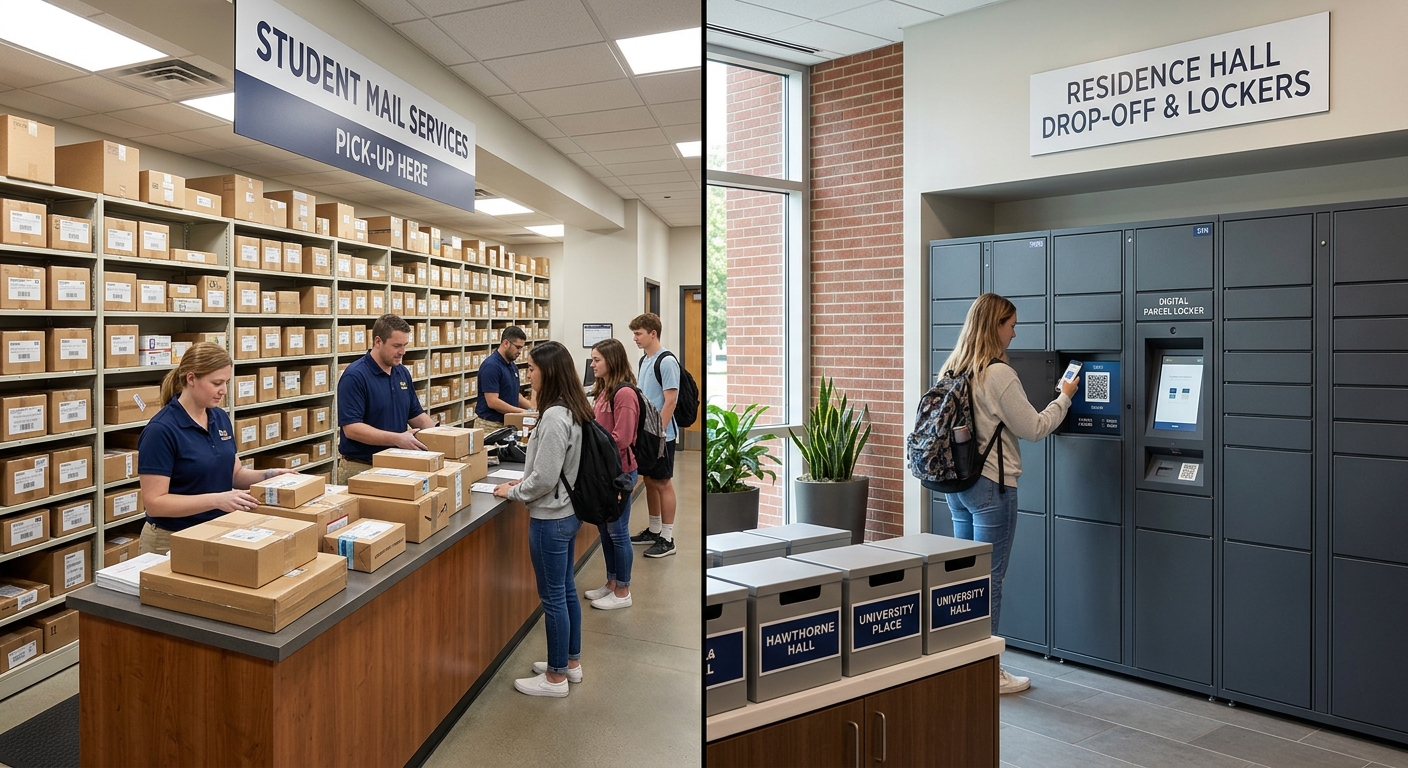
Every mail facility operates under distinct space constraints and stakeholder demands. A software solution that works perfectly for a single commercial building might fail when deployed across a sprawling higher education facility. Selecting the right platform requires matching system capabilities with your specific building profile:
- Enterprise Office Centers: These settings focus heavily on internal chain-of-custody tracking, high-level data security, and specialized desk-delivery routes. Corporate managers need systems that feature single sign-on security protocols to safeguard sensitive business assets as they move through the building.
- High-Density Residential & Co-living Complexes: These environments navigate rapid parcel turnover and tight physical storage limits. Front-desk staff require systems with high-accuracy label scanning and instant text messaging to ensure residents pick up items quickly, keeping storage spaces clear.
- University & College Campus Networks: Academic hubs experience massive spikes in parcel volume during move-in weeks. Property administrators require flexible systems capable of handling multi-site distribution footprints and dedicated mailroom automation workflows to manage immense seasonal intake.
Essential Functional Requirements Checklist

To successfully modernize your intake workflow, look for a platform that includes these core technical capabilities:
- AI-Powered Label Capture: Front-desk teams should be able to scan tracking labels instantly using smartphone or tablet cameras. Optical character recognition handles quick asset logging and reads handwritten names or diverse courier layouts without requiring manual typing.
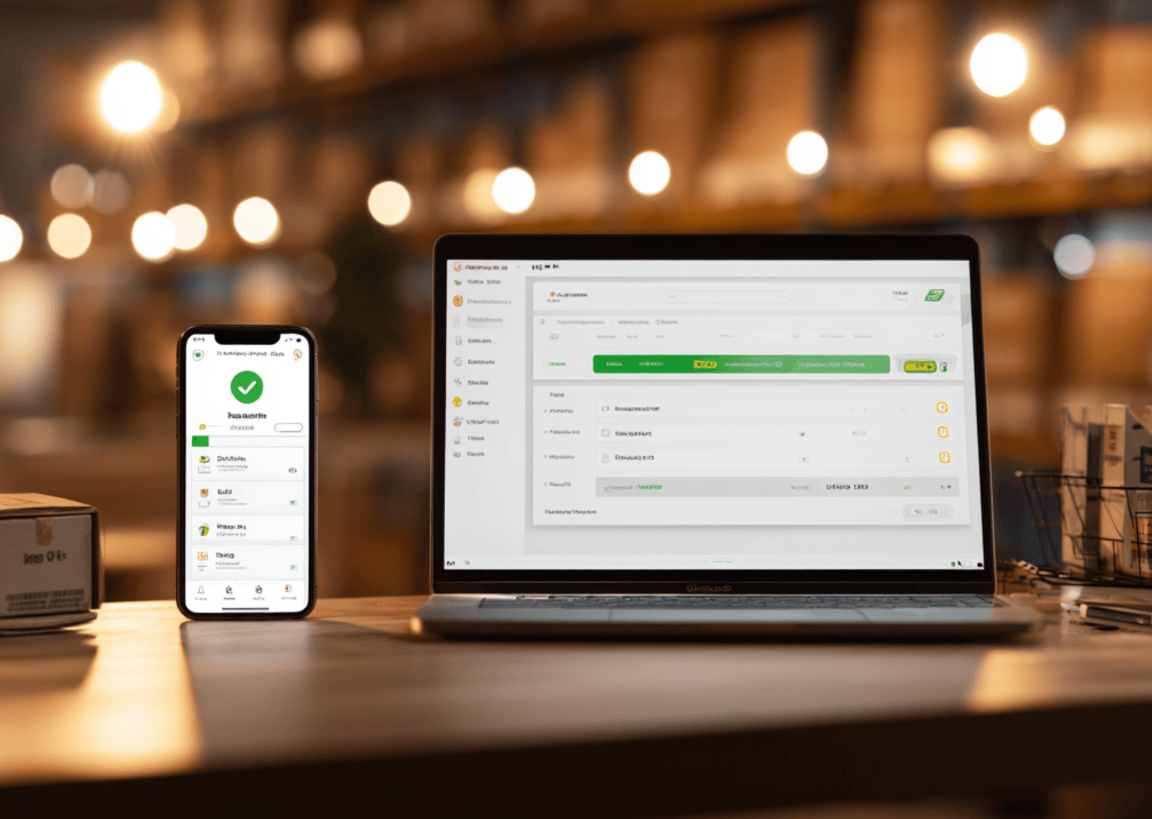
- Automated Recipient Alerts: The system must send multi-channel notifications via text, email, or internal team channels the moment a package is logged. Prompt alerts reduce the time packages spend on shelves.
- End-to-End Chain-of-Custody: Reliable software minimizes friction from missing packages by providing comprehensive digital logs. Capturing an e-signature or a photo confirmation at handover establishes an unbreakable trail of data.
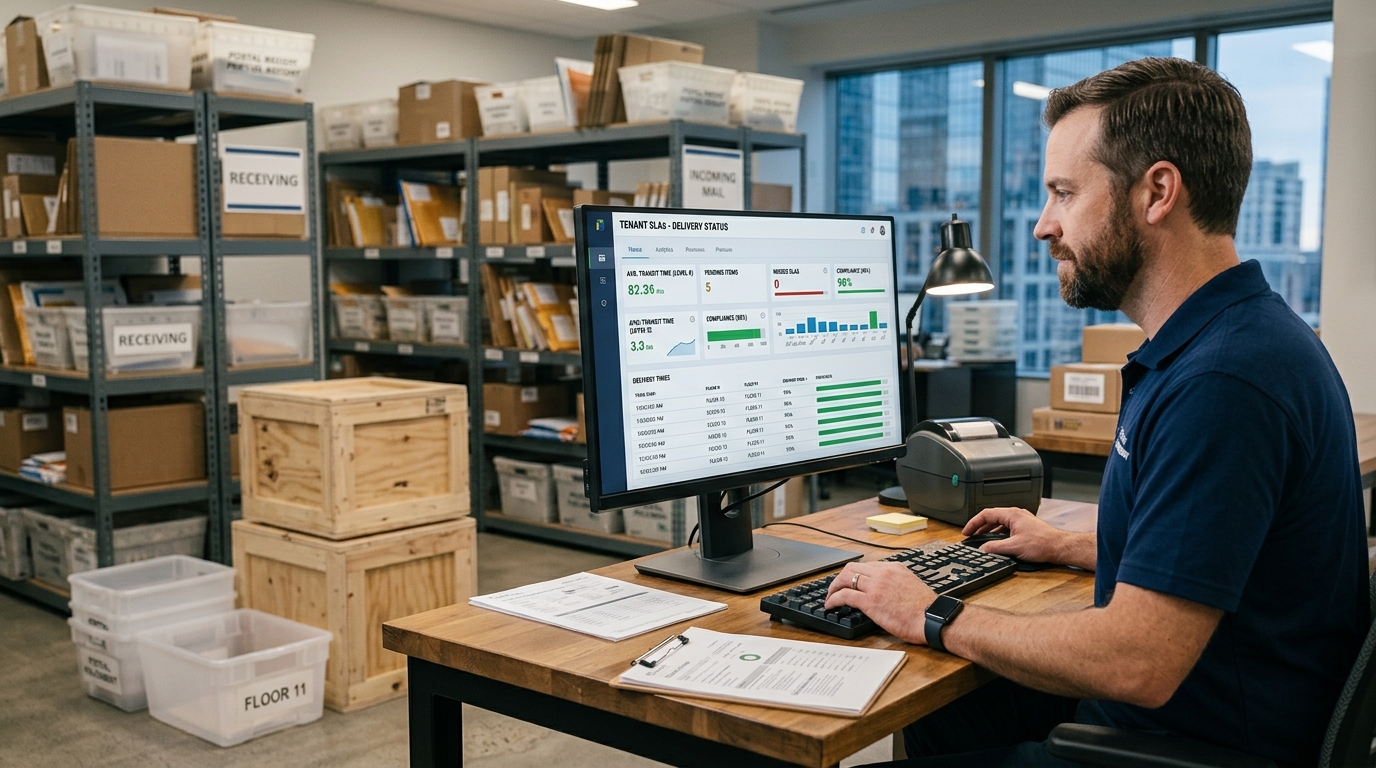
- Data Analytics: Built-in reporting tools help managers identify carrier delivery patterns, track processing times, and map peak volume hours to optimize staffing.
The Strategic Evaluation Framework (5-Step Buyer’s Guide)
Evaluating different platforms requires a consistent framework focused on long-term usability and straightforward implementation:
- Hardware Adaptability: Choose software that installs cleanly on standard mobile devices. Utilizing existing smartphones and tablets avoids the need for specialized proprietary hardware.
- Volume Tiering: Select a pricing model aligned with your long-term monthly package ingestion. Clear tier structures ensure predictable software costs as your delivery volumes fluctuate.
- Database Synchronization: Confirm the software integrates seamlessly with your existing human resource databases or property management systems to automate recipient list updates without manual directory data entries.
- Interface Simplicity: Prioritize clean, intuitive user designs. Straightforward interfaces reduce staff training time and maintain high sorting speeds during heavy delivery windows.
- Technical Support Access: Verify that customer success teams offer live coverage during your active sorting hours to address any technical questions quickly. Choosing the best mailroom software means validating that the software matches both your physical processing infrastructure and your internal IT compliance standards.
Driving Efficiency in Internal Logistics
.png)
Upgrading your processing hub provides necessary stability and clear visibility for your facility management team. Transitioning from paper logs to digital tracking eliminates guesswork, giving operations managers complete control over package lifetimes while ensuring accountability at every handover step.
To begin this transition, audit your daily intake counts to pinpoint your primary physical processing bottleneck. Identifying exactly where delays happen—whether during label logging or customer pickup, makes choosing the right tool much easier.
Ready to streamline internal logistics across corporate, housing, or university hubs? Discover how Parcel Tracker simplifies tracking, cuts down on lost items, and automates your entire delivery workflow.
Expert FAQ
What is mailroom management software?
It is a digital platform that automates incoming package logging, recipient notifications, and internal chain-of-custody tracking for efficient hub operations.
How does modern parcel management reduce lost deliveries?
It uses AI barcode scanning and automated smartphone alerts to ensure accurate recipient matching and secure digital signature collection.
Why should multi-site operations switch from manual logs to automated mailroom management?
Manual logging causes processing delays and human error, whereas automation cuts package processing time and eliminates internal delivery discrepancies.
What core integrations are necessary for a parcel management system?
The software must sync seamlessly with existing corporate HR directories, student databases, or property management systems to maintain updated recipient records.
How do smart notifications optimize daily mailroom management workflows?
Instant automated text and email alerts reduce package shelf life, freeing up physical storage space and preventing mailroom layout overcrowding.


.svg)