
.svg)
How to Deploy a Digital Mailroom and Scan Parcels in Minutes?


A digital mailroom is a centralized system that digitizes incoming physical mail and packages using high-speed scanning and OCR technology. A core aspect of parcel management is establishing a digital chain of custody that ensures real-time tracking, automated recipient notifications, and electronic proof of delivery for every item. Implementing the right mailroom management strategy allows organizations to transform cluttered sorting rooms into streamlined, data-driven hubs.
The End of Manual Logging in the Mailroom

Traditional mailroom operations often struggle with visibility.
Paper logs are difficult to search, error-prone, and slow internal distribution. By moving to a "Scan-to-Cloud" workflow, organizations can achieve a 90% reduction in processing time per parcel, turning hours of tedious sorting into a rapid, automated process.
Selecting the Infrastructure & Hardware
High-efficiency mailroom digitization does not require specialized industrial hardware.
- Mobile-First Approach: Modern smartphones possess high-resolution cameras that serve as powerful scanners.
- Software Integration: Select the best mailroom software that connects to your employee directory to automate recipient matching.
- Network Stability: A reliable Wi-Fi or 5G connection ensures data reaches the cloud the moment a scan is finished.
Rapid Deployment Workflow

Setting up a digital mailroom involves a logical sequence to ensure every parcel is accounted for:
- Smart Capture: Use a mobile device to scan the carrier barcode. High-performance software extracts tracking numbers and recipient names instantly.
- Automated Indexing: The system categorizes mail by department or floor based on your pre-loaded database.
- Instant Notifications: The system sends an automated alert via Email, Slack, or SMS once the scan is finalized.
- Operational Speed: Learn how to scan incoming packages effectively by staging items by carrier to improve scan speed.
Optimizing the Internal Chain of Custody

Liability shifts to your staff the moment a parcel enters the building.
- Digital Proof of Delivery: Replace paper clipboards with digital signatures or QR-code-based pickups.
- Visual Documentation: Take photos of the package's condition upon arrival to protect against liability for existing damage.
- Analytics: Use dashboards to monitor how long a parcel stays in the mailroom before it is collected.
Benefits of Mailroom Digitization
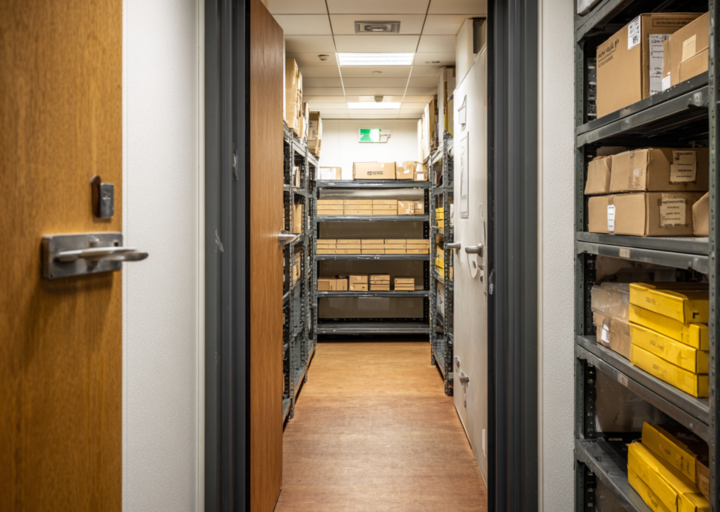
Modernizing your mailroom workflow delivers measurable improvements across speed, security, and resource management.
- Space Optimization: Reclaim floor space by removing physical storage cabinets and paper archives.
- Security & Compliance: Create a timestamped audit trail required for legal and healthcare regulations.
- Remote Work Integration: Forward digitized mail to employees at home to maintain workflow consistency.
- Error Elimination: Prevent lost items due to messy handwriting or manual logging errors.
- Sustainability: Reduce paper waste and the environmental impact of physical transport.
- Scalability: Handle high volumes during peak seasons without hiring additional staff.
Deploy a Digital Mailroom and Start Scanning Now!

Deploying a digital mailroom is a straightforward workflow change that can be completed in minutes with the right tools. By automating logging and notifications, your team can focus on higher-value logistics and facility tasks rather than paperwork.
Ready to remove the manual clutter and modernize your logistics? Streamline your operations today with Parcel Tracker.
Expert FAQ
What is digital mailroom software?
It is an application that automates mail sorting, scanning, and recipient notification to improve internal logistics.
How does OCR improve parcel management?
OCR technology extracts tracking data and recipient names automatically, removing the need for manual typing.
Why is a digital chain of custody important?
It provides a permanent electronic record of a parcel’s movement, ensuring accountability for every internal delivery.
How do automated notifications impact efficiency?
Automated alerts inform recipients immediately, which reduces the time packages spend sitting in the mailroom.
What are the primary goals of mailroom automation?
Automation aims to increase sorting speed, lower operational costs, and provide accurate data for facility managers.


.svg)

