.svg)
Resolving Mailroom Disputes with Modern Parcel Management System

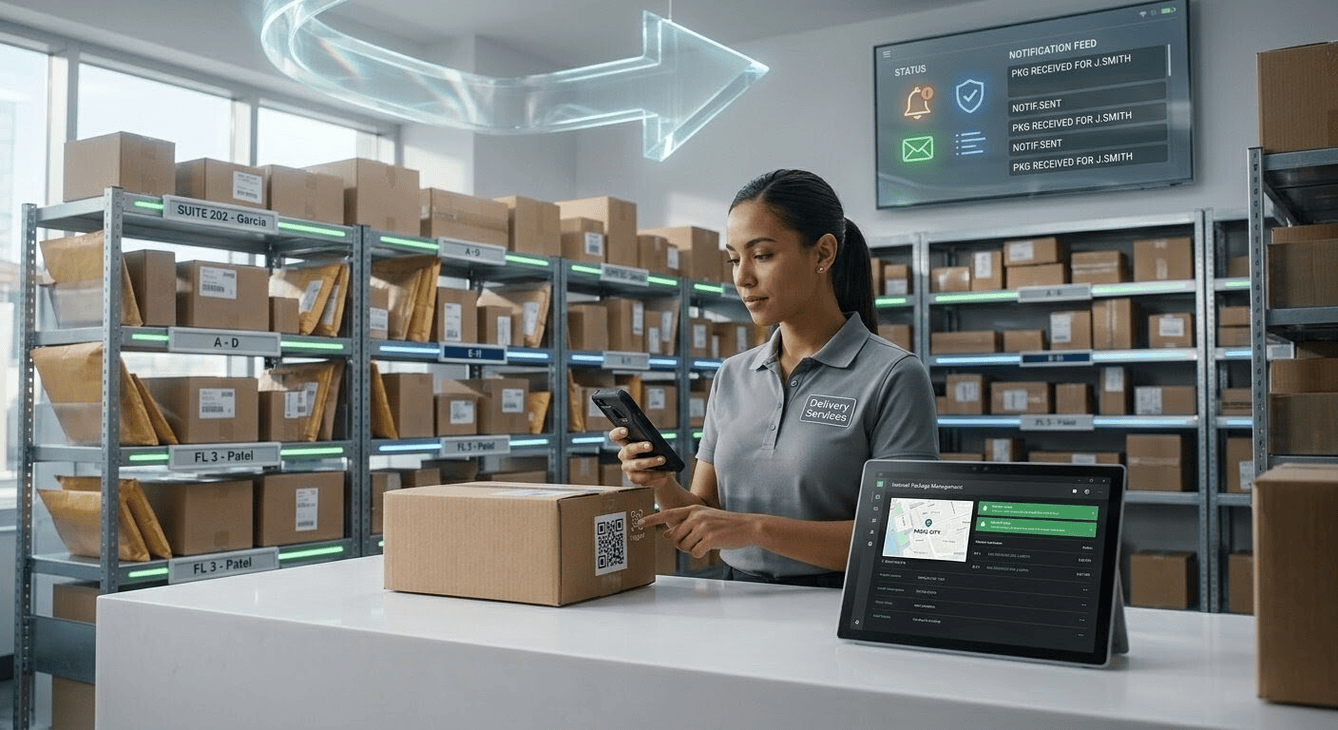
The increase of incoming packages in high-volume buildings makes managing deliveries increasingly difficult. Internal delivery disputes disrupt workplace productivity, stretch staff capacity, and damage resident trust. Establishing an efficient mailroom management workflow is crucial for maintaining daily workplace order.
This quick guide provides an actionable roadmap to identify the origins of package friction, apply resolution standards, and deploy preventative technology. By updating your everyday approach to parcel management, you can protect staff time and ensure every delivery reaches the correct recipient without friction.
What Causes Mailroom Disputes?

Courier scanning anomalies create immediate confusion. Delivery personnel frequently scan a package as delivered while it is still in the delivery truck or blocks away from the facility desk. This premature status update prompts recipients to claim their items before the property staff ever receives the physical box.
Label ambiguity adds another layer of difficulty. Staff face significant challenges when processing packages with identical recipient names, illegible handwriting on shipping labels, or completely missing suite numbers. Without specific identifiers, items end up misrouted or misfiled.
Internal handovers often lack accountability. Packages change hands inside the building without digital signatures or clear proof of possession, creating visibility gaps. Furthermore, recipients often visit the desk before staff can sort, log, and process the heavy daily influx, leading to premature inquiries and friction.
How Do You Resolve Active Mailroom Disagreements?

When an occupant claims a package is missing, staff must follow a structured verification process to locate the item or confirm its status. Relying on memory or chaotic searches increases frustration and prolongs the disagreement. Implementing a standardized, step-by-step resolution protocol ensures accuracy and keeps the investigation objective. Adhering to proven office mailroom best practices can drastically cut down on lost item investigations and missing data.
- Audit the Physical Inbound Trail: Cross-reference carrier tracking numbers against manual logs, carrier drop sheets, or intake records immediately upon receiving a complaint.
- Verify the Carrier Proof of Delivery: Check the courier portal to identify who signed for the delivery, the exact timestamp, and whether a photo of the drop-off location is available.
- Conduct a Physical Shelf Sweep: Inspect nearby shelving units, overflow areas, and adjacent storage bins where items might be misfiled or placed out of alphabetical order.
- Check for Similar Recipient Names: Search building rosters for occupants with matching surnames or similar first initials who might have received the package by mistake.
- Review Security Camera Footage: Examine video feeds around the designated delivery time to confirm which courier dropped off the shipment and where staff placed it.
- Establish Clear Service Guidelines: Communicate realistic processing windows to users so arrival expectations align with actual staff sorting capacity.
- Contact the Carrier Directly: Initiate an official trace request with the shipping provider if internal records show absolutely no physical custody of the item.
- Standardize the Investigation Workflow: Create a simple step-by-step checklist for staff to follow whenever a package is not found instantly.
What Features Prevent Future Package Friction?
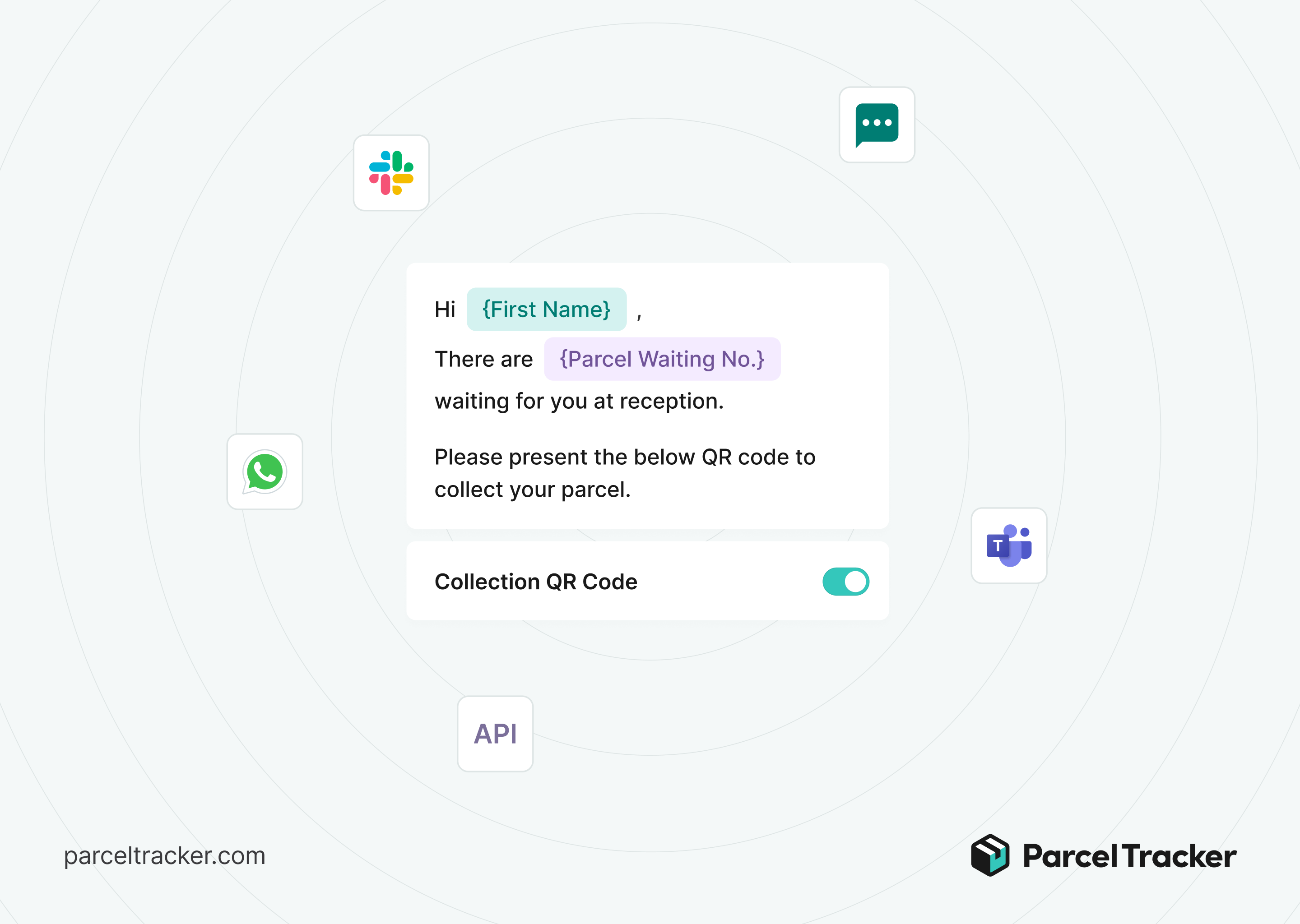
Modern package tracking platforms use specialized utilities designed to eliminate human error during inventory intake and distribution. Replacing old manual logs with purpose-built digital components creates absolute transparency at every point of the building lifecycle. Utilizing these advanced features ensures that every package remains fully traceable from arrival to collection. Moving toward a fully automated mailroom setup gives teams the tracking tools needed to eliminate discrepancies entirely.
- Automated Optical Character Recognition: Smartphone scanning tools capture label data accurately in seconds to eliminate manual typing errors and typos.
- Instant Automated Notifications: System-generated alerts arrive immediately to recipients via email or SMS upon package check-in to confirm the item is ready.
- Digital Proof of Pickup: Secure QR code scans or electronic signatures confirm the final handover and establish absolute accountability.
- Automatic Reminders: Scheduled follow-up alerts ping recipients automatically if a package sits uncollected on shelves for multiple days.
- Custom Pickup Instructions: Staff can include precise collection hours, locker bank pin codes, or specific desk location details inside the arrival alert.
- Bulk Check-In Processing: Software streams incoming data rapidly so staff can log entire courier shipments without reviewing entries one by one.
- Historical Chain of Custody Logs: Permanent digital records preserve the exact date, time, and staff member associated with every package movement.
How Digital Systems Eliminate Internal Package Disputes

Transitioning from manual logging to modern tracking minimizes human error and protects valuable staff hours. Paper logs leave too much room for interpretation and missed entries. Designing a proper layout and following a clear mailroom organization strategy ensures that your storage space remains clear and items are always simple to locate. Digital workflows keep a permanent record of every package from the moment it crosses the threshold to the second it leaves the desk.
To streamline your system and eliminate delivery friction, explore the dedicated mailroom features available through Parcel Tracker.
Expert FAQ
What is the primary cause of internal mailroom disputes?
Inaccurate carrier scanning and fragmented internal chain of custody tracking cause most package disputes.
Why do missing package complaints increase in corporate mailrooms?
High package volumes and manual logging errors create visibility gaps between initial carrier delivery and final recipient pickup.
How can property managers prove a package was picked up?
Digital tracking software secures electronic signatures and unique QR code scans during the final package handover.
What features should modern mailroom software include to prevent lost deliveries?
Effective systems require automated optical character recognition scanning, instant smartphone notifications, and digital proof of collection.
How does automated notification software reduce courier intake friction?
Recipients receive immediate alerts only after staff log the package, preventing premature inquiries at the service desk.



.svg)