.svg)
Solving the Handwritten and Smudged Label Bottleneck in the Mailroom

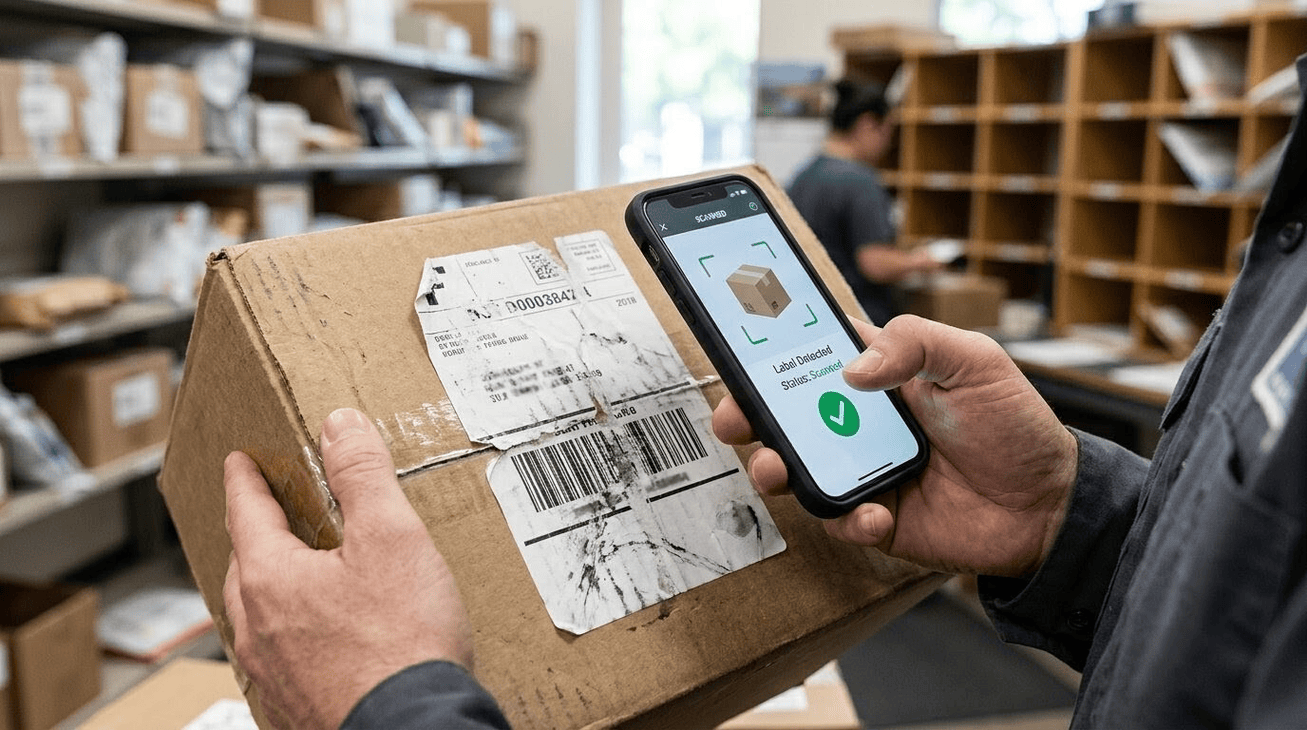
Daily mailroom activities involve a constant stream of incoming packages, letters, and boxes. While modern shipping networks move goods across the globe at incredible speeds, the last yard of the journey within a building often relies on the quality of a simple paper label. When a label is clean and crisp, sorting runs beautifully. However, the arrival of smudged, torn, or handwritten shipping labels brings high-speed intake to a sudden crawl.
Maintaining a fast workflow requires addressing these unreadable labels before they create backlogs. Industry data shows that address data issues and unreadable shipping labels cause up to 22% of all delivery failures. By establishing stress-tested sorting methods and adopting modern digital tools, mailrooms can keep their receiving areas perfectly organized, ensuring every package quickly finds its rightful owner.
The Common Culprits of Shipping Label Problems
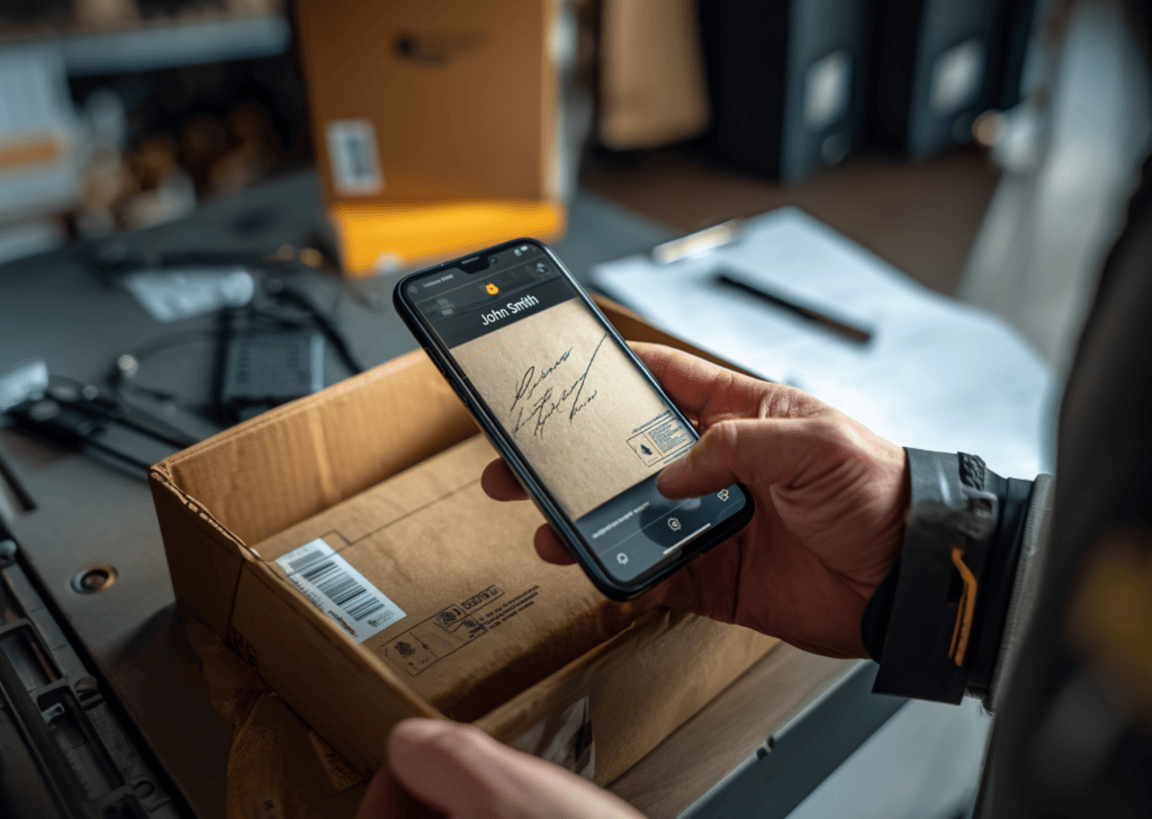
Before implementing a solution, it helps to understand why these labeling issues occur. Package labels endure a long, physical journey before arriving at your front desk, and several common factors contribute to their degradation.
- Environmental Wear and Transit Damage: Rain, high humidity, and snow smear standard ink. Friction from sorting belts can also scrape away portions of the text or tear the label entirely.
- Poor Printing Infrastructure: Senders occasionally use misaligned thermal printers or low-ink cartridges. This results in faded print or vertical white lines cutting through essential barcode patterns.
- The Handwritten Label Challenge: Packages sent from peer-to-peer marketplaces, offices without digital systems, or individuals returning items often feature handwritten details. Cursive writing and unique penmanship styles are notoriously difficult to read quickly.
- Incomplete Recipient Information: Some labels are physically perfect but lack crucial details, such as suite, apartment, or department numbers, leaving only a common first and last name.
Why Damaged or Handwritten Labels Cause a Mailroom Bottleneck
%20with%20packages%20neatly%20placed.png)
Unreadable shipping labels disrupt the natural flow of package receiving. Under normal circumstances, a mailroom worker can scan a clean barcode in less than two seconds. A smudged or handwritten label forces the worker to stop, put down the scanner, and manually inspect the package.
This manual inspection leads to significant delays. Staff members must carefully type long tracking numbers into a system, a process that is highly susceptible to keystroke errors. A single mistyped character can break the entire tracking chain. Furthermore, when names are incomplete or written as nicknames, staff must search through building directories to guess the correct recipient, accumulating significant delays during busy morning drop-offs.
Traditional Workarounds vs. Modern Technology
For years, buildings managed these issues with manual paper logbooks, writing down details of damaged packages by hand. While simple to implement, paper-based workflows are highly prone to transcription errors, and physical records are difficult to search when looking up historical delivery data.
Another common approach relied on standard barcode-only scanners. However, because standard laser hardware requires perfect, unbroken barcode lines to read data, these scanners fail completely when faced with torn, wet, or smudged labels.
Modern software solves these physical scanning limitations by utilizing advanced optical character recognition (OCR) and intelligent algorithms:
- Fuzzy Matching AI: This technology correctly matches recipients even when labels are heavily damaged. It automatically cross-references partial name fragments on the label with the building’s existing database, pairing a package addressed to "Sam" with "Samantha" in apartment 3B without requiring manual directory searches.
- Dynamic Image Enhancements: When a barcode is unreadable, smart mobile scanning apps adjust the contrast and brightness of the captured image to read the faded text beneath a smudge.
A Step-by-Step Strategy to Optimize Your Mailroom Intake Workflow
Establishing an efficient intake process requires a combination of structured physical habits and digital support. Implementing the following steps ensures that your team can process any package, regardless of its label condition.
1. Adopt Mobile-First Scanning
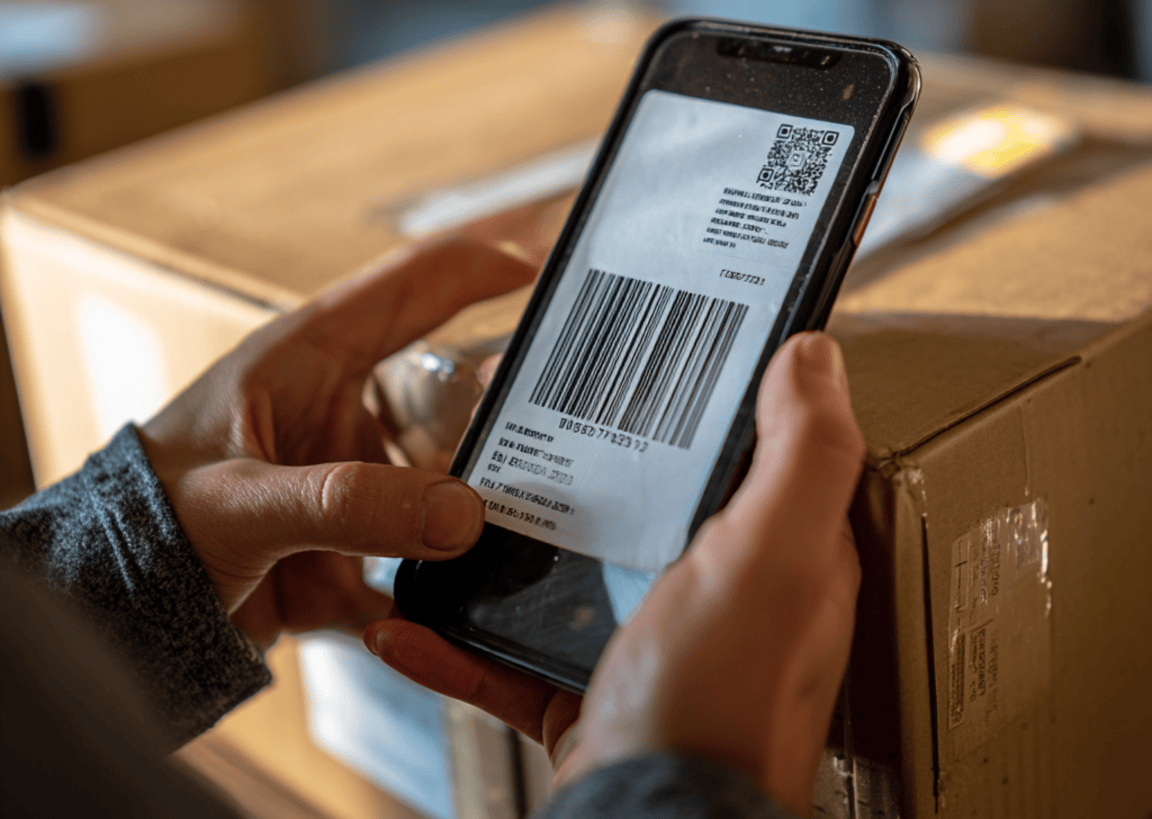
Ditch stationary desktop scanners in favor of mobile devices. Mobile apps utilize the smartphone's high-resolution camera, which is far better at capturing and interpreting distorted text than traditional laser hardware.
2. Standardize Your Sorting Layout
Designate a specific desk space solely for "problem packages". Keeping damaged items separate from clean, easily scannable parcels ensures that the main intake line keeps moving while a designated staff member handles the trickier labels.
3. Log Visual Proof of Condition
When a package arrives with a torn or water-damaged label, use your scanning app to take a quick photo. This photo serves as immediate, timestamped proof of the item's condition upon arrival, protecting your staff from recipient complaints.
4. Send Instant, Automated Alerts
Ensure your system automatically contacts the recipient the moment a package is successfully logged. Fast notifications encourage prompt pick-up, which keeps your mailroom shelves clear of clutter.
Reading Labels Right in Your Mailroom
An organized mailroom is essential for maintaining tenant satisfaction and smooth daily building operations. Damaged, smudged, and handwritten labels are an inevitable part of inbound shipping, but they do not have to disrupt your workday. Transitioning from manual logbooks and basic scanners to digital solutions ensures your team can handle any delivery challenge with ease.
If you are ready to eliminate manual logging and handle package bottlenecks effortlessly, consider exploring how Parcel Tracker can help. By integrating mobile AI scanning, instant notifications, and secure digital records, Parcel Tracker simplifies your entire intake workflow, keeping your building organized and your deliveries moving.
Expert FAQ: Mailroom & Shipping Label Optimization
Why do smudged or damaged shipping labels slow down mailroom operations?
Smudged labels fail automated barcode scans, forcing mailroom staff to manually research, decipher, and type in tracking details.
How does mailroom management software read handwritten or damaged shipping labels?
Modern mailroom management software uses AI-powered Optical Character Recognition (OCR) and fuzzy matching algorithms to reconstruct unreadable text.
What are the consequences of manually entering tracking data from unreadable labels?
Manual data entry increases human error, causes package logging typos, and leads to lost deliveries and delayed recipient notifications.
How can mailrooms prevent disputes over packages that arrive with damaged shipping labels?
Mailrooms should capture high-resolution photos of damaged labels during intake to establish immediate visual proof of package condition.
Why is standard barcode scanning hardware ineffective against poor-quality package labels?
Traditional laser scanners require perfect, unbroken barcodes to read data, whereas mobile parcel management software can scan and interpret partial text.



.svg)