.svg)
What Is the Speed Differential Between Traditional Barcode Scanners and Smart OCR?


Package intake speed defines modern property and corporate efficiency. Property managers and workplace teams face an unprecedented volume of incoming deliveries daily. The time required to process each inbound package dictates whether your mailroom runs smoothly or falls behind.
Understanding the technology shift in inbound logistics requires examining how facilities log packages. The main difference lies between hardware-based laser scanning and software-driven optical character recognition (OCR). Legacy systems rely on physical lasers to capture a single piece of information. Modern systems use smart software to read entire labels instantly. Upgrading this single step drastically alters your daily mailroom processing capacity.
What Is the Legacy Standard of Traditional Barcode Scanners?

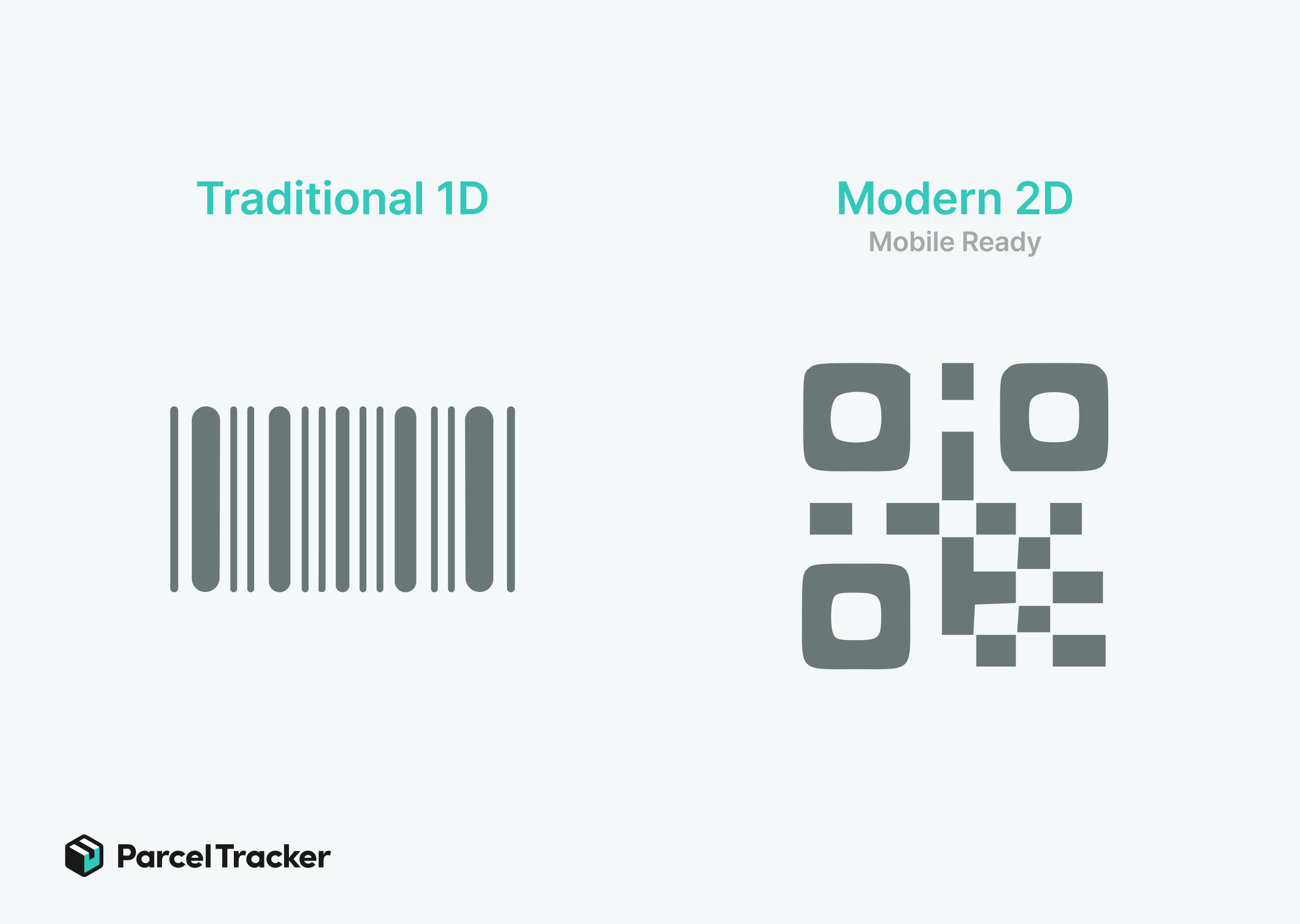
Traditional barcode scanners process a single data string per trigger pull. When a carrier delivers a package, the mailroom clerk aims the laser at the shipping barcode. The hardware reads the linear or 2D code, transmitting a long string of numbers into the tracking system. This code only represents the carrier tracking number, omitting critical internal routing information.
Because lasers capture limited data, staff must manually input recipient names and apartment numbers after scanning the raw barcode. The clerk looks at the physical label, reads the name, and types it into the database. They repeat this step for unit numbers, suite letters, or department codes. This multi-step workflow slows down delivery logging significantly.
Clocking the average handling time per parcel using traditional hardware reveals a substantial time investment. A seasoned mailroom worker typically spends twelve to fifteen seconds processing a single package. When hundreds of deliveries arrive simultaneously, these seconds accumulate into major delivery backlogs.
What Is the Modern Pace of Smart OCR and Mobile Scanning?
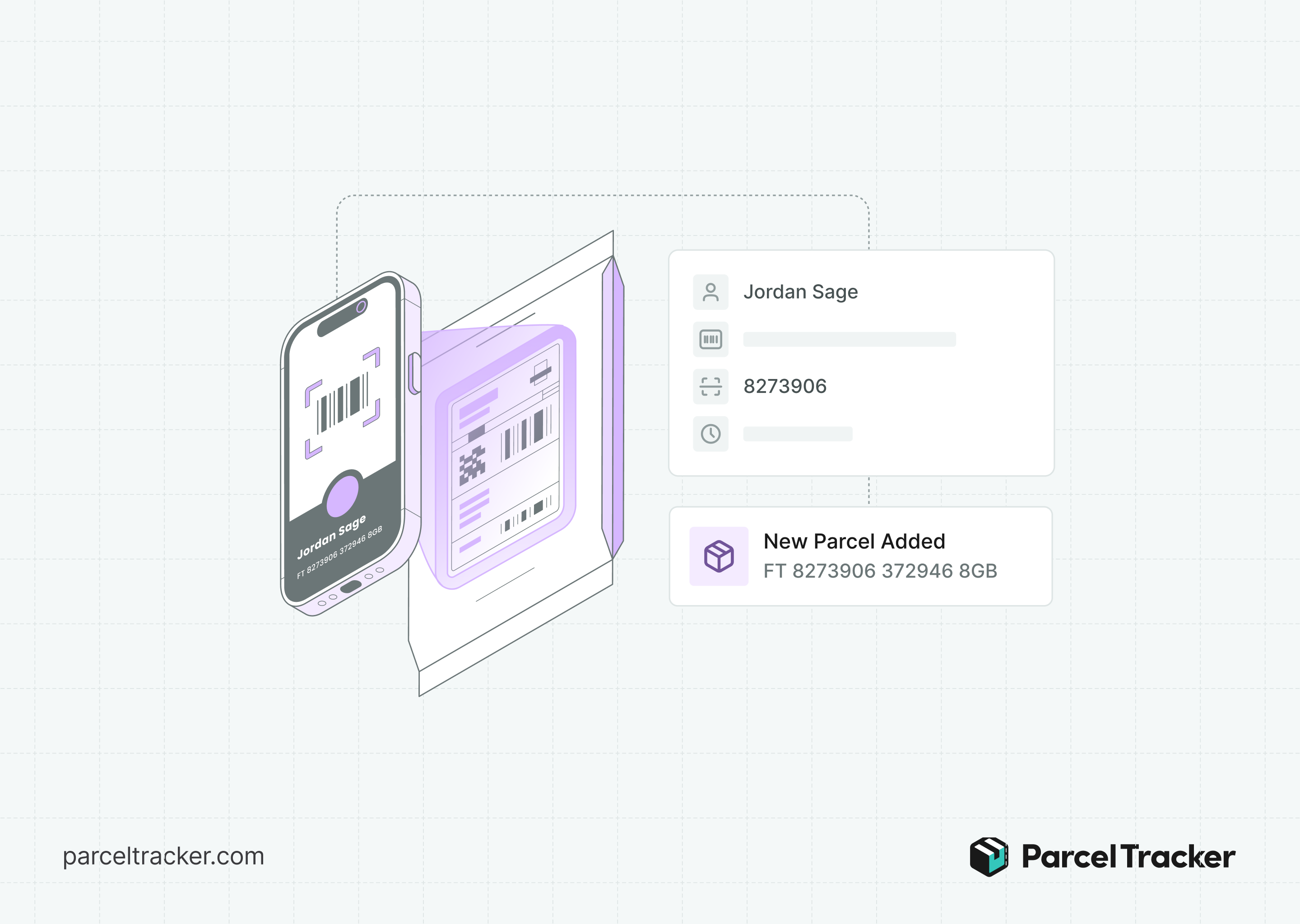
Smart OCR and mobile scanning introduce single-frame data capture to the reception desk. Instead of aiming a laser at a single barcode, a worker points a mobile device camera at the shipping label. The intelligent software instantly reads the carrier barcode, recipient name, and room number simultaneously in one frame.
This mailroom management technology relies on intelligent parsing to analyze the text on the shipping label. Once the camera captures the text, the software instantly matches the label information with the digital building directory. If a package is addressed to John Doe in Apartment 4B, the system recognizes the name and assigns the delivery correctly. Staff do not need to read, interpret, or type anything manually.
Clocking the seconds required when leveraging intelligent mobile camera scanning demonstrates extreme efficiency. The entire capture and matching process finishes in two to three seconds. This software-first approach streamlines inbound parcellogging by removing manual human intervention from data entry.
What Is the Speed Differential?
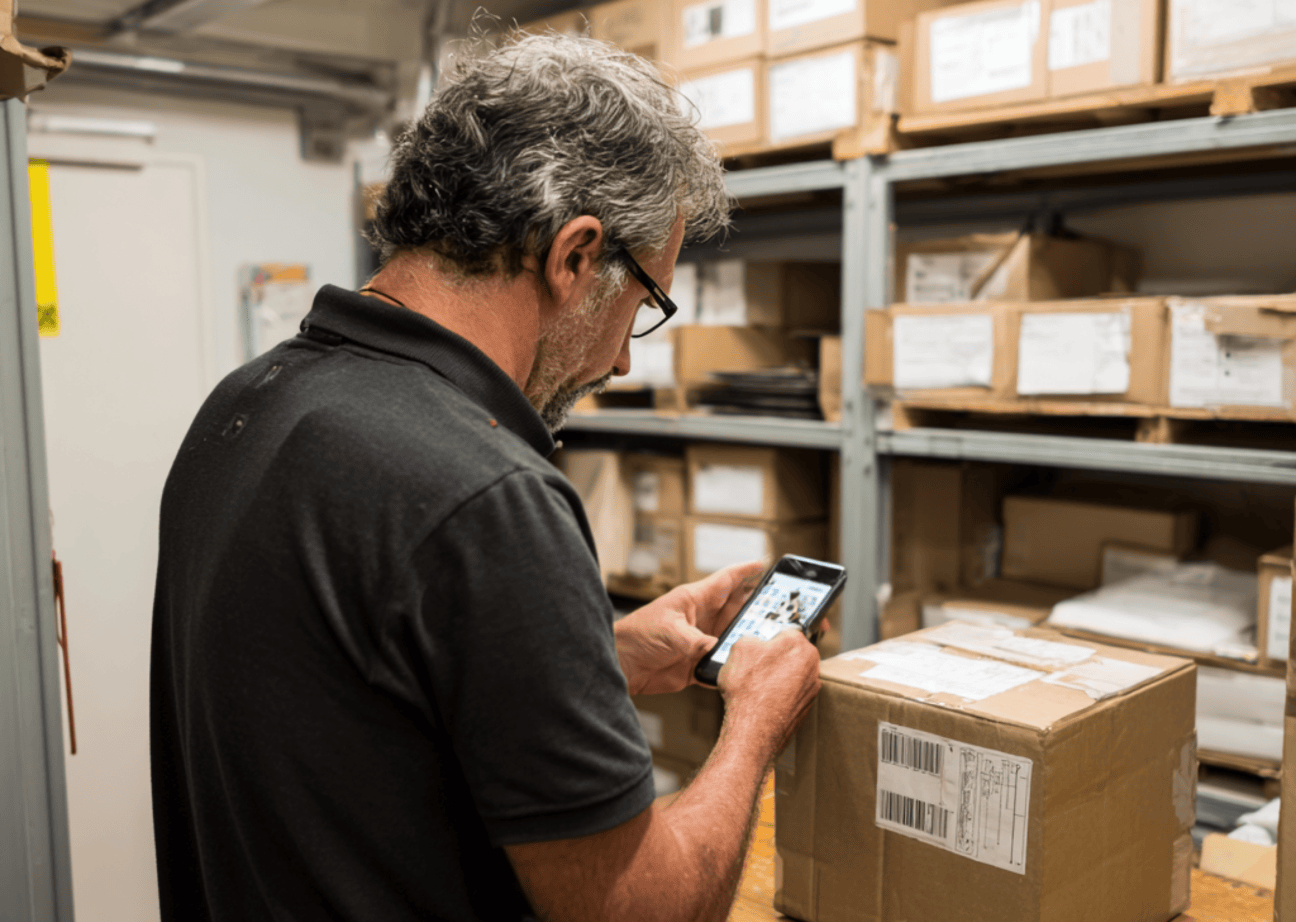
Evaluating operational throughput requires a direct comparison of how these two distinct scanning methodologies handle the exact same delivery labels.
- Scans Per Frame: Traditional laser scanners process a single barcode string per trigger pull. Smart OCR apps read multiple data fields and text blocks simultaneously.
- Manual Typing Needed: Traditional laser scanners require extensive manual entry for recipient names and unit numbers. Smart OCR apps require virtually zero manual typing from staff.
- Average Time Per Package: Traditional laser scanners take twelve to fifteen seconds per package. Smart OCR apps complete the exact same task in two to three seconds.
- The Cumulative Effect: Saving ten seconds per package transforms high-volume delivery operations. Processing 100 packages with a laser scanner takes 25 minutes of continuous work. Smart OCR handles that same volume in less than five minutes, recovering valuable hours daily during peak delivery windows.
Upgrade Your Mailroom Intake Flow
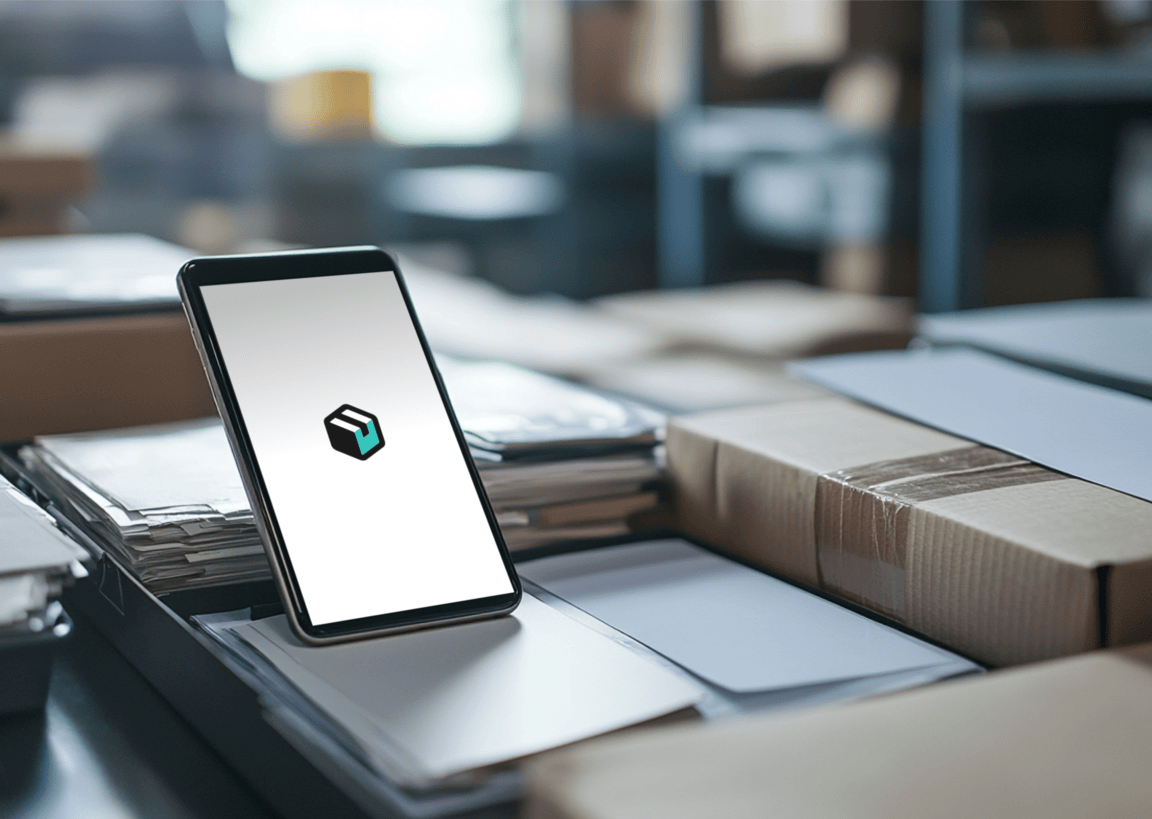
Transitioning from dedicated hardware to flexible, software-first workflows modernizes your entire building operations. Relying on expensive, single-purpose laser guns tethers your staff to static desks and slows down modern workflow execution. Implementing smart software allows any smartphone or tablet to become an ultra-fast logging tool.
Adopting automated data capture helps property teams handle growing delivery volumes without adding headcount. Discover how logging deliveries takes only seconds with modern parcel management systems. Implementing advanced mailroom management software ensures your facility remains productive, accurate, and organized. Optimize your mailroom and see how logging deliveries takes only seconds with internal tracking solutions like Parcel Tracker.
Expert FAQ
The following answers provide direct technical insights into how advanced character recognition architecture optimizes modern corporate and residential distribution workflows.
What is the main speed advantage of smart OCR over traditional barcode scanners?
Smart OCR scans multiple data points simultaneously in one frame, whereas traditional scanners read only a single barcode string.
How many seconds does smart OCR save per package during mailroom intake?
This technology reduces processing time by roughly ten seconds per parcel compared to legacy hardware laser scanners.
Why does traditional barcode scanning require manual data entry?
Traditional scanners only extract the raw barcode tracking number, leaving names and apartment numbers for manual typing.
How does mobile camera scanning process delivery labels so quickly?
Mobile scanning uses intelligent software to instantly match package text with an internal digital resident directory.
What makes smart OCR a better choice for high-volume parcel management?
It eliminates repetitive manual logging steps, accelerating the peak-hour inbound delivery workflow for mailroom staff.


.svg)