Eliminating the Search for Delivered Packages with Digital Logs

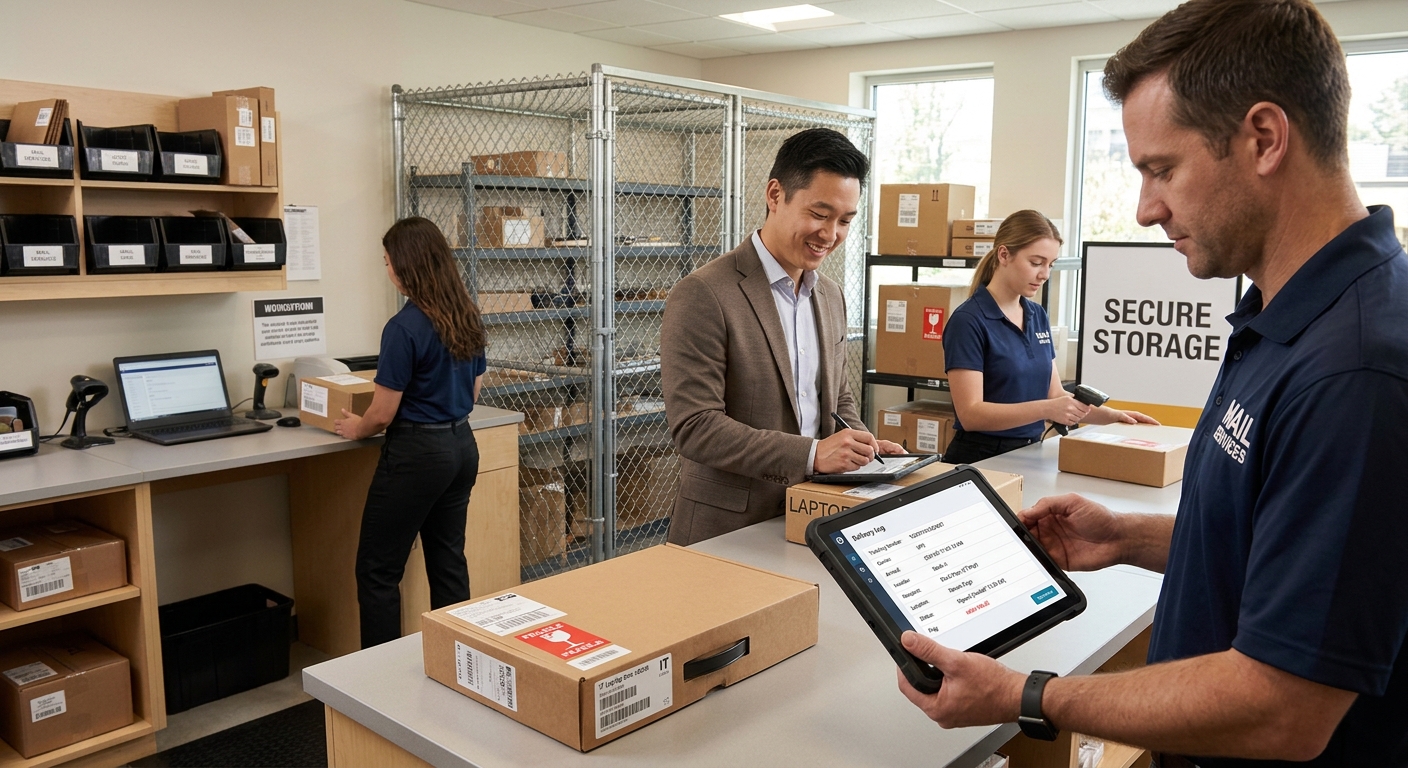
A searchable digital delivery log records each parcel’s arrival, handler, recipient, and handoff time in one entry. Staff enter a name, tracking number, or date and see the full history within seconds. For mailrooms receiving laptops, security tokens, and confidential HR files, this removes the floor-walking, email chasing, and shelf checking that usually follow a "delivered" notification. Modern mailroom management software builds this log into daily receiving, so every item has a findable record from the moment it crosses the dock.
Why Packages Disappear Between the Loading Dock and the Recipient's Desk
The carrier's delivered scan marks the moment a package reaches the building. After that, it may be sorted, shelved, moved to a secure cage, or handed to a courier who walks it upstairs. Each step without a record leaves a gap, and gaps become searches. Staff in the mailroom, IT, and HR end up spending time on questions like "who signed for this?" and "which shelf is it on?"
The stakes rise with the contents. A laptop can be worth well over a thousand dollars. An envelope of benefits paperwork or background check results carries privacy obligations. Reliable mailroom management closes these gaps by recording every movement as it happens.
What a Timestamped Proof-of-Handoff Record Should Contain
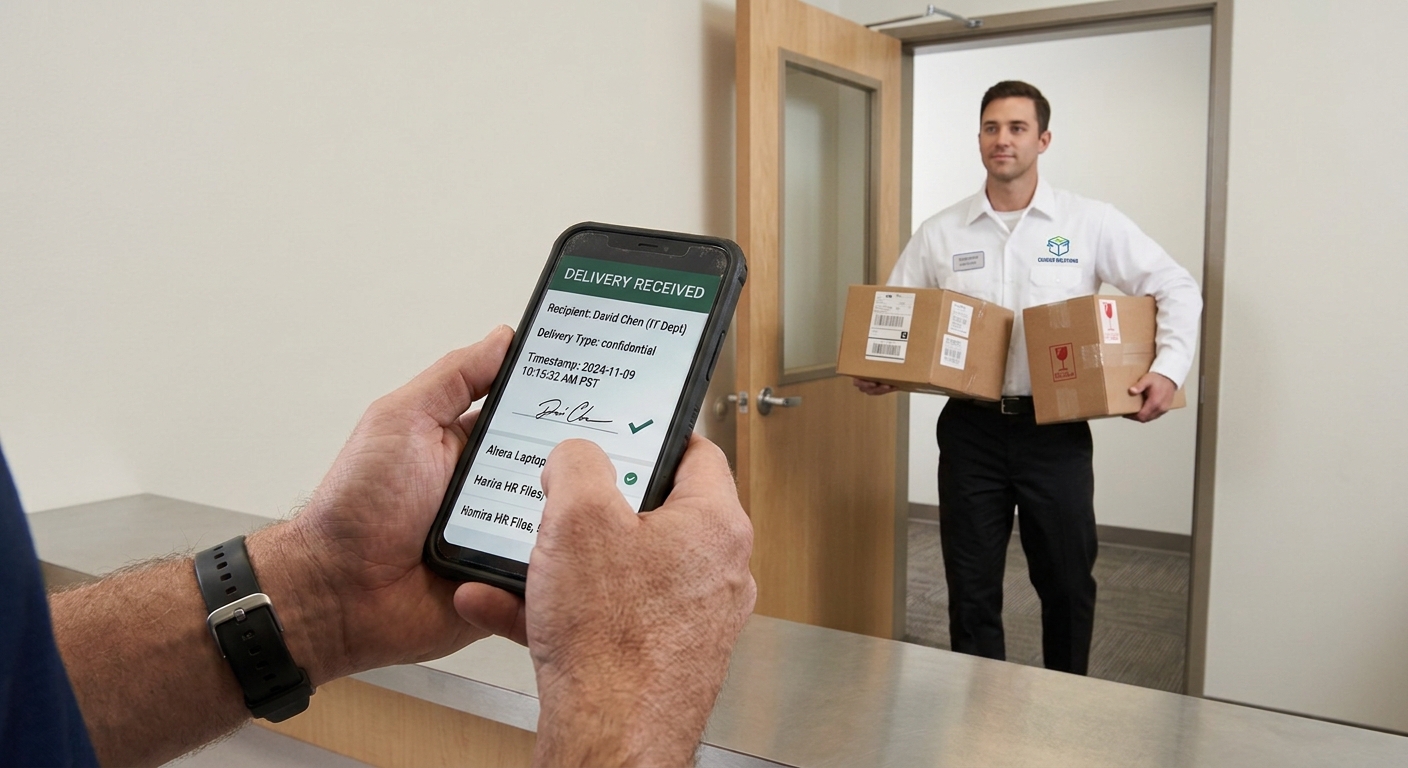
A complete handoff record answers the questions a recipient, auditor, or IT manager might ask later. Capture these fields for each package:
- Tracking number and carrier for matching against shipment notices.
- Arrival timestamp and receiving staff member to show who accepted custody.
- Storage location, such as a shelf, parcel locker, or secure cage, so retrieval takes moments.
- Recipient name and department to route the item correctly.
- Handoff timestamp with signature or electronic confirmation as proof of release.
- Intake photo documenting package condition on arrival.
- Flags for confidential or high-value contents to trigger extra handling rules.
Protecting High-Value IT Assets From Receiving Dock to Employee Desk
IT teams track assets by serial number and asset tag, and the delivery log can carry those same identifiers. When a shipment of laptops arrives, the mailroom records each serial number against the receiving entry. IT then confirms receipt before imaging and provisioning begin, so setup schedules rest on verified arrivals.
Handoff timestamps resolve disputes quickly. If an employee reports a missing monitor, staff pull the entry to see who collected it, when, and with what confirmation. Intake photos document damage that occurred before the item reached the building, which supports carrier and insurance claims. Flagged high-value items can go to a secured area with the location noted in the log, keeping them out of general shelving.
Keeping Sensitive HR Documents Confidential and Fully Accountable
HR deliveries call for privacy safeguards on top of tracking. Digital logs support these in several ways:
- Confidential flags limit pickup to the named recipient, with ID verification where policy requires it.
- Arrival notifications confirm that an item is waiting without revealing what it contains.
- Role-based permissions restrict log access to staff with a business need.
- A timestamped chain of custody supports privacy reviews and compliance audits.
- Retention settings keep records for the period company policy specifies.
- Exception reports surface sensitive items that remain uncollected, so staff can follow up promptly.
Building Search Habits That Keep the Log Accurate and Useful
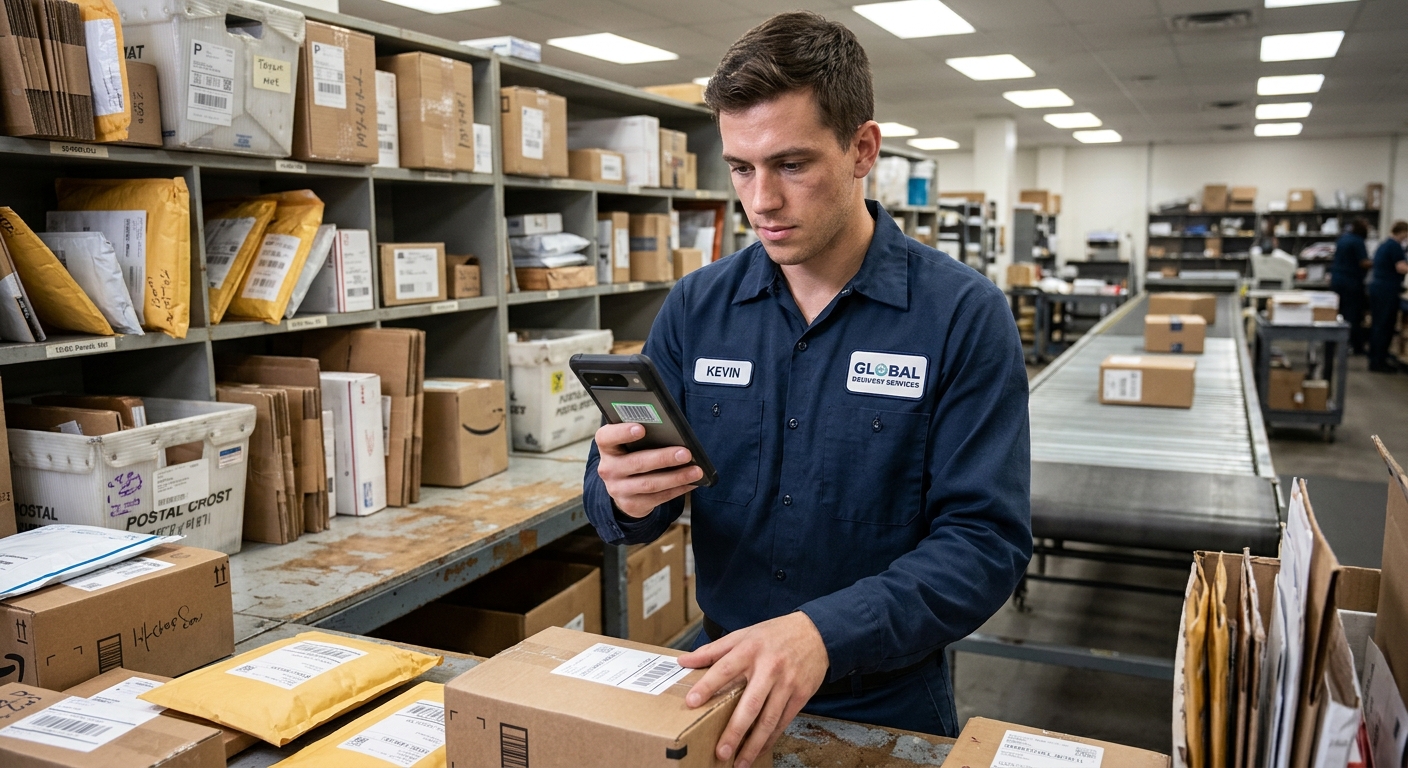
Consistent parcel management habits determine how valuable a log becomes. Here are good practices to keep in mind:
- Scan items at intake, so entries stay current while packages are still on the dock.
- Standardize the fields staff complete, which keeps search results consistent across shifts.
- Apply filters for date, recipient, status, and department to narrow results fast.
- Review uncollected items weekly and set aging alerts for anything that sits past your chosen threshold.
- Walk new team members through the logging process during onboarding.
Measuring the Time Saved After Adopting Digital Delivery Logs
A handful of measures show whether digital logs are delivering value. Track these before adoption and again after a few months:
- Average time to locate a package
- Weekly count of "where is my package?" requests
- Days that uncollected items stay on shelves
- Time required to settle a delivery dispute
Comparing the figures gives leadership clear evidence of reclaimed hours and gives staff a baseline for continued improvement.
Giving Every Delivered Package a Searchable Record of Its Journey

Searchable delivery logs with timestamped proof of handoff give mailrooms fast answers and offer recipients confidence that their items were handled with care. IT assets stay accounted for, and HR documents keep a clear chain of custody. Teams ready to put this into practice can explore Parcel Tracker to see how delivery logging fits their receiving workflow.
Expert FAQ
How do digital delivery logs help find packages faster?
Staff search by name, tracking number, or date and instantly see the package's location and handoff status.
What is timestamped proof of handoff?
A record showing exactly when a package was released and to whom, usually with a signature or confirmation.
Why do high-value IT assets need delivery logs?
Logs link serial numbers to receipt and handoff times, settling disputes and supporting insurance or vendor claims.
How can HR documents stay confidential during delivery?
Flag them as confidential, restrict pickup to the named recipient, and limit log access by role.