.svg)
Most Return Problems Are Inbound Parcel Management Failures

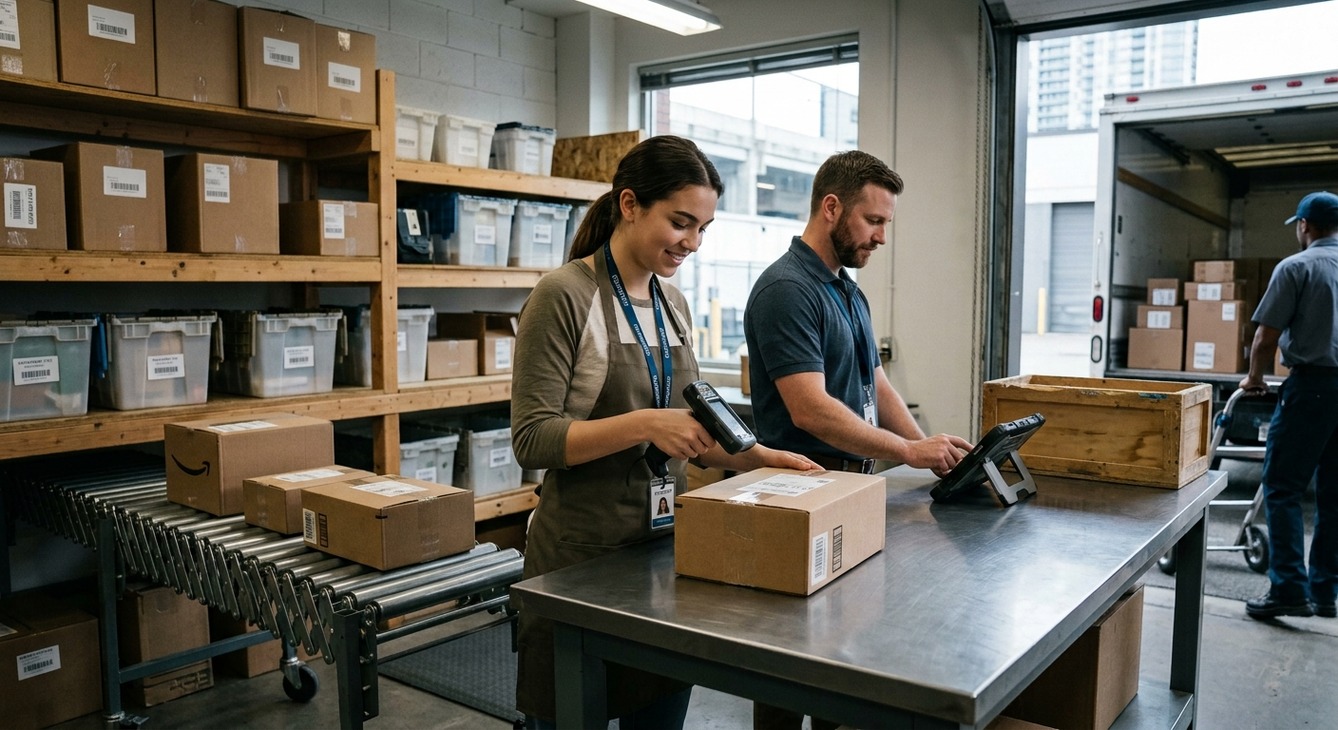
Corporate offices, property managers, and IT teams face constant frustration when handling employee or vendor returns. Parcels vanish after drop-off, couriers leave without providing pickup receipts, and return items remain unaccounted for on shelving units. Most mailroom teams blame courier shipping delays or carrier drop-off issues for these disruptions.
The primary cause of return chaos happens before the parcel ever leaves the building. Incoming equipment, Return Merchandise Authorizations (RMAs), and return packaging need immediate logging, tagging, and assignment upon arrival. Skipping these steps forces mailroom staff to rely on guesswork during outbound processing.
The Root Cause: Chaos In, Chaos Out
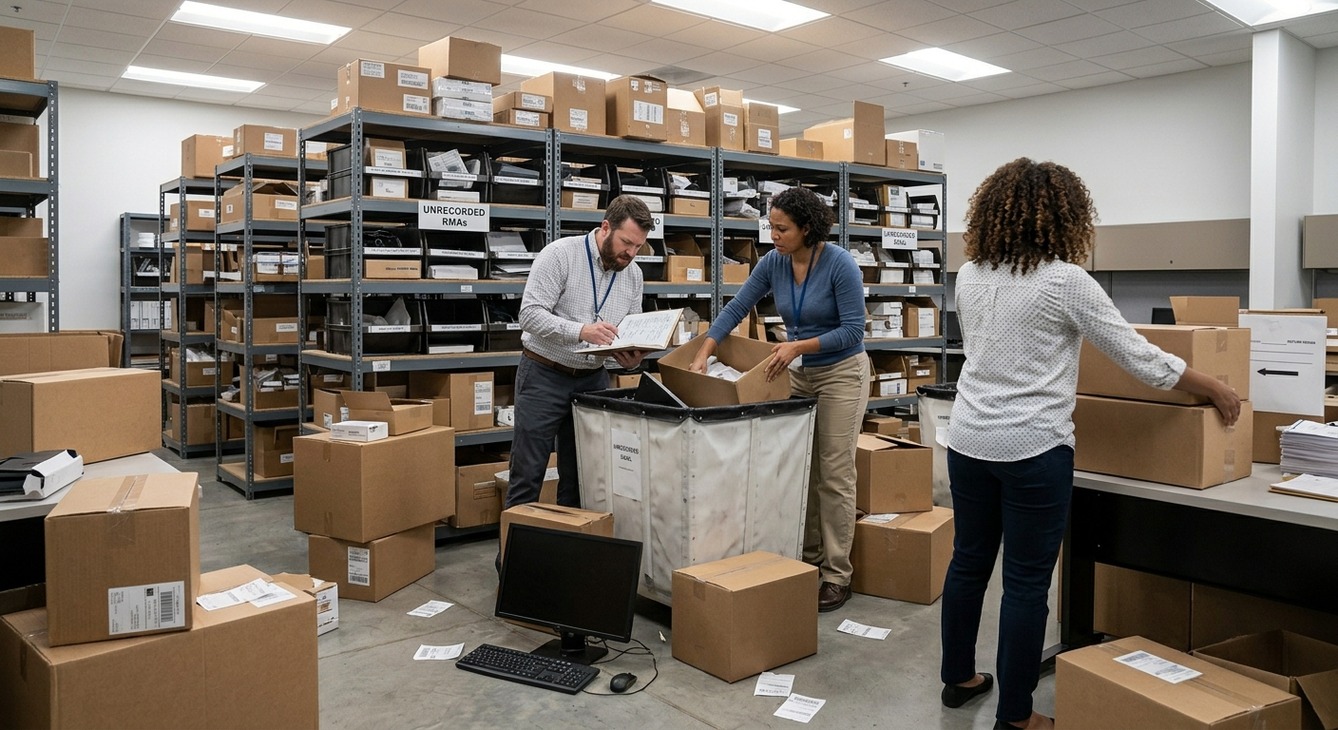
Unrecorded and improperly tagged packages arriving at the mailroom guarantee confusion later on. Unregistered items sit in holding areas while employees waste time searching for missing vendor shipments. Equipment loses its connection to active support tickets, leaving hardware untracked.
7 Common Pitfalls
- Loose IT equipment arrives at the mailroom desk without immediate digital logging.
- Vendor return packages sit on mailroom storage shelves without linked RMA numbers or recipient details.
- Staff hand items to couriers without obtaining standard proof of delivery or pickup confirmation.
- Return labels separate from original packaging materials during storage.
- Unidentified parcels arrive without clear department markers or recipient details.
- Delayed notifications cause items to sit idle past strict vendor return deadlines.
- Manual entry in paper logbooks creates frequent human errors and missing records.
Disorganization leads to lost corporate assets, duplicated replacement orders, and unnecessary compliance risks. Establishing order requires tracking every package the moment it enters the facility.
Building an Unbroken Digital Chain of Custody
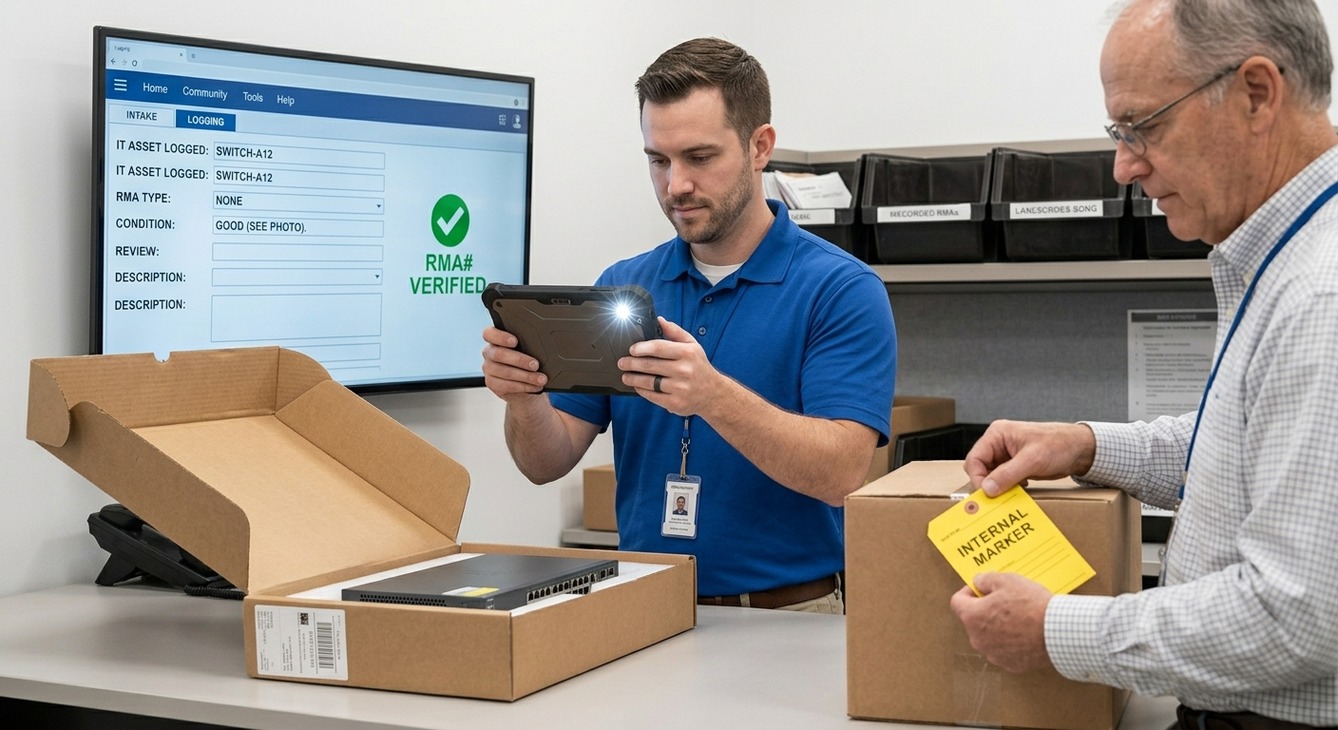
Effective workflows depend on registering every incoming item the moment it hits the loading dock or mailroom floor. Modern mailroom management systems record package details instantly, connecting initial intake to final outbound dispatch. Staff can pull up return records, verify package contents, and clear items for shipment without delay.
Organized mailrooms follow specific guidelines for incoming items:
- Staff must digitally log all vendor RMAs and corporate assets upon arrival.
- Teams tag items with distinct internal markers and detailed condition notes.
- Front-desk personnel, IT teams, and mailroom staff follow clear handoff procedures.
- Mailroom teams capture visual photo proof of package conditions and carrier labels immediately.
- Automated alerts notify managers of upcoming high-value RMA return deadlines.
- Administrators centralize all arrival data in a single searchable database.
- Leaders train every staff member on strict carrier intake and handoff verification protocols.
Streamlining Returns with Modern Mailroom Management
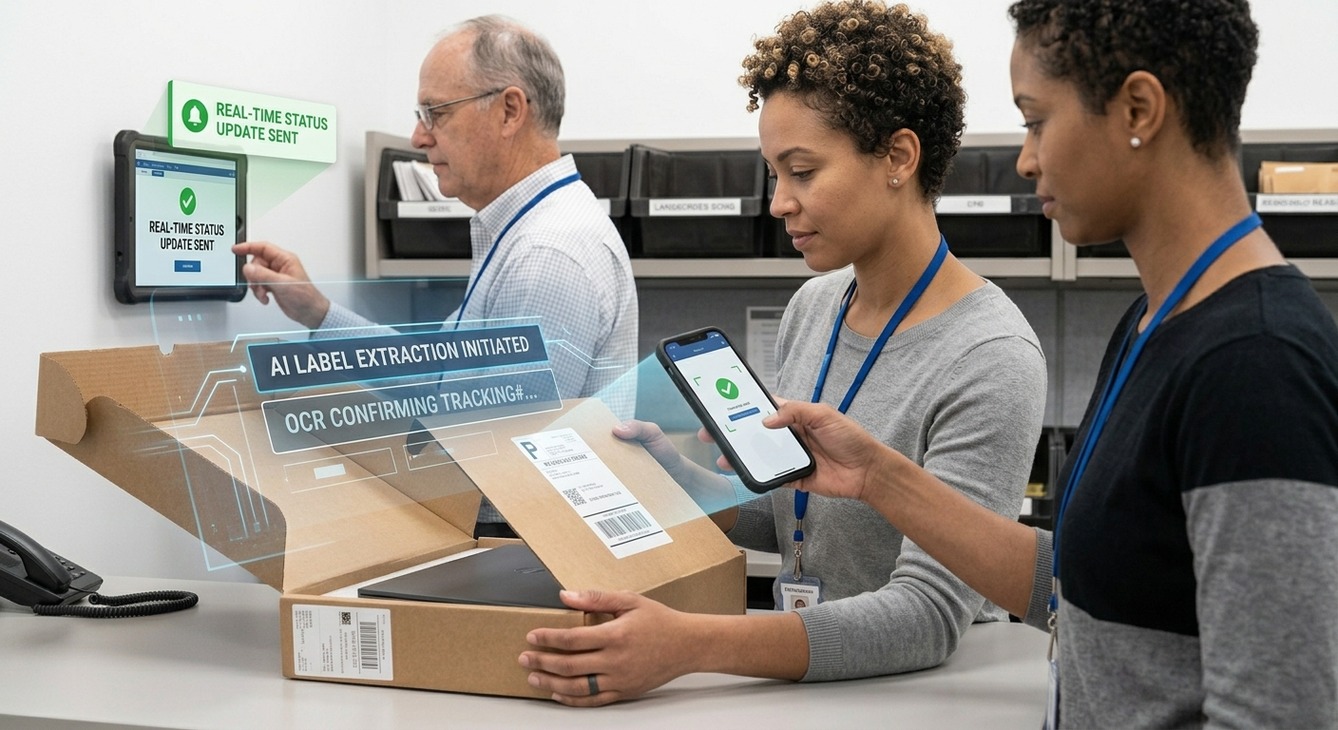
Comprehensive parcel management technology simplifies intake using AI label extraction. Intelligent optical character recognition reads recipient names, tracking numbers, and custom notes in seconds. Automated extraction removes manual data entry errors and speeds up processing times.
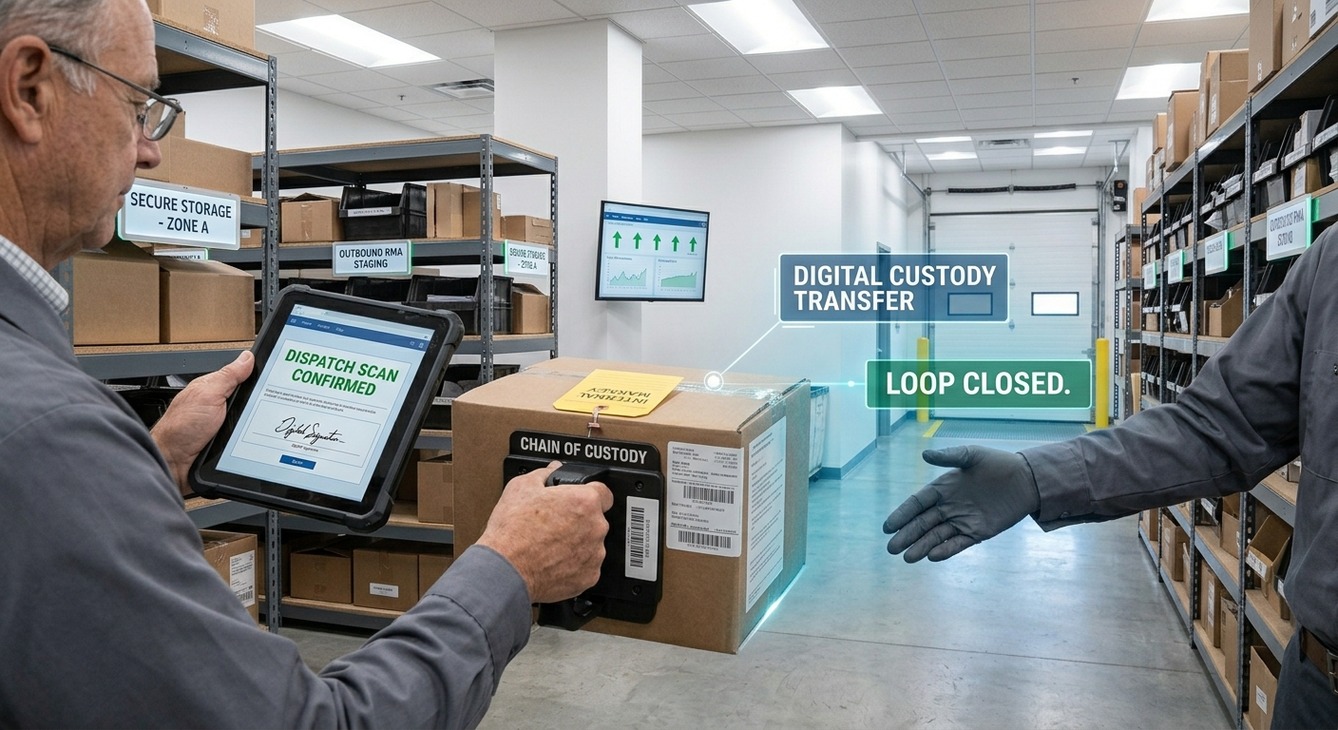
Digital signatures and automated notifications provide full visibility across departments. Paper logbooks give way to real-time status updates that inform recipients the second their items arrive. When it is time to ship items back out, staff use Outbound Dispatch features to assign packages to departing couriers. Capturing carrier pickup confirmation closes the loop and confirms that items left the building safely.
6 Steps to Overhaul Your Internal Return Process
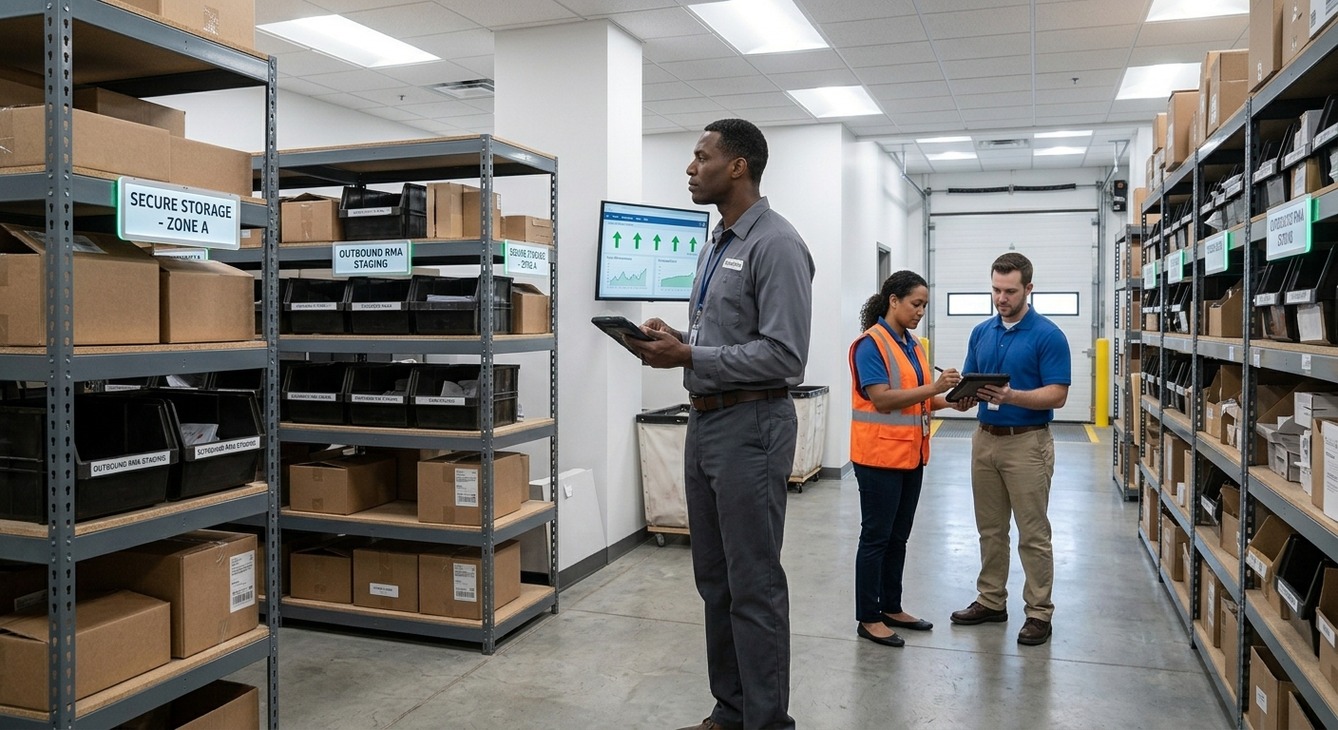
Overhauling the internal return system requires a step-by-step approach focused on intake accountability.
- Audit Your Intake Point: Identify mailroom areas where incoming returns and vendor packages arrive without immediate logging.
- Standardize Data Capture: Require staff to attach RMA numbers, department contacts, and condition notes during initial intake.
- Implement Intelligent Intake Automation: Deploy mobile scanning technology to capture label data, record custom notes, and send instant notifications.
- Establish Secure Storage Areas: Designate organized zones within the mailroom for verified inbound returns awaiting outbound dispatch.
- Mandate Outbound Handoff Receipts: Capture a digital signature or dispatch scan every time a courier picks up a return package.
- Track Performance: Review dispatch logs and processing times regularly to keep internal workflows smooth.
Better Intake in Your Return Workflow
Solving return challenges starts by fixing the intake process. Logging, tagging, and tracking items upon initial arrival creates smooth outbound processing and keeps corporate assets accounted for throughout their lifecycle.
Upgrading mailroom workflows removes internal package loss. Advanced software offers complete tracking for incoming and outgoing items. Explore how Parcel Tracker creates a digital chain of custody for your team.
Expert FAQ: Inbound Parcel & Return Management
Why do outbound return packages frequently get lost in corporate mailrooms?
Packages get lost because staff fail to establish a digital chain of custody during initial inbound intake logging.
What is the root cause of most vendor RMA return processing delays?
The root cause is unlogged incoming parcels lacking associated RMA tracking numbers, custom notes, or clear department owners.
How can mailroom management software prevent unaccounted-for IT equipment returns?
Mailroom software prevents lost IT returns by using AI label scanning and digital proof-of-dispatch receipts to log every handoff.


.svg)