Parcel Management for Porters’ Lodges and College Mailrooms


Porters' lodges and college mailrooms handle high parcel volume best with a fixed intake routine and automatic collection alerts that any porter or student helper can follow after a short briefing. Pigeonholes or kiosk pickups then give each parcel a clear place to wait.
Demand for that routine keeps growing. UK measured parcel volumes rose 7.1% to 4.2 billion items in 2024-25, according to Ofcom's post monitoring report. The same analysis found that out-of-home deliveries made up 12% of that total, which shows how many recipients already collect from a pickup point. A lodge with a few porters per shift sees its share of that growth arrive every morning.
How Small Lodge Teams Handle High Parcel Volume Without Slowing Down
A lodge copes with volume when the mailroom management process stays the same no matter who is on shift. Peaks arrive at the start of term, around holidays, and after sales events, and carriers do not adjust their schedules to the college calendar. A routine that lives in one experienced porter's head leaves gaps whenever that person is away.
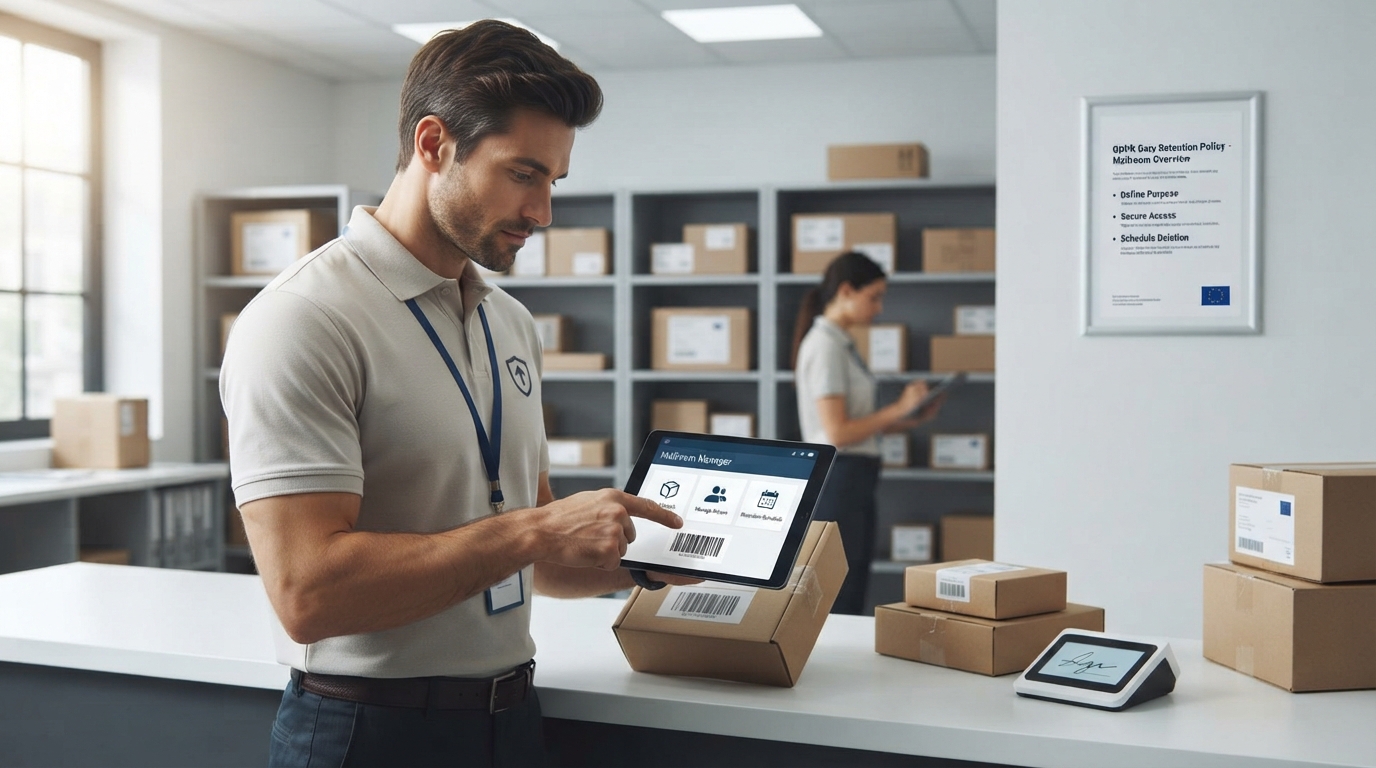
Rotating student helpers and temporary staff make a written routine essential. Each parcel should follow one path: receive, log, assign a location, notify, and hand over. A shared digital delivery log gives everyone the same view of what has arrived, so a question at the counter gets an answer in seconds.
Storage location matters as much as the log. When every parcel carries a unique reference and a recorded shelf or pigeonhole, nobody has to scan the room for a familiar surname. Oversized, perishable, and signature-required items benefit from rules agreed in advance, since those parcels cause delays when handled on the fly.
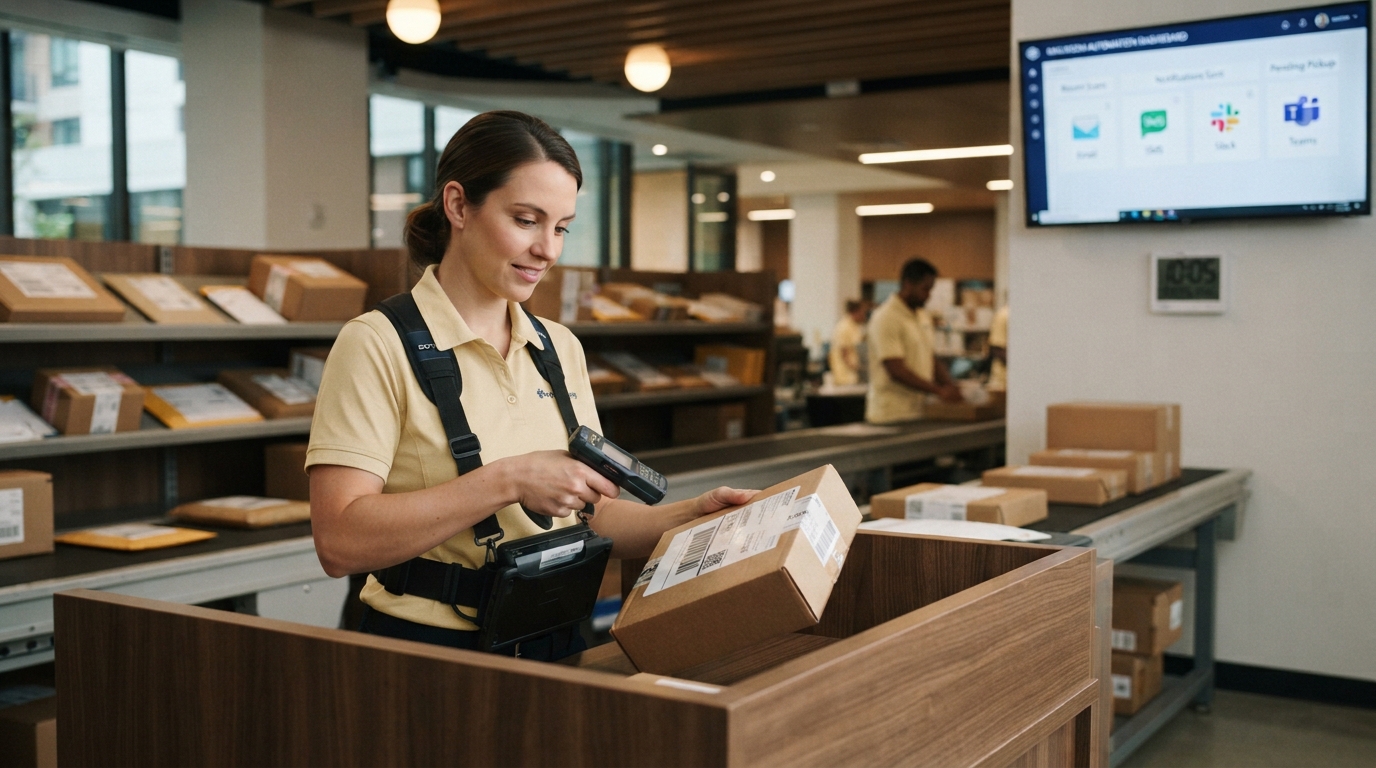
Automatic notifications round out the routine. Students who receive an alert arrive ready to collect, and the lodge fields fewer "has my parcel come?" visits and calls.
Setting Up Pigeonholes or Kiosk Collection Step by Step

Both collection models suit a college setting, and the better fit depends on parcel volume, available space, and staffed hours. The sequence below works for either one.
- Measure the baseline. Record weekly parcel counts, the busiest days, and the most common sizes. This shows how much storage the lodge needs.
- Choose the collection model. Pigeonholes suit letters and smaller packages and keep porters in control of each handover. Kiosk collection lets students pick up at their own pace, including outside lodge hours, while staff stock and monitor it.
- Map storage to the model. For pigeonholes, group by surname range, staircase, or room block. For a kiosk, reserve separate space for bulky items and exceptions.
- Define the arrival workflow. Log each parcel on receipt, assign its location, and send the student notification in a single pass.
- Define the pickup workflow. Decide how identity is confirmed, how collection is recorded, and how long uncollected items are held before a reminder or return.
- Review each term. Check collection times and unclaimed items, then adjust the layout and rules before the next peak.
Many colleges settle on a hybrid. The kiosk covers routine pickups, and the lodge desk handles large deliveries and student queries.
What Christ Church, Oxford Shows About Handling Parcels for 1,100 Recipients

Parcel Tracker supports the mailroom management workflows described above, including logging, notifications, and kiosk pickups. Christ Church is a live example, where the lodge team manages parcels for 1,100 recipients and has reshaped its daily routine around scanning and automatic alerts.
The details below show what the setup looked like in practice.
- Quick start - The team bulk uploaded a spreadsheet of recipients, completed online training, and assigned a mobile phone as the main scanning device.
- High daily volume - Staff scan 300 to 400 parcels per day in under an hour.
- Less time at the desk - Logging used to take three to four hours and now takes under one, with about 912 hours saved each year.
- Careful data handling - Personal information is used only for parcel notifications, which matters for a community that includes students and faculty.
- Time for the rest of the job - Parcel handling no longer competes with other duties, leaving the team free for guest services and security.
For a porters' lodge, those hours matter. Time saved on logging goes back to welcoming visitors and keeping the site secure.
Building a Parcel Routine That Holds Steady Through Every Term Change

A consistent intake routine and a clear collection setup let a small team manage high volume with confidence. Pigeonholes and kiosks can work side by side, and a short review each term keeps the layout matched to real parcel patterns. Rotating helpers can follow the process after a brief walkthrough, since every step is documented in one shared log.
Colleges that want fast scanning and kiosk pickup support in one system can look at Parcel Tracker as a place to start. Automatic logging and alerts give porters more time for the people on site.
Expert FAQ
How do small lodge teams handle parcel peaks?
They follow one standard intake routine, use labeled storage, and send automatic alerts so any staff member can process parcels quickly.
What is the best way to organize parcels in a college mailroom?
Group parcels by a consistent key such as surname range or staircase, and record each location at check-in.
Why use kiosk collection in a porters' lodge?
Kiosks let students collect parcels when it suits them, which shortens counter queues and frees porters for other work.
How can rotating student staff manage parcels reliably?
Give them a short written routine and a shared digital log so every handover is recorded the same way.
What should a college do with uncollected parcels?
Set a clear collection window, send reminders, and define a return or escalation step once that window ends.