
.svg)
6 Tips to Keep Office Common Areas Free of Parcels


A stack of boxes sits on the lobby table. Employees step around it, a visitor glances at it while signing in, and the front desk fields another "Where is my package?" question before 10 a.m. Hybrid schedules, personal deliveries sent to the workplace, and a steady flow of vendor shipments have made this scene common in offices of every size.
Parcels left in common areas create safety hazards in walkways and raise the odds of lost or misdelivered items. They also shape guests' first impression of your company and pull front desk staff away from higher-value work. Reliable parcel management gives every package a clear path from the loading dock to the recipient's hands. Here are six tips below to speed up pickup and keep shared spaces clear.
Tip 1: Notify Recipients the Moment a Package Arrives
Pickup time starts with awareness. A package that arrives without an announcement waits for someone to notice it, and that wait is how lobby clutter begins.
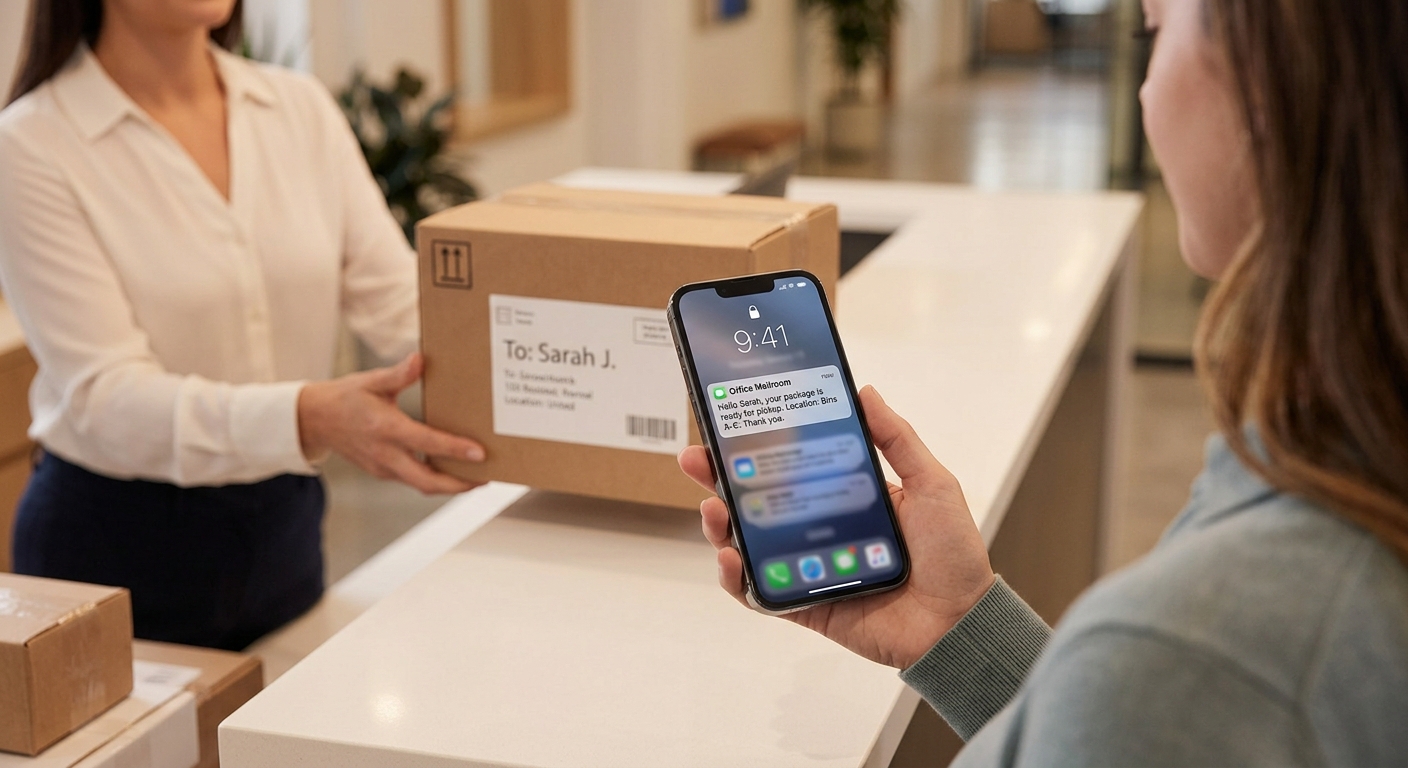
Send an alert by email, text, or workplace chat as soon as the item is checked in. Include the recipient's name, the carrier, the arrival time, and the pickup location. Short, consistent wording helps employees recognize the message at a glance and act on it.
Example: "Hi Dana, a FedEx package arrived at 10:15 a.m. and is on Shelf B2 in the mailroom. Pickup hours are 9 a.m. to 5 p.m."
Tip 2: Designate a Dedicated Holding Area Away From High-Traffic Zones
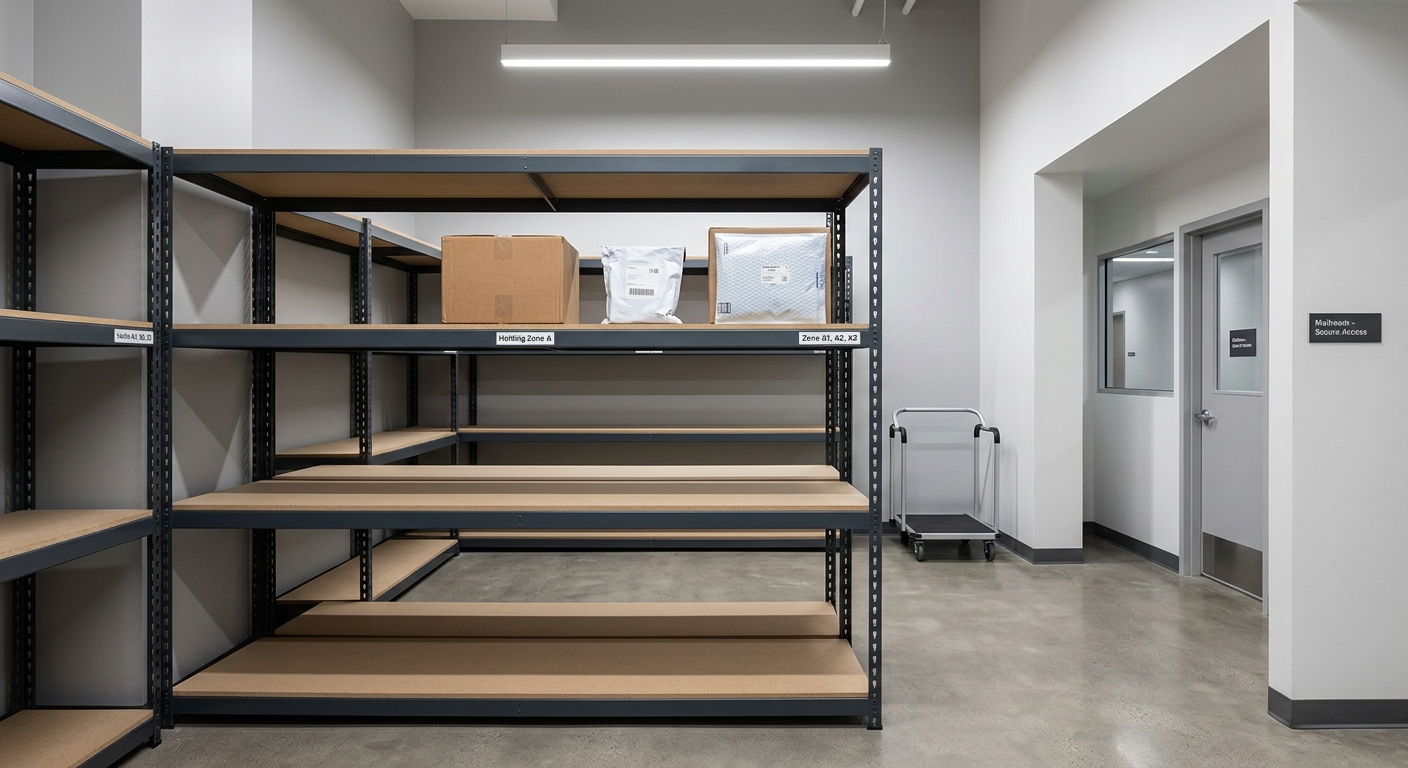
Every package needs a defined home, and the lobby isn’t one. A good holding area includes these features:
- A secure, low-traffic location such as a mailroom or parcel locker
- Shelving or labeled bins that keep parcels off the floor
- A separate zone for oversized and heavy items, which are the most likely to block walkways
- Visibility from the front desk, so staff can monitor the space without it sitting in the path of foot traffic
- Badge access or a lock for high-value deliveries
Tip 3: Log and Label Every Package at Check-In
Organized intake saves time at pickup. When a delivery arrives, follow this sequence:
- Record the recipient, carrier, tracking number, and date received.
- Assign a shelf or bin code.
- Attach a label showing the recipient and storage location.
- Send the arrival notification right away.
Paper logs cost little but are slow to search. Digital logs add searchable records and automatic timestamps, which shorten retrieval to seconds. Teams with high delivery volume often adopt mailroom management software to handle logging and notifications in one workflow. A consistent intake routine also cuts down on "Where is my package?" questions, since staff can answer from the log in moments.
Tip 4: Set Clear Pickup Windows and Hold-Time Policies
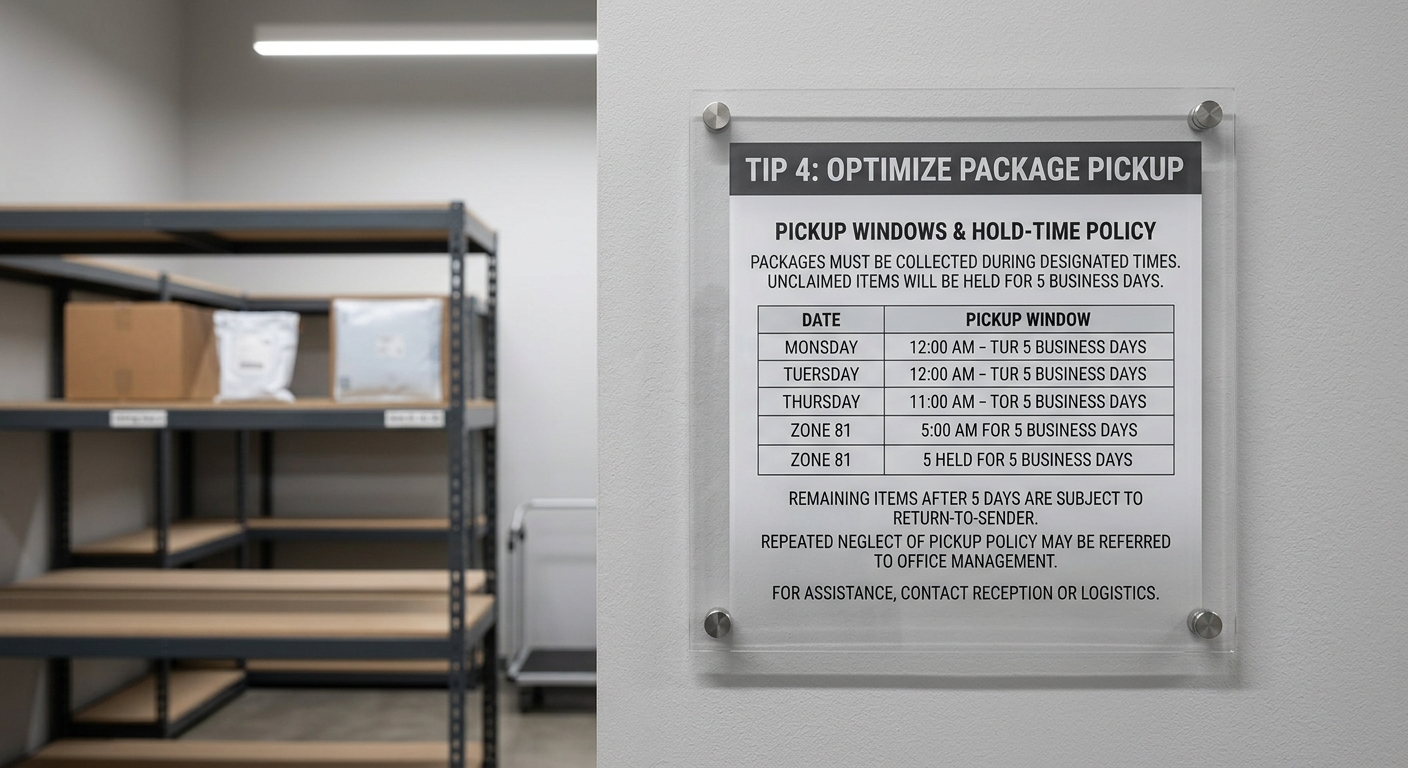
People follow expectations that are written down. A written policy sits at the center of effective mailroom management, and it should cover several points.
Define how long packages can stay, such as three to five business days, and publish pickup hours so recipients know when the mailroom or front desk is staffed. Define your dwell time and outline what happens to unclaimed items: a reminder first, then manager notification, and finally a return to the sender or a handoff to a designated alternate.
Share the policy where employees will see it. Onboarding materials, lobby signage, the office handbook, and the company intranet all work well, and repeating the message in the arrival notification reinforces it.
Tip 5: Send Automated Reminders for Packages Still Waiting
One notification rarely reaches every busy employee. A reminder schedule keeps packages moving without anyone chasing people by hand:
- 24 hours: a friendly nudge confirming the package is ready
- At 48 hours, a second reminder that states the hold deadline
- Day 4: a final notice, with the recipient's manager copied
A helpful tone works better than a stern one. Phrases like "Your package is waiting for you" encourage action, while escalation steps handle stubborn cases. Automation also gives front desk staff hours back that they would otherwise spend sending follow-up messages.
Tip 6: Verify Pickups with a Quick Sign-Out or Digital Confirmation
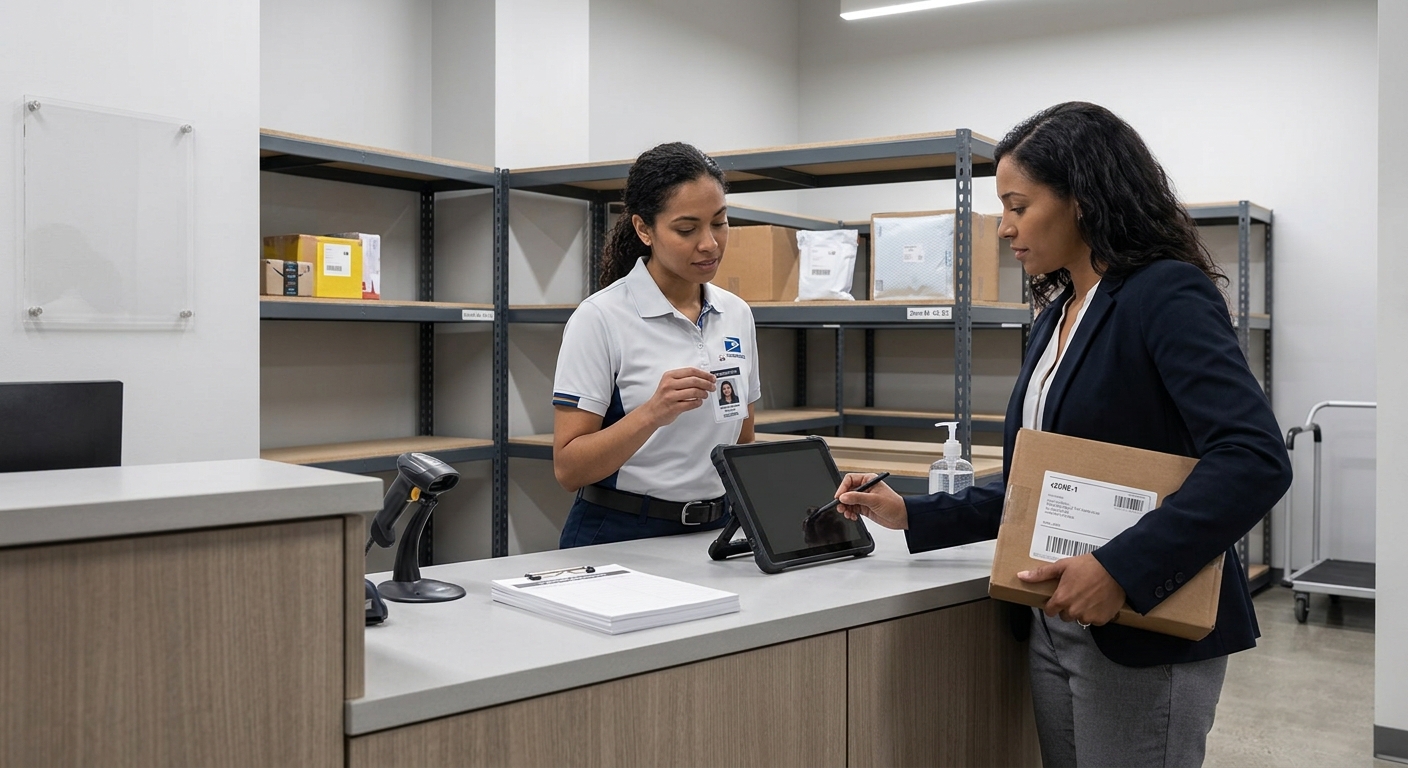
A clean handoff protects recipients, couriers, and your team. Ask for a signature, a barcode scan, a QR code, or an ID check when someone collects a package. The resulting record settles "missing package" disputes in minutes.
Timestamps add a second benefit by revealing patterns. Review the data monthly to see which departments collect slowly, which days bring the biggest backlogs, and where reminder timing could improve. Use those insights to guide staffing decisions and policy adjustments.
Start With a Holding Area and Arrival Alerts for a Clear Lobby
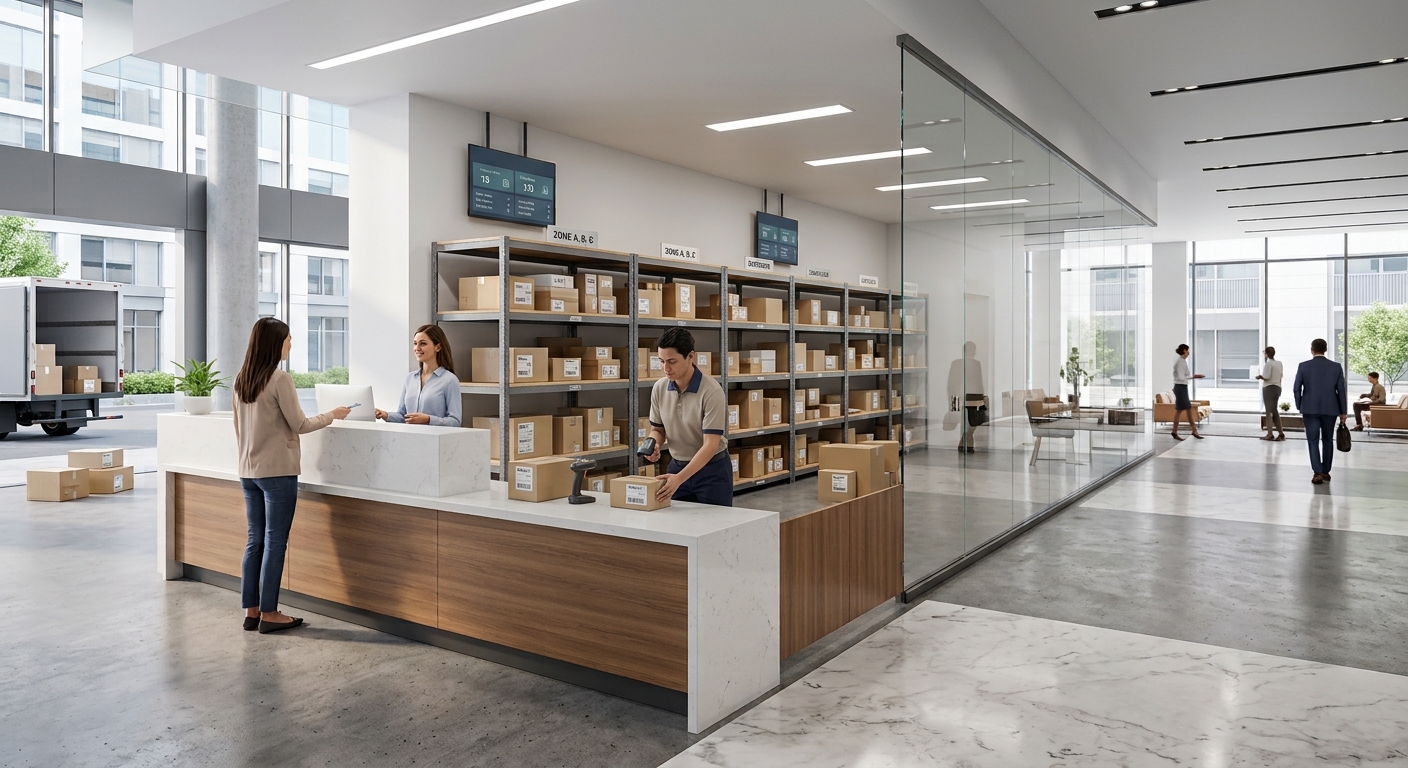
Fast alerts, organized storage, written policies, timely reminders, and verified handoffs work together to keep common areas clear. Begin with one or two quick wins, such as a dedicated holding area and automatic arrival notifications, then add the remaining steps as your process matures.
Teams ready for a dedicated system can explore Parcel Tracker to log packages, notify recipients, and track pickups in one place. A tidy lobby signals a well-run workplace to every employee and visitor who walks through the door.
Expert FAQ: Quick Answers on Office Package Pickup and Storage
How do you speed up package pickup in an office?
Send instant arrival notifications, follow with automated reminders, and publish clear pickup hours so recipients collect parcels quickly.
What is the best place to store office packages?
A secure, low-traffic room or locked area with labeled shelving keeps parcels organized and out of common areas.
Why should offices log every incoming package?
Logging creates a searchable record, prevents lost parcels, and speeds up retrieval when recipients arrive for pickup.
How long should an office hold unclaimed packages?
Most offices hold packages three to five business days, sending reminders before returning items to the sender.
What should a package arrival notification include?
Include the recipient name, carrier, arrival time, and pickup location so employees can act without follow-up questions.
Why do pickup confirmations matter?
Signatures or digital confirmations document handoffs, resolve missing-package disputes, and reveal pickup patterns for process improvement.


.svg)

