.svg)
Reclaiming Space and Releasing the Grip of Unclaimed Packages Using Smart Parcel Management


E-commerce growth has reshaped daily workflows across corporate campuses, high-density residential buildings, and university housing. Receivers now encounter massive volumes of boxes every morning. According to industry analysis, global parcel volume exceeding 100 billion units annually is projected to double by 2030, placing immense physical demand on mailrooms worldwide.
A significant portion of incoming inventory belongs to individuals who no longer reside or work at the site. Deliveries arrive daily for former tenants, past employees, and graduated students. These packages sit on intake tables, waiting for pickup from individuals who will never arrive, ultimately consuming active holding areas, crowding out new deliveries, and slowing down daily sorting for current occupants.
Modern facility teams require structured systems to maintain clear holding rooms. Comprehensive mailroom management offers tools to process deliveries, clear shelf space, and keep physical inventories aligned with real-time occupant records.
The Impact of Retaining Unclaimed Packages

Holding uncollected inventory creates a ripple effect across physical facilities. Space originally built for temporary package retention becomes permanent storage for abandoned goods.
- Footprint Reduction: Stagnant boxes fill primary shelving, forcing staff to establish overflow bins in secondary hallways or utility closets.
- Safety and Compliance Risks: Overflowing cartons stored along access corridors create physical hazards and block emergency exits.
- Service Delays: Sorting through mixed piles of old and new packages increases wait times for current residents standing at service counters.
- Inventory Misplacement: High visual clutter makes identifying active items challenging, raising the likelihood of misfiled deliveries.
Physical Bottlenecks Born from Manual Verification
Manual directory verification relies on static occupant lists printed on paper or maintained in isolated spreadsheets. Facility rosters experience constant turnover as leases end, personnel change, and academic terms conclude. Static lists become inaccurate quickly, leading to continuous administrative delays during intake.
Processing an unfamiliar name requires checking separate property software, messaging managers, or placing the box on a temporary holding shelf. These items often sit for weeks while staff attempt to clarify recipient status. Resolving these discrepancies manually consumes hours during weekly shelf audits, taking personnel away from core building duties.
Regular Checkpoints and Software Syncing

Keeping directory records fresh requires adaptable approaches tailored to facility size and existing infrastructure. Mailrooms successfully prevent orphan inventory by implementing two key methods for updating recipient records.
First, facilities can utilize scheduled file uploads at critical workflow checkpoints throughout the year. Teams running residential or campus spaces experience predictable turnover during move-in days, the start of academic terms, or quarterly lease renewals. Uploading an updated CSV or spreadsheet at these key milestones instantly refreshes the active roster, ensuring the intake system recognizes current occupants without requiring day-to-day manual entries.
Second, facilities can establish live system integration by connecting intake devices straight to Active Directory, HR platforms, or Property Management Systems. Modern parcel management leverages this automated synchronization to update recipient profiles dynamically whenever a tenant checks out or an employee offboards.
Automating Offboarding with Intelligent Courier Scanning
Pairing updated directory methods with real-time scanning changes how teams handle incoming deliveries at the counter.
Step 1: Real-Time Scanning at the Counter
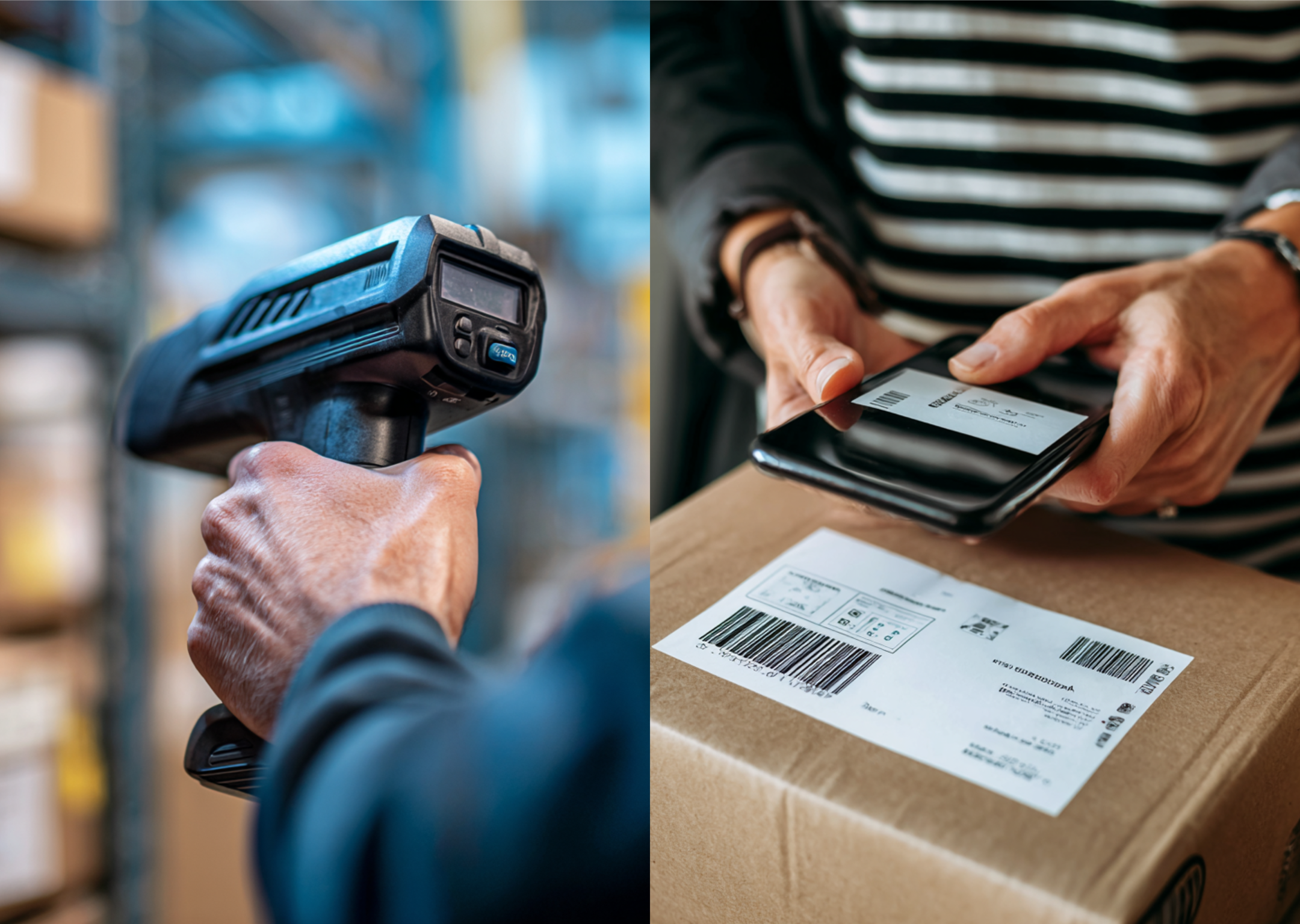
Staff scan package barcodes using smartphone cameras or dedicated handheld readers as carriers present deliveries.
Step 2: Instant Database Lookup
The system queries the central registry in milliseconds, checking the status of the recipient against current occupancy lists.
Step 3: Immediate On-Screen Guidance
When a recipient is marked as moved, graduated, or departed, the screen displays a clear alert before the item enters physical storage.
Step 4: Swift Action Protocols
Staff can hand the box back to the carrier immediately, generate an automated forwarding label, or route the item to an outgoing return bin.
Advantages of Automated Directory Matching

Implementing real-time directory checks establishes clear functional stability across receiving departments.
- Optimized Storage Capacity: Shelves remain dedicated exclusively to active occupants, maximizing physical capacity.
- Time Conservation: Scanning eliminates multi-hour manual roster checks and reduces weekly auditing tasks.
- Carrier Synergy: Refusing invalid deliveries while couriers remain on-site avoids extra outbound processing steps.
- Privacy Protection: Automated workflows prevent personal information of former residents from remaining exposed on open shelves.
- Clear Digital Records: Immediate digital logging provides complete documentation of returns and carrier refusals.
Establishing a Frictionless Mailroom

Building an efficient receiving space requires moving away from static holding methods. Equipping personnel with modern software creates organized workflows that handle high delivery volumes effortlessly.
To upgrade your facility workflow, automate tenant status checks, and keep storage areas organized, explore modern software options with Parcel Tracker.
Expert FAQ
Why do manual mailroom directories cause storage bottlenecks?
Outdated spreadsheets require slow name checks, causing orphan packages to accumulate on holding shelves instead of being rejected immediately.
How does smart parcel management help reclaim mailroom space?
Auto-flagging enables instant return-to-sender or forwarding actions, preventing dead inventory from taking up valuable physical shelf footprint.
What happens to unclaimed packages when using automated mailroom software?
The system prompts staff to refuse delivery immediately or print automated forwarding labels before the parcel enters storage areas.



.svg)