
.svg)
How to Choose the Right Mailroom Management Software for Your Corporate Office?


With hybrid work becoming the norm and office deliveries increasing, the corporate mailroom has become a critical part of any organization. This transformation is driven by a fundamental change in how we work. Research shows that approximately 58% of the U.S. workforce now has the option to work from home at least part of the time.
In this environment, corporate mailroom management is the centralized process of receiving, securing, and distributing physical assets within an organization. It is a critical security layer that ensures data privacy, maintains the chain of custody for sensitive documents, and effectively connects physical mail to a distributed, hybrid workforce.

As a result of this transformation, the primary stakeholders have also changed. It is no longer just a facilities manager's concern. IT departments, Security Officers, and HR leads now prioritize mailroom technology because they recognize that a physical package or a legal letter is simply another form of data entering the corporate ecosystem.
Integrating With Essential Enterprise Security
In an enterprise environment, shadow IT, or standalone apps with their own siloed logins, is a major liability. The first non-negotiable for any corporate mailroom platform is deep integration with existing security protocols.
Your software must support Single Sign-On (SSO) via providers such as Okta or Microsoft Azure. This ensures that employees use their official work credentials to access the system, allowing IT to manage permissions centrally. If an employee leaves the company, their access to sensitive delivery data is revoked instantly. By keeping all delivery information behind the corporate firewall, you ensure that the chain of custody for every package is as secure as your internal email system.
Hybrid Work Solutions for Modern Mailroom Workflows

The greatest challenge for modern facilities is the remote recipient. When an employee is only in the office two days a week, a parcel or physical letter sitting on a desk for days becomes a bottleneck for business operations.
Effective software bridges this gap with interactive workflows. When a parcel or mail arrives, the system should automatically notify the recipient and offer a menu of digital actions:
- Scan-to-PDF: For mail, the team scans the contents and sends a secure digital copy.
- Forwarding: For parcels, the item is rerouted to the employee's home address.
- Shredding: Confidential disposal of junk or low-priority mail.
These features prevent mailroom clutter and ensure that business-critical information moves at the speed of digital, regardless of where the staff is located.
Compliance and Data Privacy Standards (GDPR/CCPA)
Corporate mailrooms frequently handle sensitive legal, financial, and HR documents. Treating this physical data with less care than an email is a recipe for a compliance nightmare.
The software you choose must be built with privacy by design. This includes features such as data masking, where personal phone numbers or Personally Identifiable Information (PII) on shipping labels are redacted in system logs.
Furthermore, any data stored by the app must be encrypted both at rest and in transit. Adhering to GDPR or CCPA standards is a mandatory requirement to mitigate corporate liability.
Scaling Operations with Hardware-Agnostic Mailroom Software
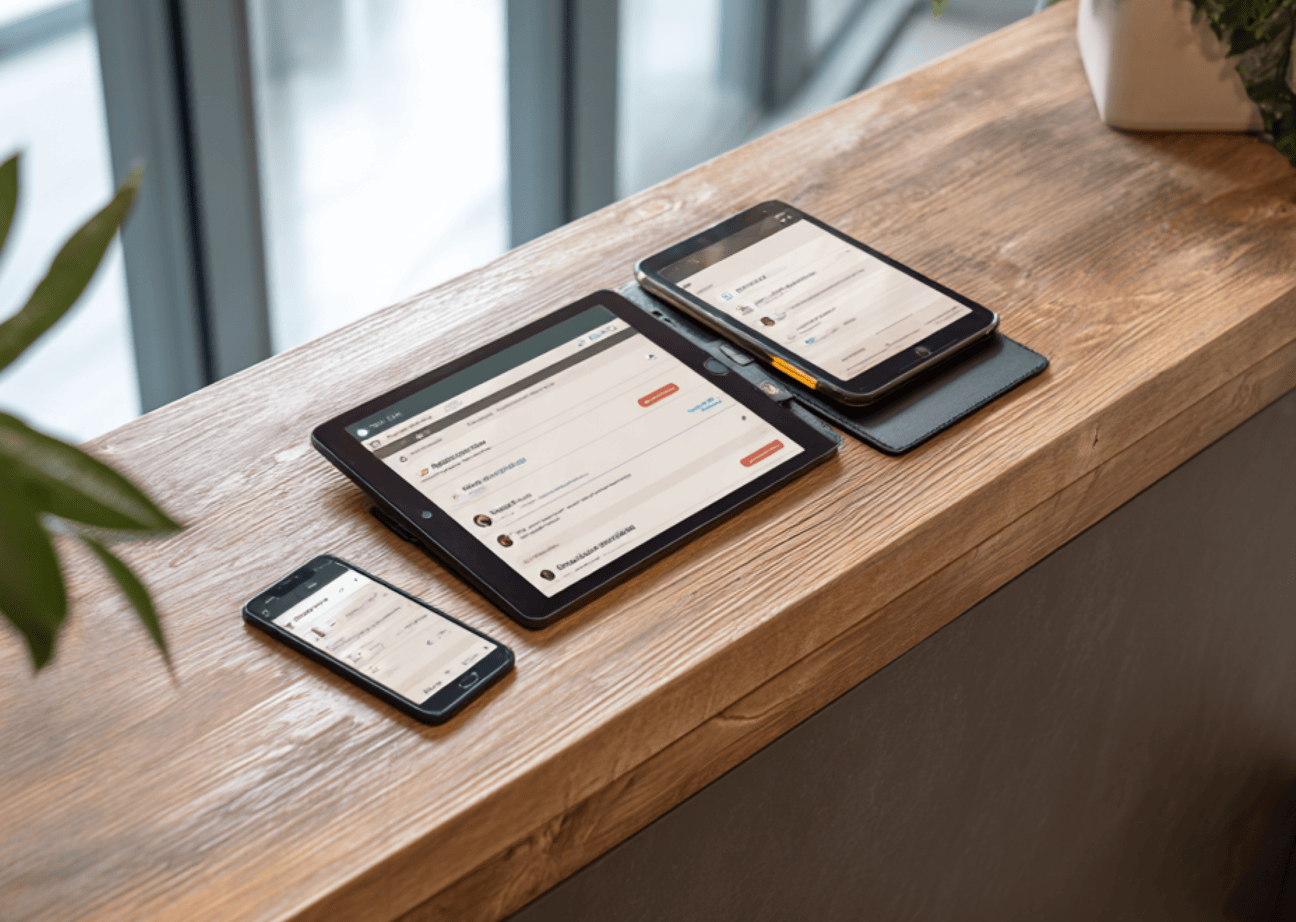
Many legacy mailroom systems lock companies into expensive, proprietary hardware, specialized scanners, or dedicated handheld units that cost thousands to replace or repair.
The most agile corporate offices opt for hardware-agnostic software. This allows the team to use any modern smartphone or tablet as a high-powered scanner. This flexibility is vital for scalability. During peak delivery seasons or holiday rushes, you can onboard temporary staff in minutes by having them download an app onto a mobile device, avoiding the capital expenditure (CapEx) of buying new equipment.
The Right Mailroom Software for Your Business

Choosing a parcel management system involves selecting a tool that acts as a secure, digital bridge between your physical office and your distributed workforce. By prioritizing SSO security, hybrid workflows, and strict data compliance, your mailroom becomes a robust security asset.
If you are looking for a solution that hits every one of these enterprise-grade non-negotiables while remaining incredibly easy for your team to use, look no further than Parcel Tracker.
Expert FAQ: Managing Corporate Mailrooms
How does mailroom software improve hybrid office productivity?
It automates the notification process and provides remote employees with digital options such as Scan-to-PDF, ensuring they receive critical information without being physically present.
What are the key security features to look for in a mailroom platform?
Look for Single Sign-On (SSO) integration (Okta/Azure), end-to-end data encryption, and robust user permission controls to keep sensitive delivery data within the corporate firewall.
Why is hardware-agnostic software better than proprietary scanners?
Hardware-agnostic systems allow you to use standard smartphones and tablets, reducing upfront costs, preventing vendor lock-in, and enabling instant scaling during peak periods.
What compliance standards must modern mailroom apps follow?
To protect sensitive corporate data and employee PII, software should adhere to global standards such as GDPR and CCPA, and include data masking and encryption at rest.
How do digital workflows reduce physical mailroom clutter?
By enabling recipients to request digital scans or immediate forwarding, the software ensures that items are processed and moved quickly, preventing the build-up of unclaimed packages on the office floor.


.svg)

